Chapter 5
Maintenance and Repair
P/N 57150002, Revision 5.0 5 - 97 Trimble S, VX, SPS & RTS Service Manual
F
Replacement of Switch motor
Performance
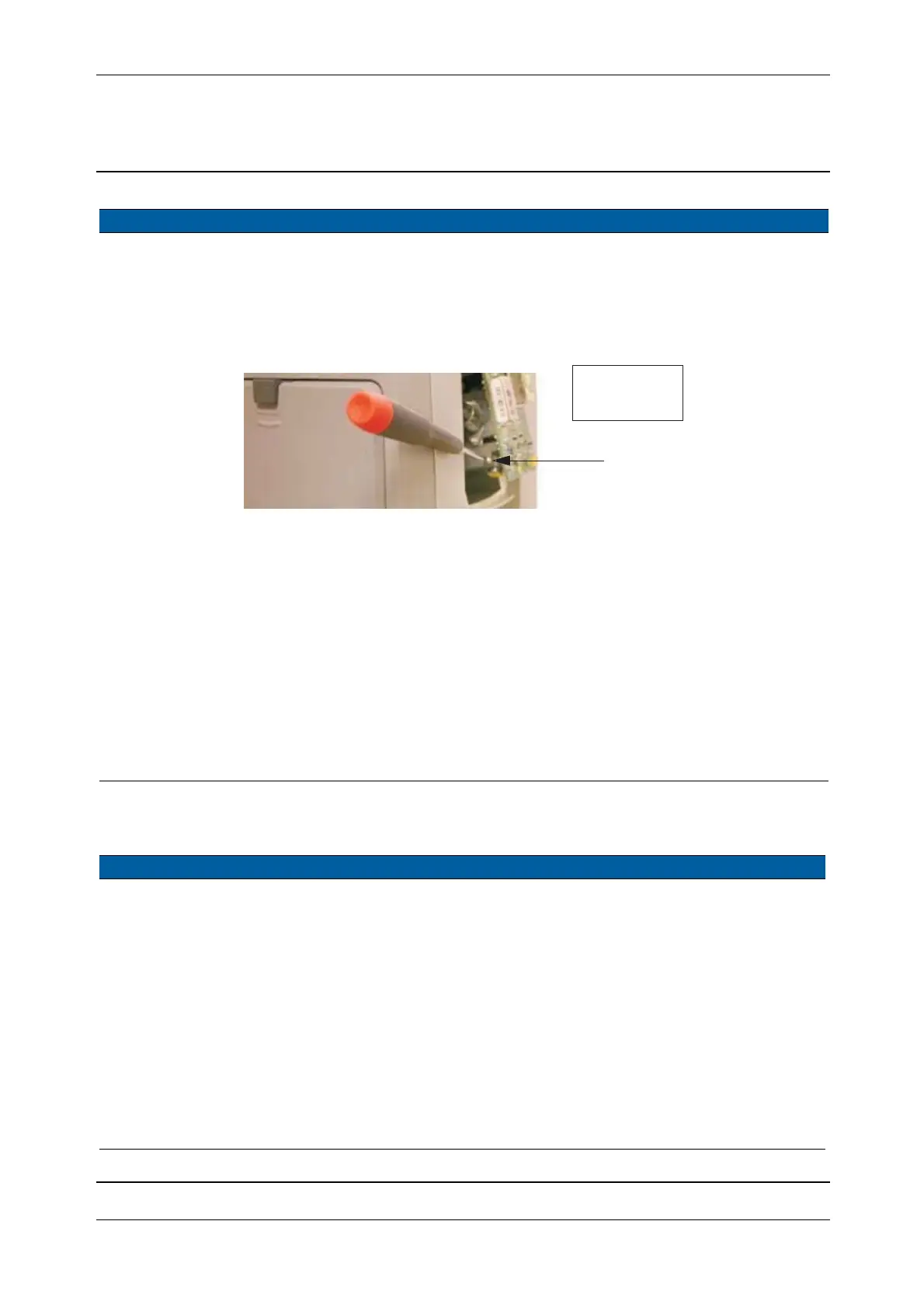
7 Tighten APD holder
screw.
A. Turn the center unit to
access the screw.
B. Tighten the screw
carefully as the APD
holder is of plastic.
5 Ncm. 1.3 mm allen key.
Fig. 5-94 APD holder clamp screw
8 Adjust receiver fibre
to APD.
See page 6-105.
9 Adjust reference fibre. See page 6-109.
10 Check filter, switch
and greywedge motor.
See page 6-113.
11 Mount distance and
tracker unit cover.
See page 5-3.
12 Mount handle. Use a torx T30 screw
driver.
13 Perform offset
determination.
See page 6-82.
Item Performance Action Result Notes
1 Remove handle. Use a torx T30 screw
driver.
2 Remove distance unit
cover.
See page 5-3.
3 Disconnect cables
and remove screws.
Disconnect cables from:
A. SFC board
B. Transmitter unit
C. Filter motor
D. Switch motor
E. Remove transceiver
board screws.
F. Remove screws
Item Performance Action Result Notes
B
5Ncm/
0.44 lbfin



 To Next Page