Chapter 6
Adjustment and verification
P/N 57150002, Revision 5.0 6 - 3 Trimble S, VX, SPS & RTS Service Manual
F
Radio range test
Performance
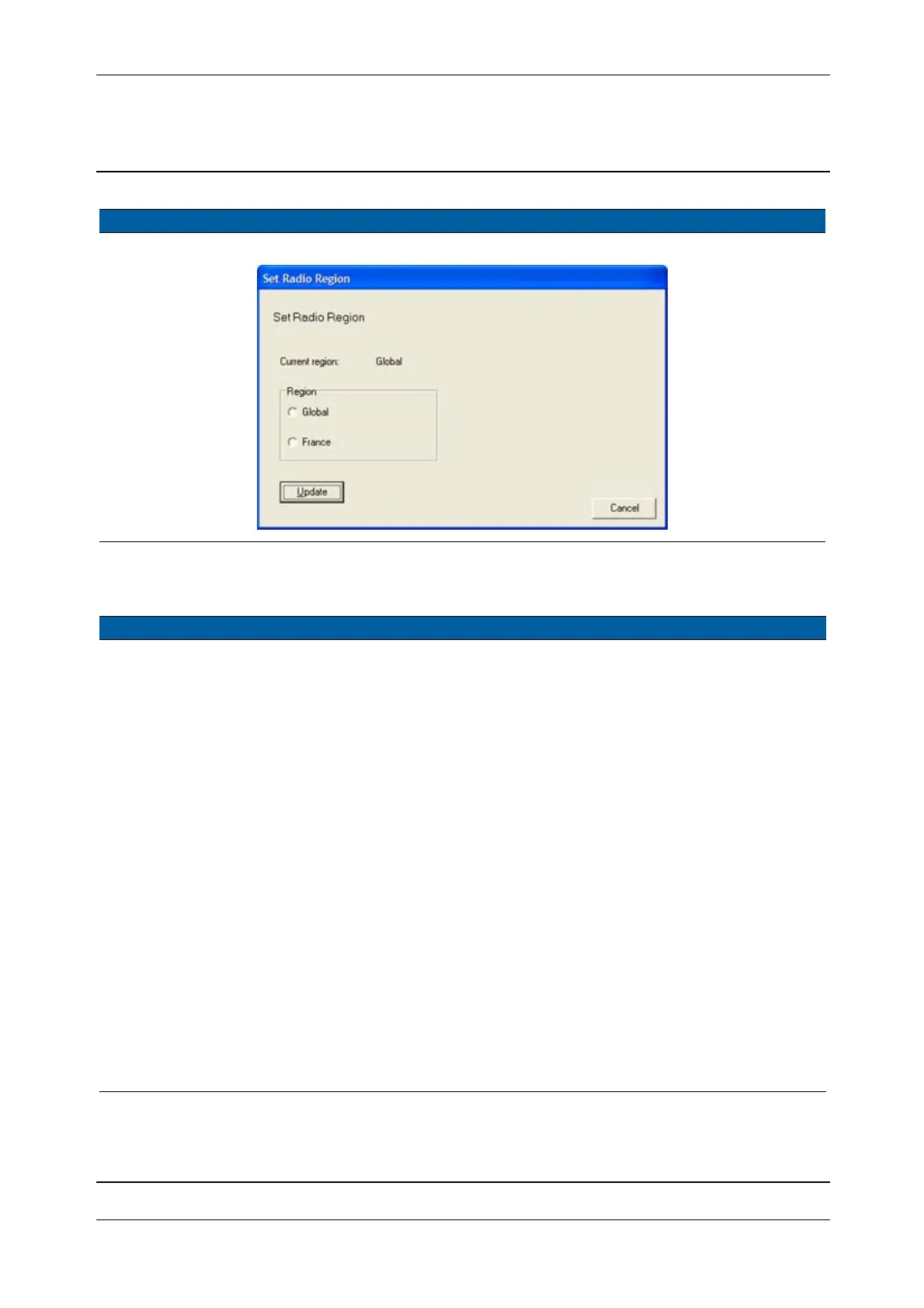
Fig. 6-1 Radio configuration
Item Performance Description Result Notes
1 Connect range test
cable.
Connect the range test
cable between the
instrument and external
radio.
When performing the
test, the distance
between robotic
holder/external radio
and instrument
should be 5 meter (16
ft) or more.
Note – Make sure to
select the correct
range test cable.
2 Start the test. Start up in instrument in
robotic mode.
3 Disconnect range test
cable.
Disconnect the range test
cable from instrument and
external radio.
Radio
communication
link should be
interrupted.
By removing the
range test cable it will
be verified that the
radio link is
established through
the radio range test
cable and not “leak”
between the two
radios.
Item Performance Description Result Notes



 To Next Page