Chapter 6
Adjustment and verification
Trimble S, VX, SPS & RTS Service Manual6 - 32 P/N 57150002, Revision 5.0
F
Collimator alignment
Performance
Item Performance Description Result Notes
1 Preparing instrument
and Collimator.
A. Place the instrument
on Collimator
B. Select
Pointer from
EDM in Maintenance &
service
.
C. Level instrument and
collimator.
D. Switch on Holding
mode.
E. Aim with cross hair to
collimator.
This preparation is
very important ahead
of the fibre
adjustment.
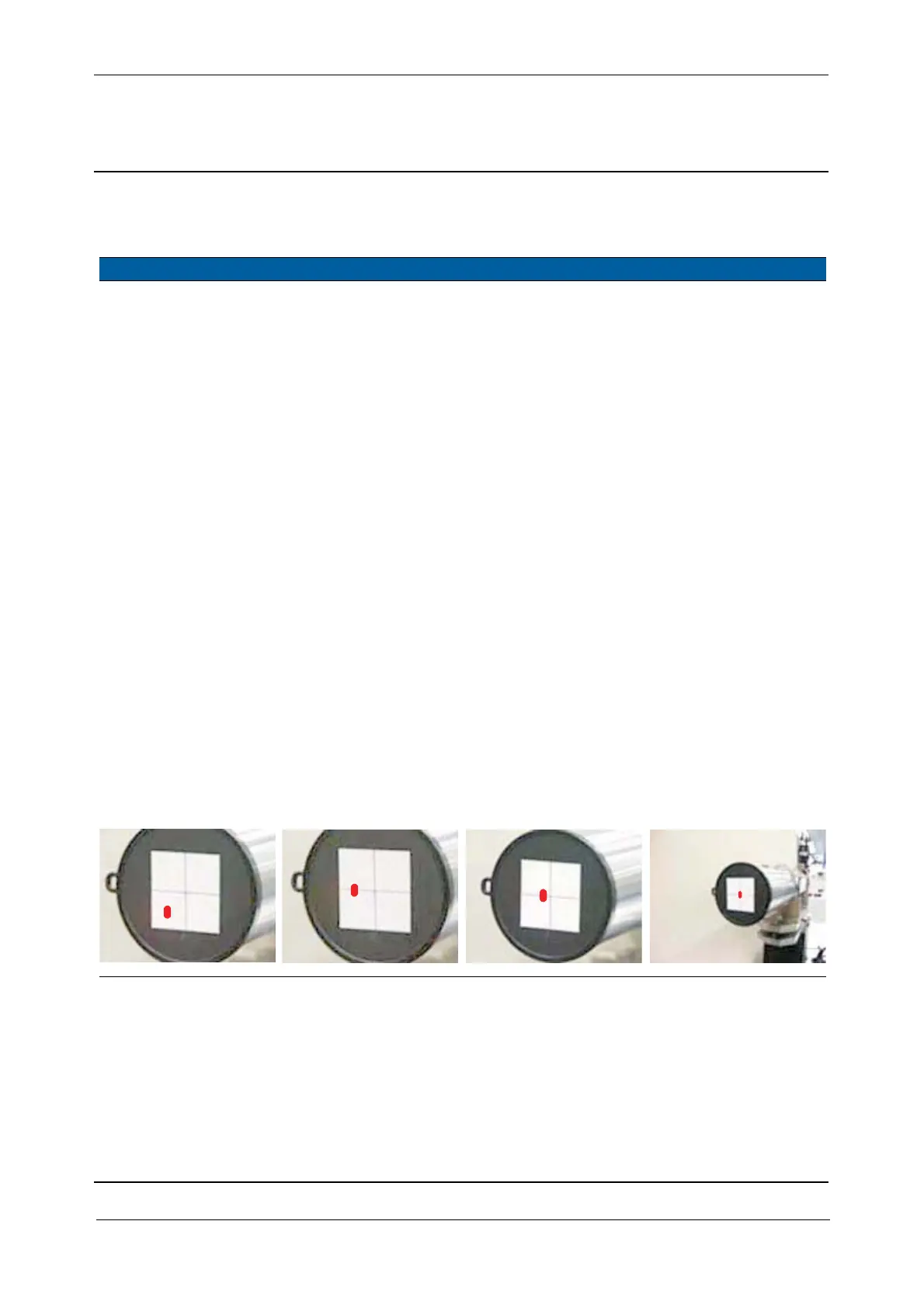
2 Align collimator. A. Put the protective lens
cap onto the
collimator.
B. Lift (or lower) the
instrument evenly until
the spot is in the
correct height.
C. Turn the instrument
horizontally to get half
the deviation.
D. Correct the other half
by turning the
collimator
horizontally.
The laser spot is
visible on the
lens cap.
Check without cap
and correct if
necessary in the same
sequence.
Fig. 6-21 Alignment of centre unit and collimator
A
BCD



 To Next Page