Chapter 6
Adjustment and verification
Trimble S, VX, SPS & RTS Service Manual6 - 178 P/N 57150002, Revision 5.0
F
Trimble eProtect™ - PIN / PUK code security
Function available for Trimble S8, VX and SPS instruments.
Read PIN code from instrument
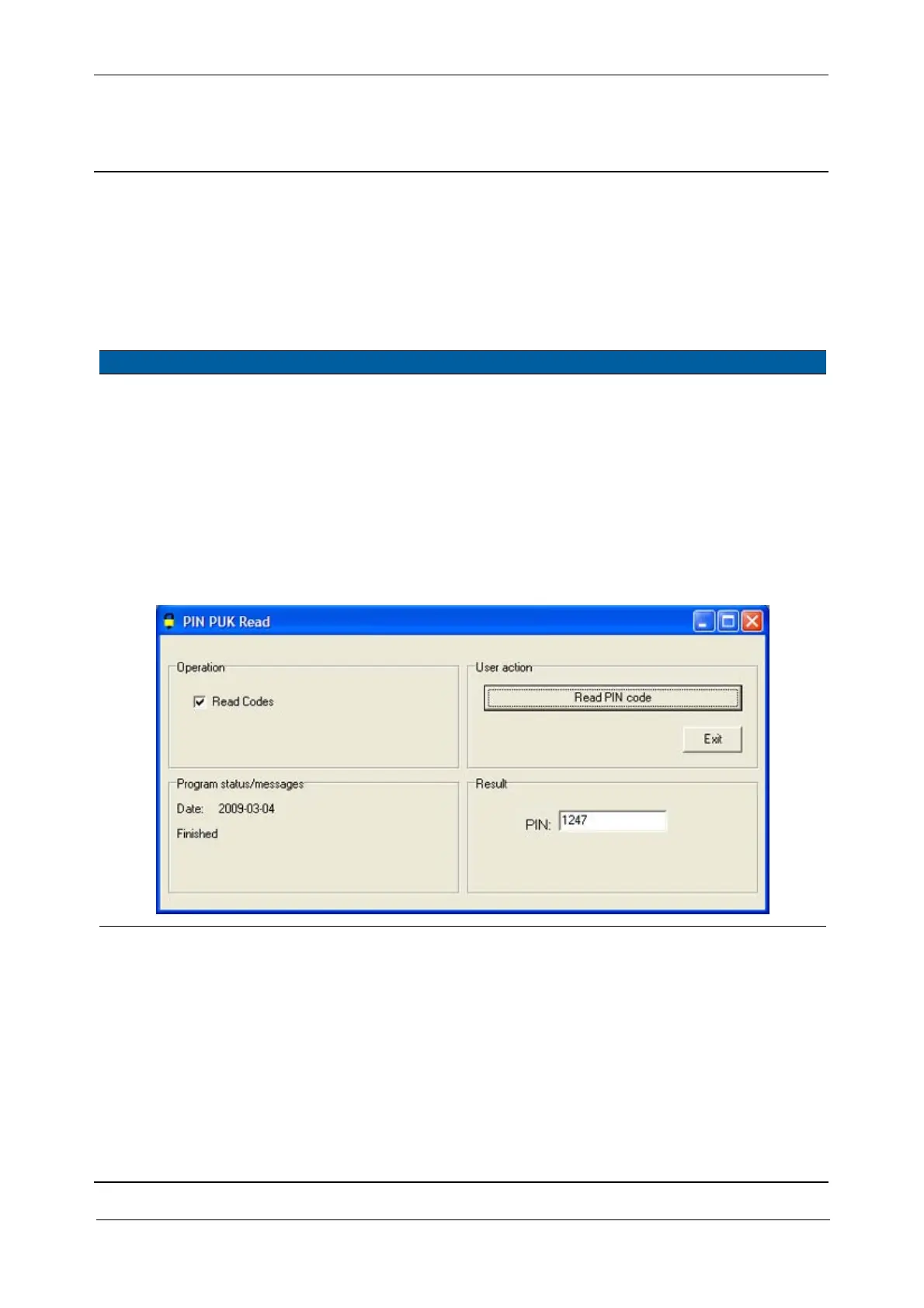
This function will read the PIN code from the instrument.
Performance
Item Performance Description Result Notes
1 Start up instrument /
PASS.
See page 7-3 how to set-
up the instrument.
2 Read PIN code. A. Select
Read PIN code
from instrument
in
Analyse.
B. Select
Read Codes
check box.
C. Click
Read PIN code
button.
The four-digit
PIN code from
the instrument
is displayed.
If no PIN code
is set “0000” is
displayed.
For more information
about the PUK code,
see “Trimble
eProtectTM - PIN/
PUK code security”
on page 3-59..
Fig. 6-182 PUK code generator



 To Next Page