Chapter 6
Adjustment and verification
Trimble S, VX, SPS & RTS Service Manual6 - 200 P/N 57150002, Revision 5.0
F
Service interval
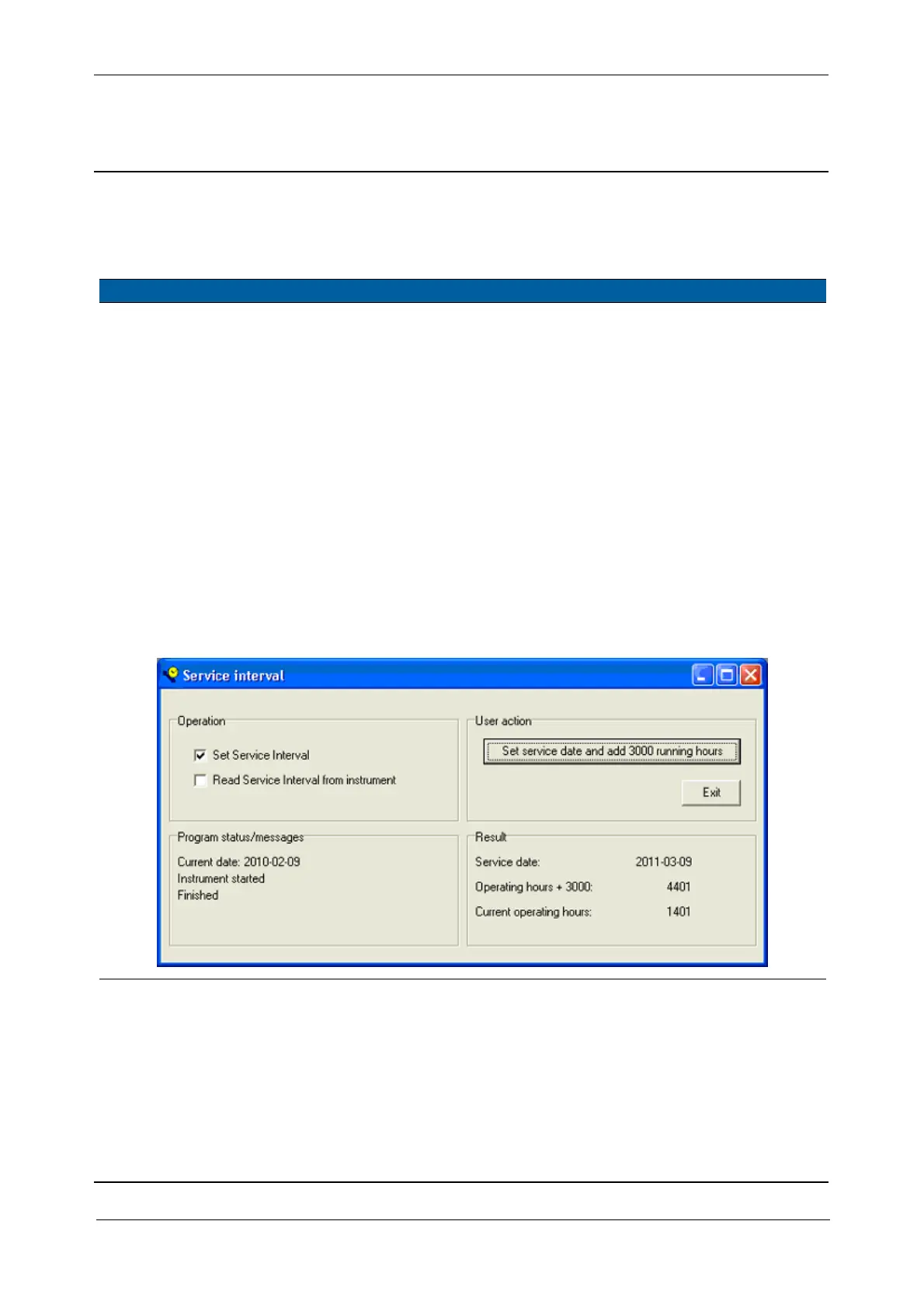
Function to read out and store service interval information, see page 3-104 for more information.
Performance
Item Performance Description Result Notes
1 Start up instrument /
PASS.
See page 7-3 how to set-
up the instrument.
2 Read Service Interval. A. Select
Service Interval
in Final Test & Report.
B. Select
Read Service
Interval
check box.
C. Click
Read service date
and running hours
button.
3 Set Service Interval. A. Select
Service Interval
in Final Test & Report.
B. Select
Service Interval
check box.
C. Click
Set service date
and add 3000 running
hours
button.
Fig. 6-207 Service interval



 To Next Page