Chapter 6
Adjustment and verification
Trimble S, VX, SPS & RTS Service Manual6 - 42 P/N 57150002, Revision 5.0
F
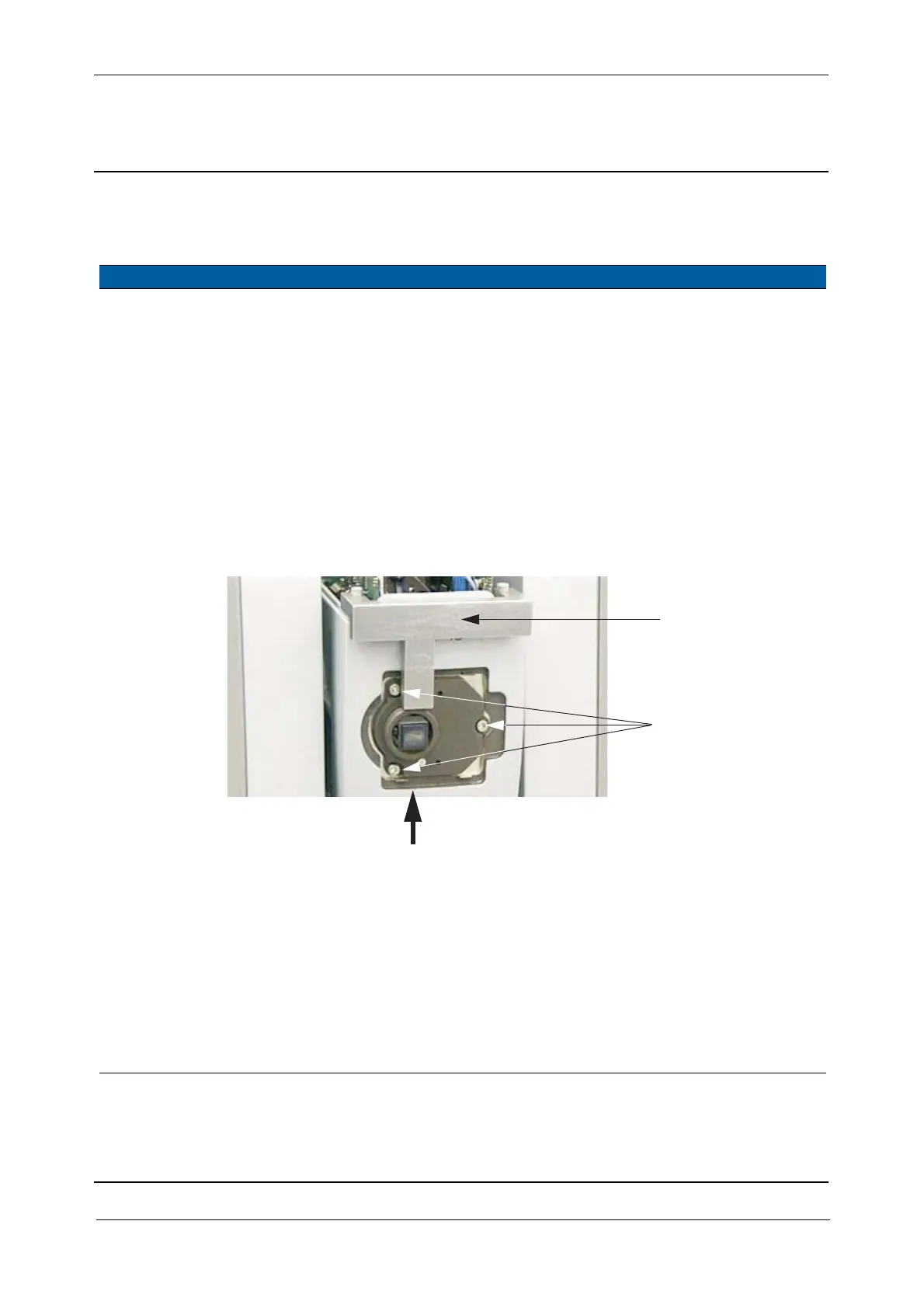
Determination of reference angle for reticle adjustment using centring tool
Performance
Item Performance Description Result Notes
1 Mechanical centring
of reticle.
A. Remove the EDM
cover.
B. Remove Eyepiece and
Eyepiece cover.
C. Loosen the 3 fixing
screws of the reticle
holder slightly.
D. Mount Reticle centring
tool on the eyepiece
side.
E. Press the porro prism
plate against the tool.
F. Tighten the screws.
Mechanical
determination of
reference angle for
Reticle- and Tracker
receiver adjustment.
Fig. 6-32 Reticle centring tool
2 Determine tracker
receiver vertical angle.
A. Remove the tool.
B. Mount the eyepiece.
C. Place the instrument
on the collimator
bench and connect it to
PASS.
D. Select
Reticle
adjustment
from
Reticle in Maintenance
& Service
.
E. Start
Friction mode ON.
D
C&F
Press



 To Next Page