Chapter 5
Maintenance and Repair
P/N 57150002, Revision 5.0 5 - 145 Trimble S, VX, SPS & RTS Service Manual
F
Scanning upgrade
• Hardware upgrade
• Software update
This instruction is used when upgrading with Scanning option.
Hardware upgrade
No hardware update is needed.
Software update
A software configuration key is needed to activate the Scanning option.
Tools and equipment
Performance
Description Part number
PASS Service Software
Upgrade Trimble VX to scanning U6001
Item Performance Action Results Notes
1 Set up instrument Connect instrument to PC
and power supply. Start
instrument and PASS
Service Software
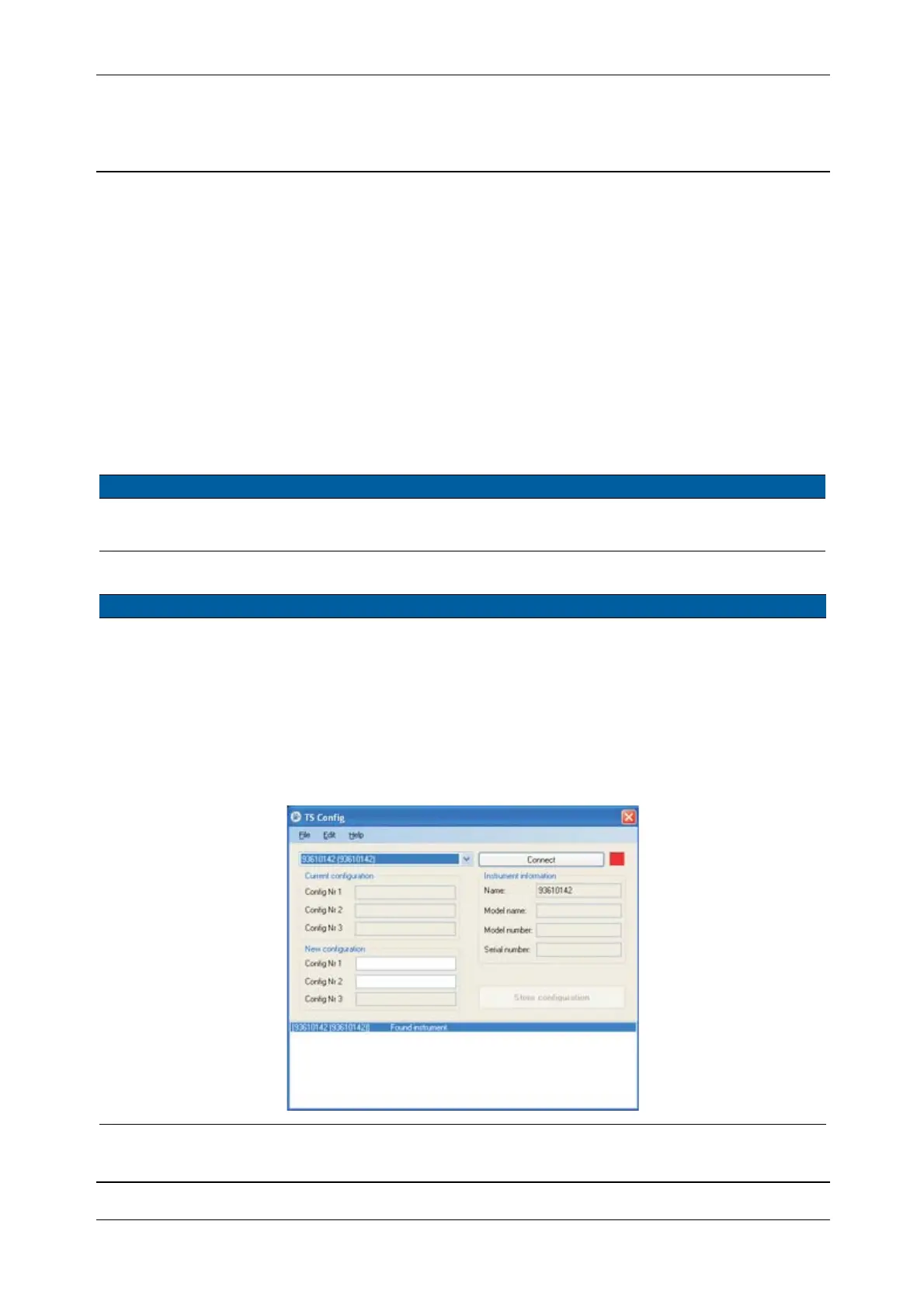
2 Start Set
Configuration
number.
Select
Set Configuration
number
from Update in
Maintenance & Service.
Fig. 5-141 Set Configuration number



 To Next Page