Chapter 6
Adjustment and verification
P/N 57150002, Revision 5.0 6 - 79 Trimble S, VX, SPS & RTS Service Manual
F
Standard deviation test
Performance
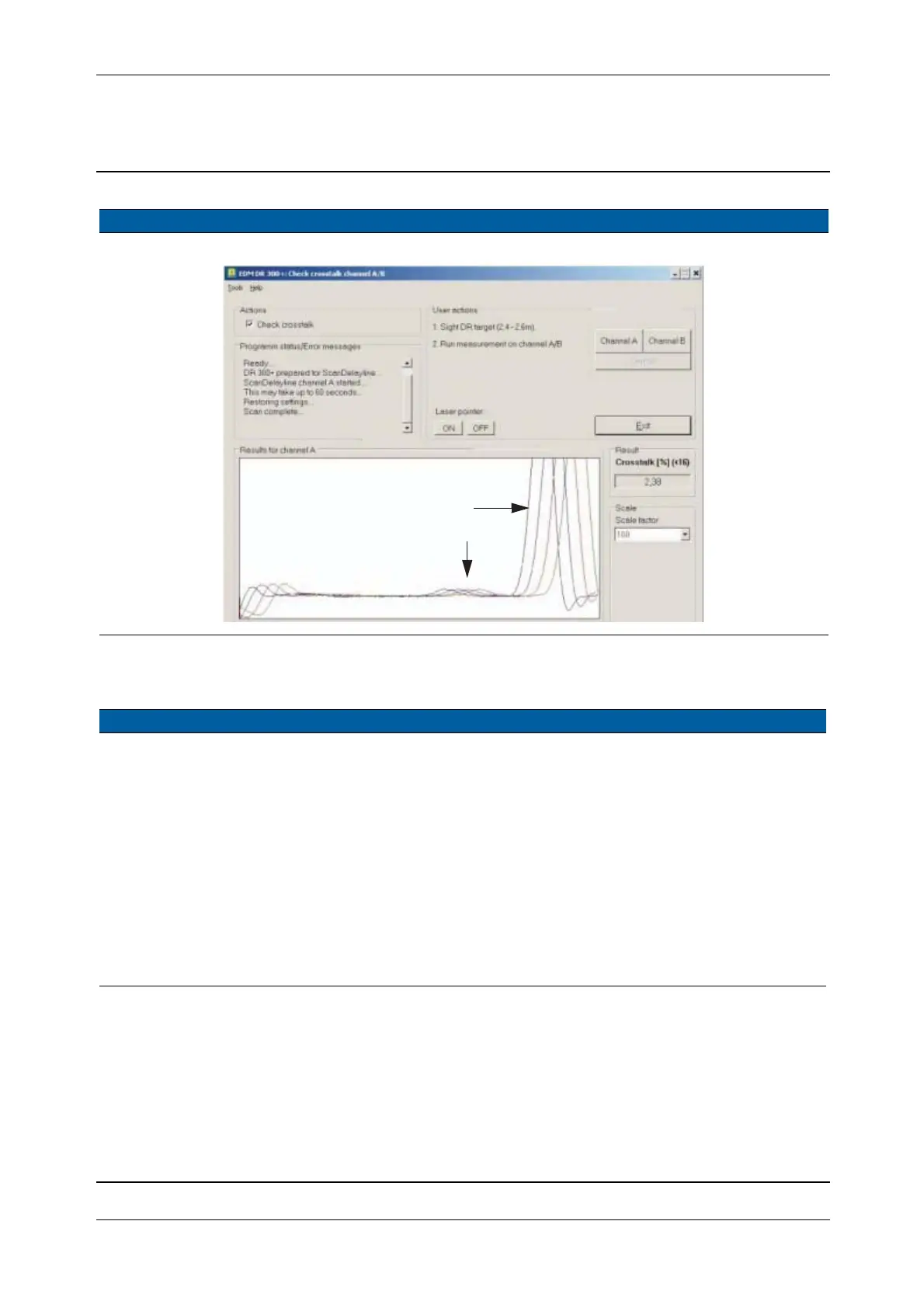
Fig. 6-88 Dialogue Check crosstalk Channel A & B function test
Item Performance Description Result Notes
1 Start up instrument /
PASS.
See page 7-3 how to set-
up the instrument.
2 Test standard
deviation.
A. Select
Distance
standard deviation test
from EDM in
Maintenance & Service.
B. Aim to the 2.5m DR
target, click Measure
DR
and check results.
C. Aim to a prism
between 2 and 50m,
click
Measure prism
and check results.
< 3 mm.
Item Performance Description Result Notes
Cross talk ampl.
Target amplitude



 To Next Page