Chapter 6
Adjustment and verification
Trimble S, VX, SPS & RTS Service Manual6 - 72 P/N 57150002, Revision 5.0
F
Reference fibre adjustment
• Adjust reference fibre
• Check reference fibre
The Reference fibre adjustment software will start up the Instrument in a service mode allowing the
reference signal to be adjusted independently on the reference greywedge position.
The greywedge assembly must be mounted before starting the reference fibre adjustments. When
adjusting the reference fibre the amplification for the receiver diode is also set.
Adjust reference fibre
Performance
Item Performance Description Result Notes
1 Start up instrument /
PASS.
See page 7-3for how to
set-up the instrument.
2 Start reference fibre
adjustment software.
Select
APD / Reference
fibre
from EDM in
Maintenance & Service,
see Fig. 6-79 on page 6-
74
3 Prepare adjustment of
reference fibre.
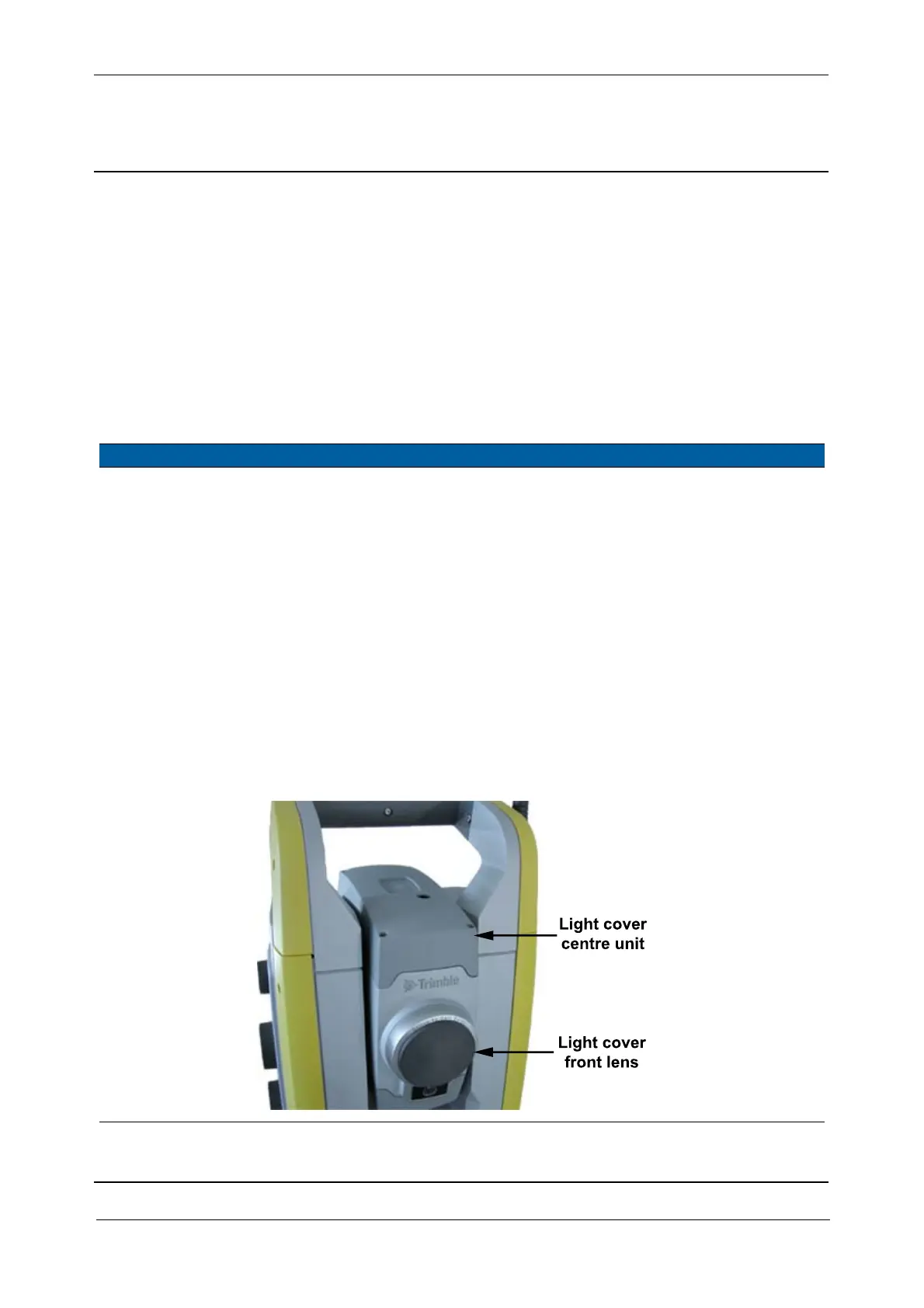
A. Mount Light cover
front lens and Light
cover center unit.
B. Select
Adjust and test
reference fibre
check
box.
C. Click
Start Warm-up.
The unit must
warm up 30
min.
After the warm up
period is completed,
determination of the
breakpoint and to
start scanning the
reference pulse level
will follow.
Fig. 6-76 Tools Light cover front lens and Light cover center unit mounted



 To Next Page