Chapter 5
Maintenance and Repair
P/N 57150002, Revision 5.0 5 - 139 Trimble S, VX, SPS & RTS Service Manual
F
Robotic upgrade
• Hardware upgrade
• Software update
This instruction is used when upgrading a Servo / Autolock instrument to a Robotic instrument. The
upgrade is done in two steps, a hardware upgrade and a software update.
Hardware upgrade
The hardware update consists of replacing the battery side cover to the radio side cover.
Software update
A software configuration key is needed to activate the Robotic function.
Tools and equipment
Performance
Description Part number
Robotic upgrade kit See price list
Item Performance Action Results Notes
Hardware upgrade
1 Replace battery side
cover to a radio side
cover.
See page 5-10 for
instructions.
Software update
2 Start update software. Select Autolock/Robotic
upgrade
from Update in
Maintenance & Service.
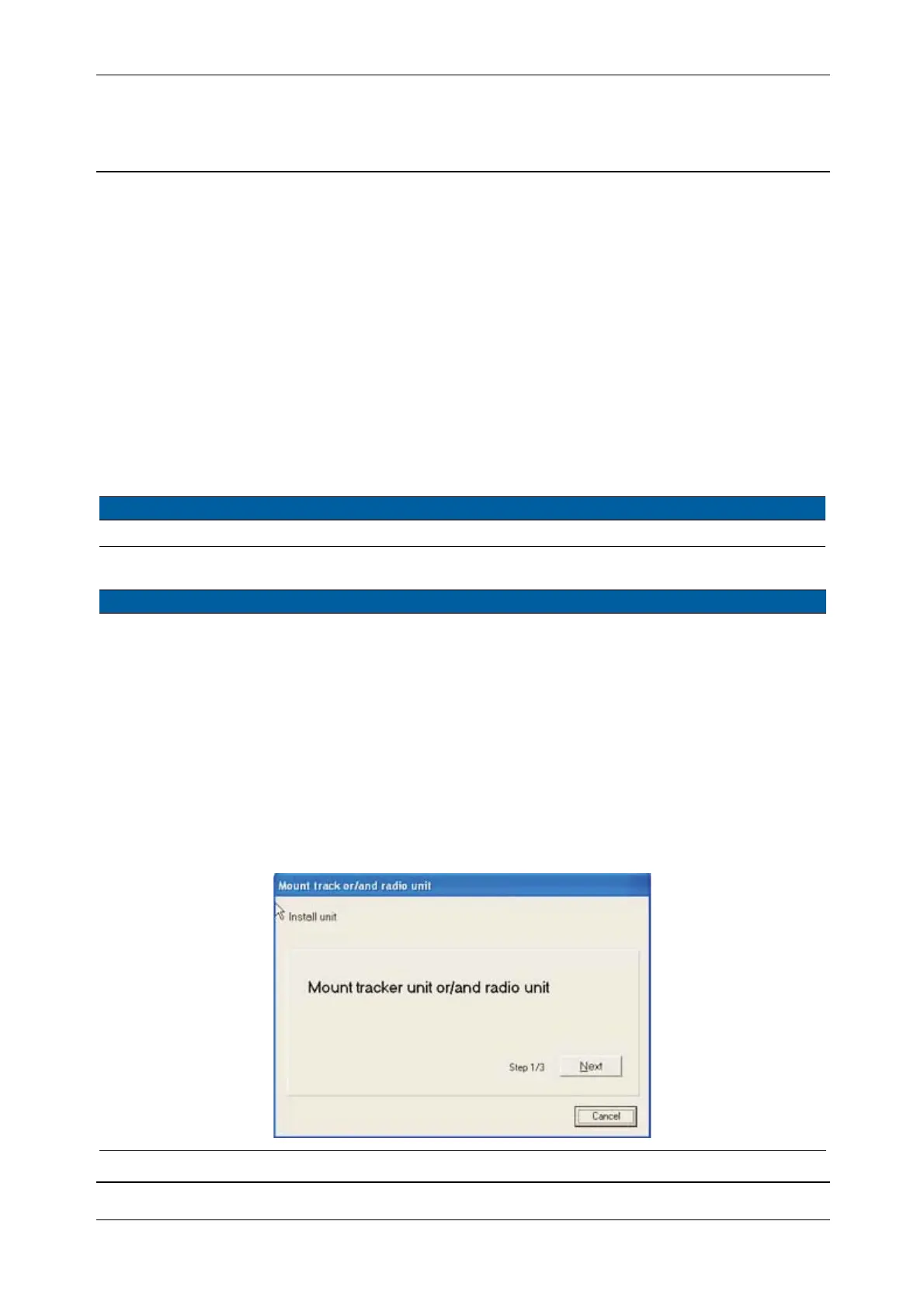
3 Confirm radio unit is
installed.
Click
Next.
Fig. 5-133 Confirm radio installation



 To Next Page