Chapter 5
Maintenance and Repair
Trimble S, VX, SPS & RTS Service Manual5 - 140 P/N 57150002, Revision 5.0
F
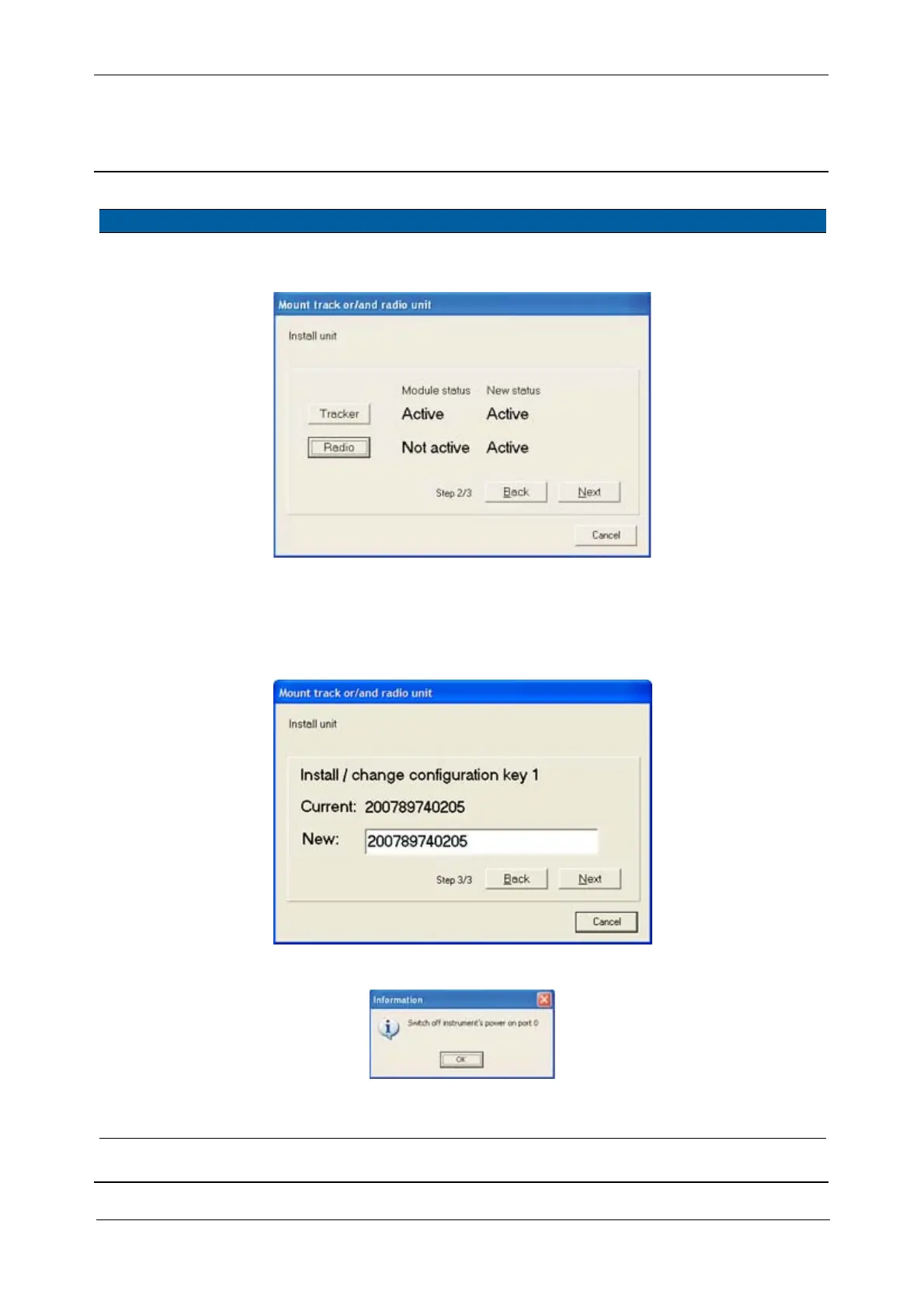
4 Activate radio unit. Click Radio and then Next.
Fig. 5-134 Activate radio unit
5 Install / change
configuration key 1.
A. Confirm switch off of
instrument by click
OK, see Fig. 5-131 on
page 5-137 .
Fig. 5-135 Install / change configuration key
Fig. 5-136 Instrument switch off
6 Verify radio is
installed.
Check result to see that
radio is activated.
Item Performance Action Results Notes



 To Next Page