Chapter 6
Adjustment and verification
Trimble S, VX, SPS & RTS Service Manual6 - 40 P/N 57150002, Revision 5.0
F
Determination of reference angle for reticle adjustment using tracker receiver
performance
Item Performance Description Result Notes
1 Start up instrument /
PASS.
See page 7-3 how to set-up
the instrument.
2 Determination of the
tracker receiver
vertical angle.
A. Place the instrument on
the collimator.
B. Select
Reticle
adjustment
from
Reticle in Maintenance
& Service
, see Fig. 6-24
on page 6-36 .
C. Click Holding mode
ON
.
3 Preparation. A. Mount the tracker
illumination tool on the
front lens and switch it
on.
B. Set the collimator
wavelength to 3
C. Select
Level the
instrument
check box.
D. Level the instrument
and click
Level OK.
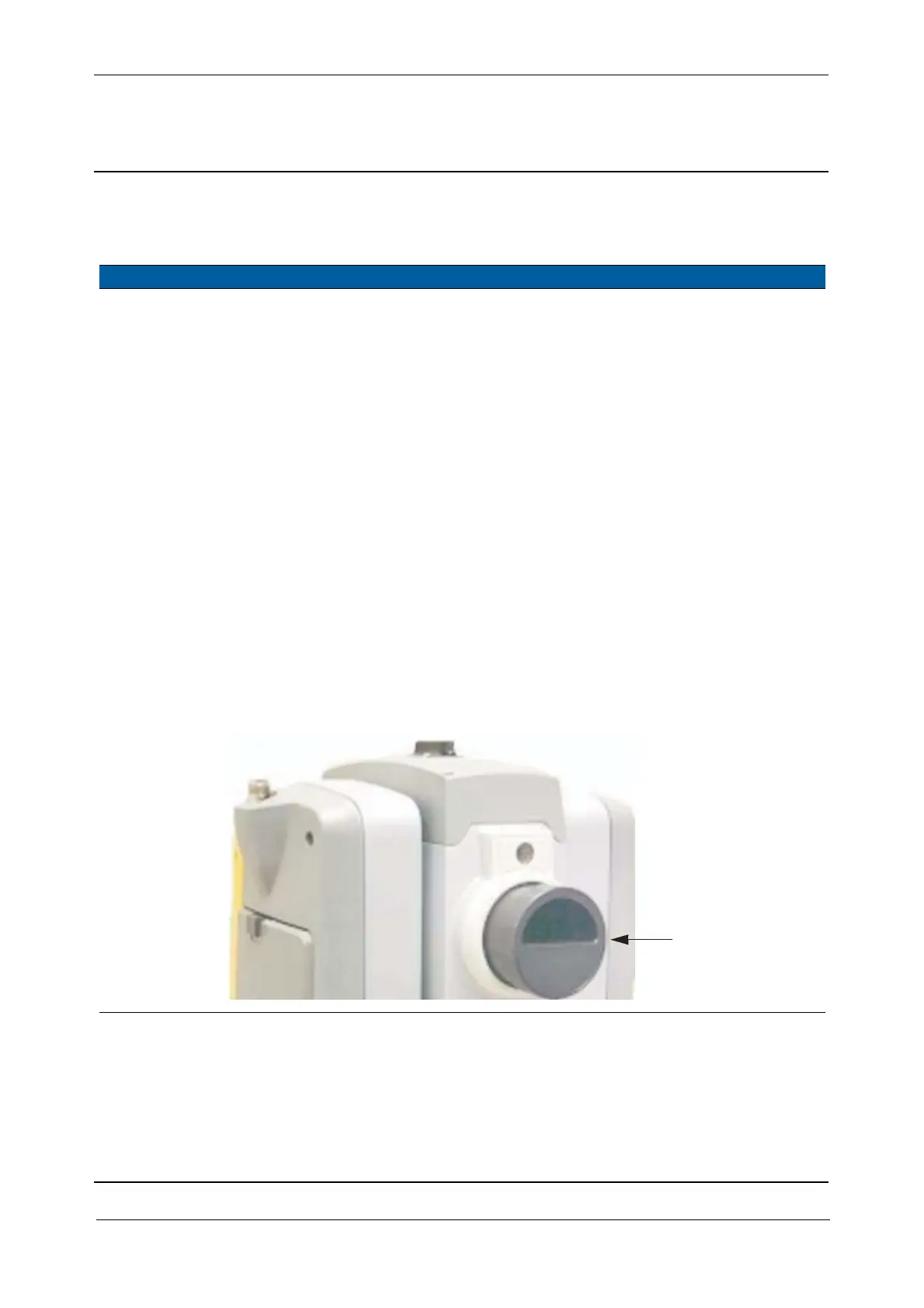
Fig. 6-29 Tracker receiver illumination tool mounted
A



 To Next Page