Chapter 5
Maintenance and Repair
Trimble S, VX, SPS & RTS Service Manual5 - 30 P/N 57150002, Revision 5.0
F
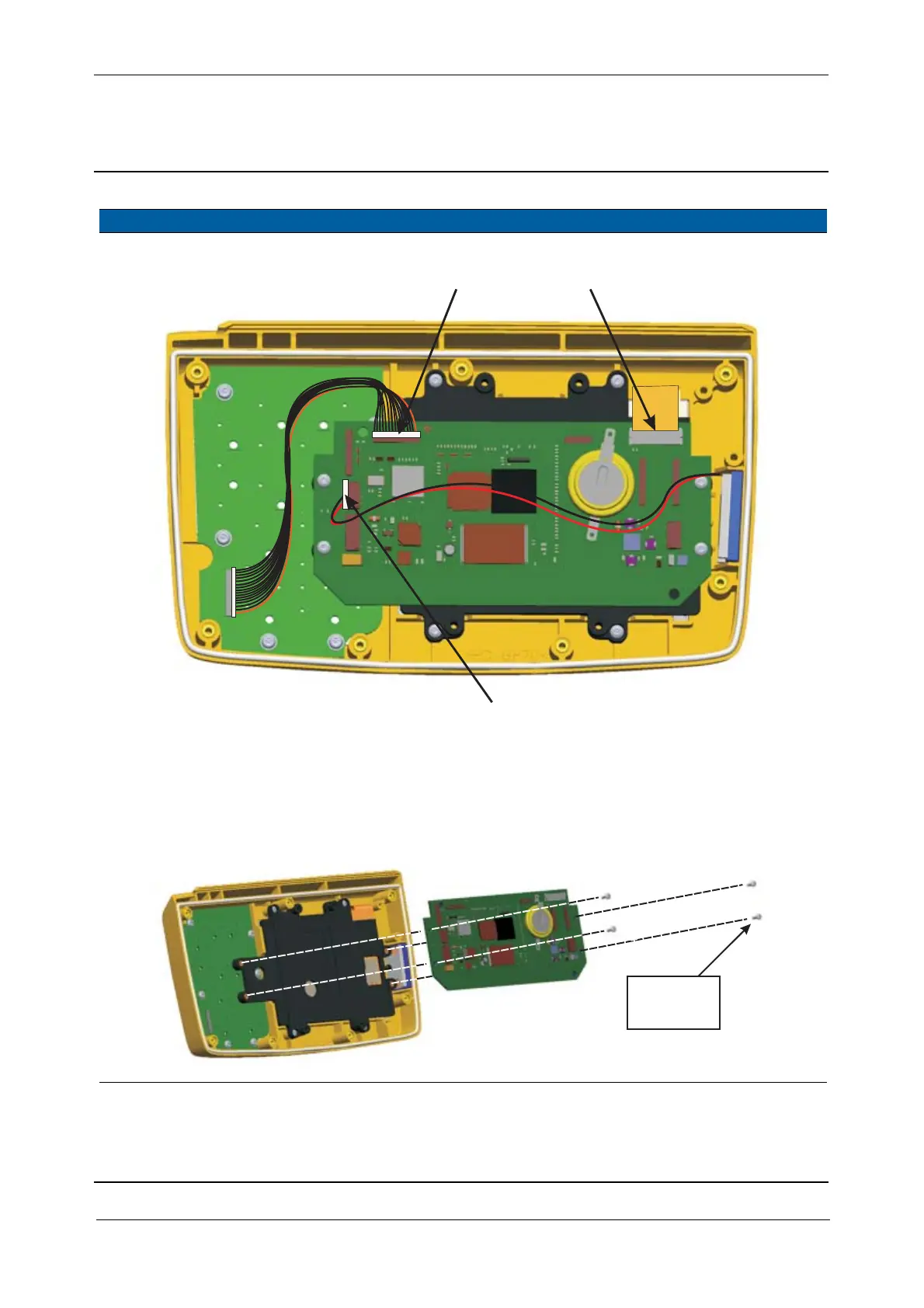
Fig. 5-29 Disconnect cables from Quimby board
6 Remove quimby board Unscrew the 4 screws
holding the Quimby
board to the display
frame and remove it
Fig. 5-30 Quimby board replacement
Item Performance Action Result Notes
AB
C
40 Ncm/
3.6 lbfin



 To Next Page