Chapter 6
Adjustment and verification
Trimble S, VX, SPS & RTS Service Manual6 - 148 P/N 57150002, Revision 5.0
F
2 Start tracker
collimation software.
Select Tracker collimation
from Instrument setup in
Final Test & Report.
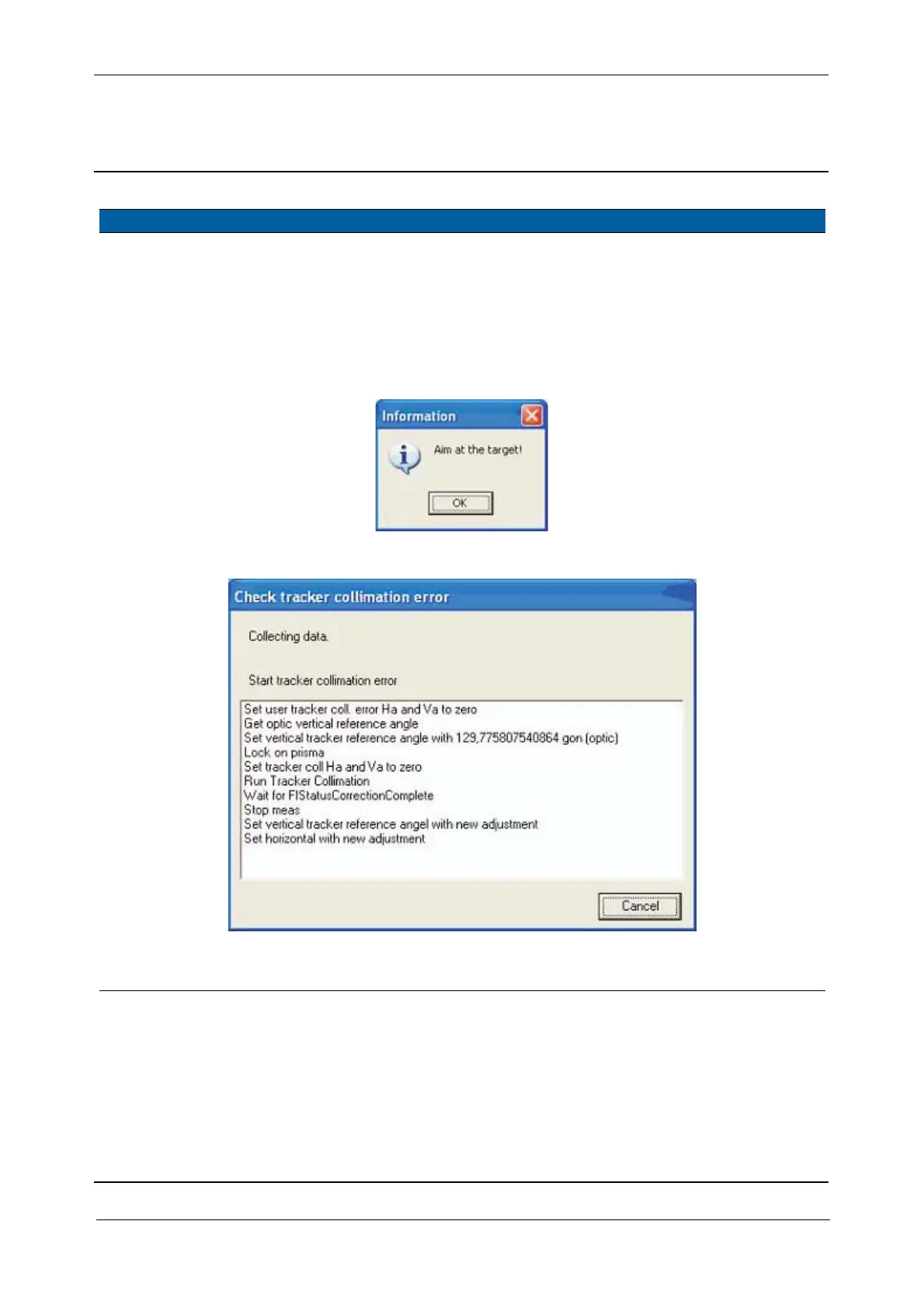
3 Start tracker
collimation test.
Aim at target and press
OK.
Use a target
preferably >
100 meters.
Fig. 6-159 Aim at target & select target
Fig. 6-160 Tracker collimation
4 Done. After the test results are
displayed.
Item Performance Description Result Notes



 To Next Page