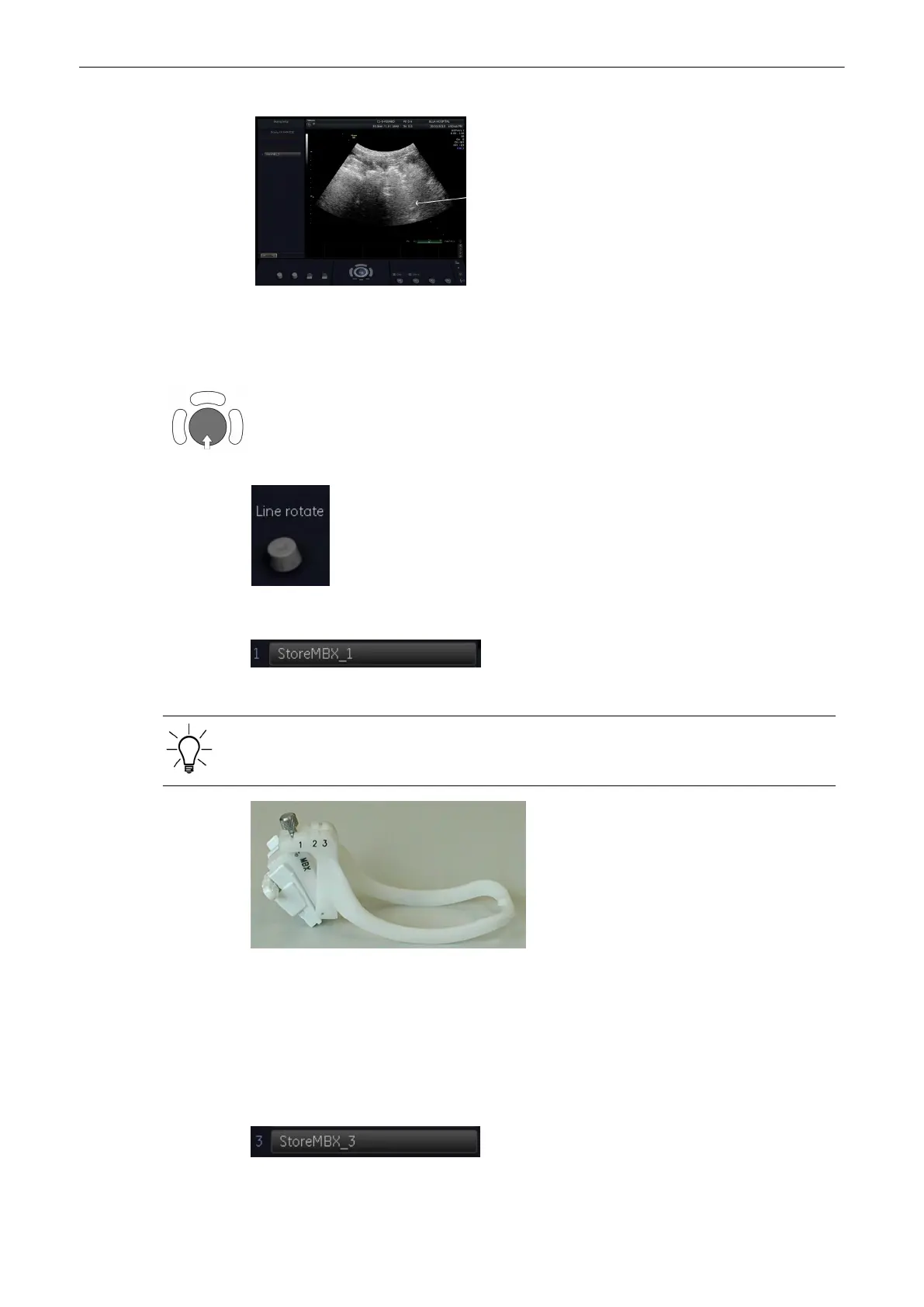
Needle
This yellow marker indicates the access point of the needle in the Biopsy Guide!
The distance between dots is 10mm.
1. Place the line over the needle echoes by positioning with the trackball.
2. Rotate the line with the left control.
3. Select the [Store MBX-1] key to store the first line.
Be sure that selected angle on biopsy guide corresponds to selected display line in utilities
menu!
To adjust the MBX-1 line, the MBX-1 position on the Biopsy Guide must be selected!
To adjust the MBX-3 position, fix the MBX-3 angle position on the biopsy guide.
4. [Store MBX-3] key is illuminated.
5. Place the line over the needle echoes by positioning with the trackball.
Note
Angle is derived from MBX-1 Angle and cannot be changed!
Probes and Biopsies
Voluson® S6/S8 Basic User Manual
5433669-100 Revision 4 5-17



 To Next Page