9.12.4 Selection of a VOCAL Generation Mode
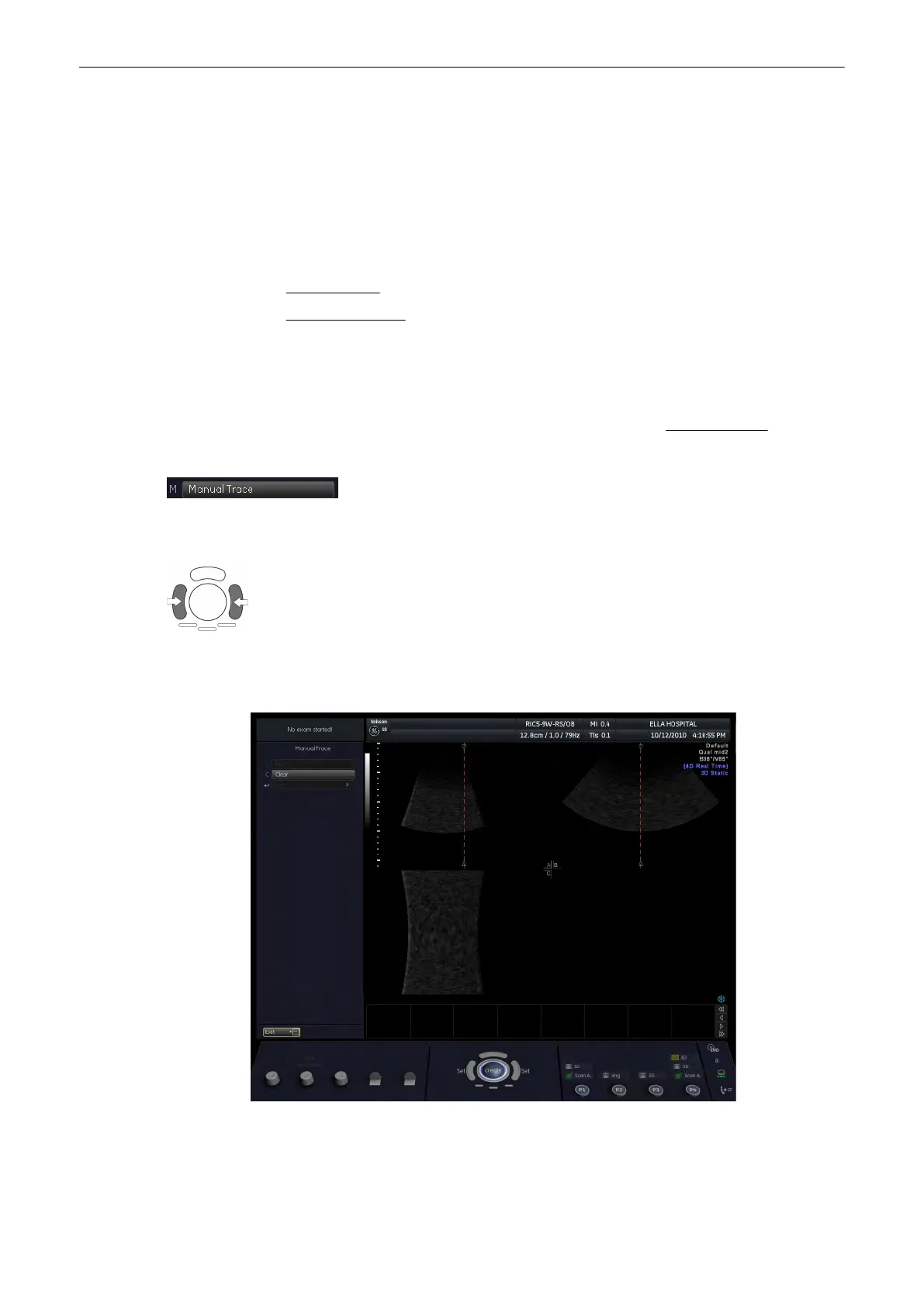
The main contour axis should pass the center of the 3D lesion. (The 3D object should be
centered with respect to the rotation axis.) All defined contours (in different planes) cross the
main contour axis at the position of the green arrows. If not, change the position of this line by
using the trackball.
There are three major possibilities to generate a (shell) contour:
•
Manual - Trace
(chapter
'Manual - Trace'
on page 9-122
)
•
Automatic - Sphere
(chapter
'Automatic - Sphere'
on page 9-123
)
9.12.4.1 Manual - Trace
This function allows you to manually outline any lesion by means of the trackball. Alternatively,
trace the object on the menu area with your finger. The number of manually generated
contours depends on the selected rotation step. For details review:
VOCAL Settings
(chapter
'VOCAL Settings'
on page 9-121
)
1. In the “VOCAL Modes” menu, select the [Manual - Trace] contour mode
key.
2. To define the contour, select the [Start] key.
3. Position the cursor for starting the contour with the trackball and press the right or left
trackball key [Set]. Outline the first contour by means of the trackball. To fix the contour,
press the right or left trackball key [Set] again.
The two green arrows of the contour points are automatically positioned on the main contour
axis. The outlined contour is only valid if the rotation axis is crossed exactly twice.
Volume Mode
9-122
Voluson® S6/S8 Basic User Manual
5433669-100 Revision 4



 To Next Page