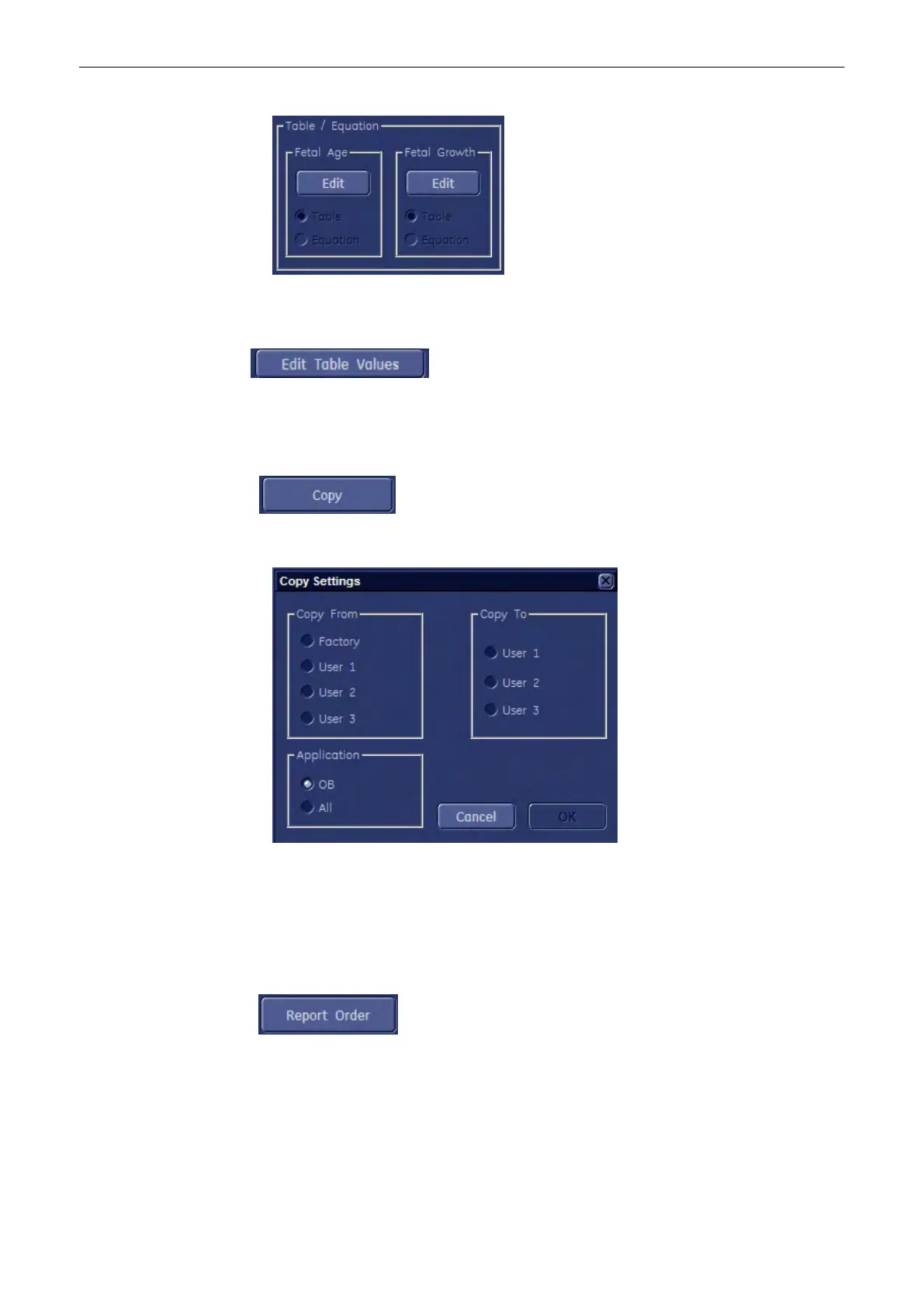
2. To display the exact Fetal Age / Fetal Growth Table or Equation of the selected
measurement parameter, click on the [Edit] button of corresponding field.
Note
To display the exact table, click on this button.
11.5.3.1.5 To Copy Settings
1. Select the [Copy] button in the Measure & Calc page.
2. Select “Copy From” and “Copy To”.
3. Choose “Application”.
4. To copy the settings, click [OK].
11.5.3.1.6 To Change the Report Order
1. Select the [Report Order] button in the Measure & Calc page.
Measurements and Patient Worksheets (Reports)
11-120
Voluson® S6/S8 Basic User Manual
5433669-100 Revision 4



 To Next Page