•
To Save a Favorite Topic: 'To Save a Favorite Topic'
on page 3-20
3.8.2.1 To View the Contents
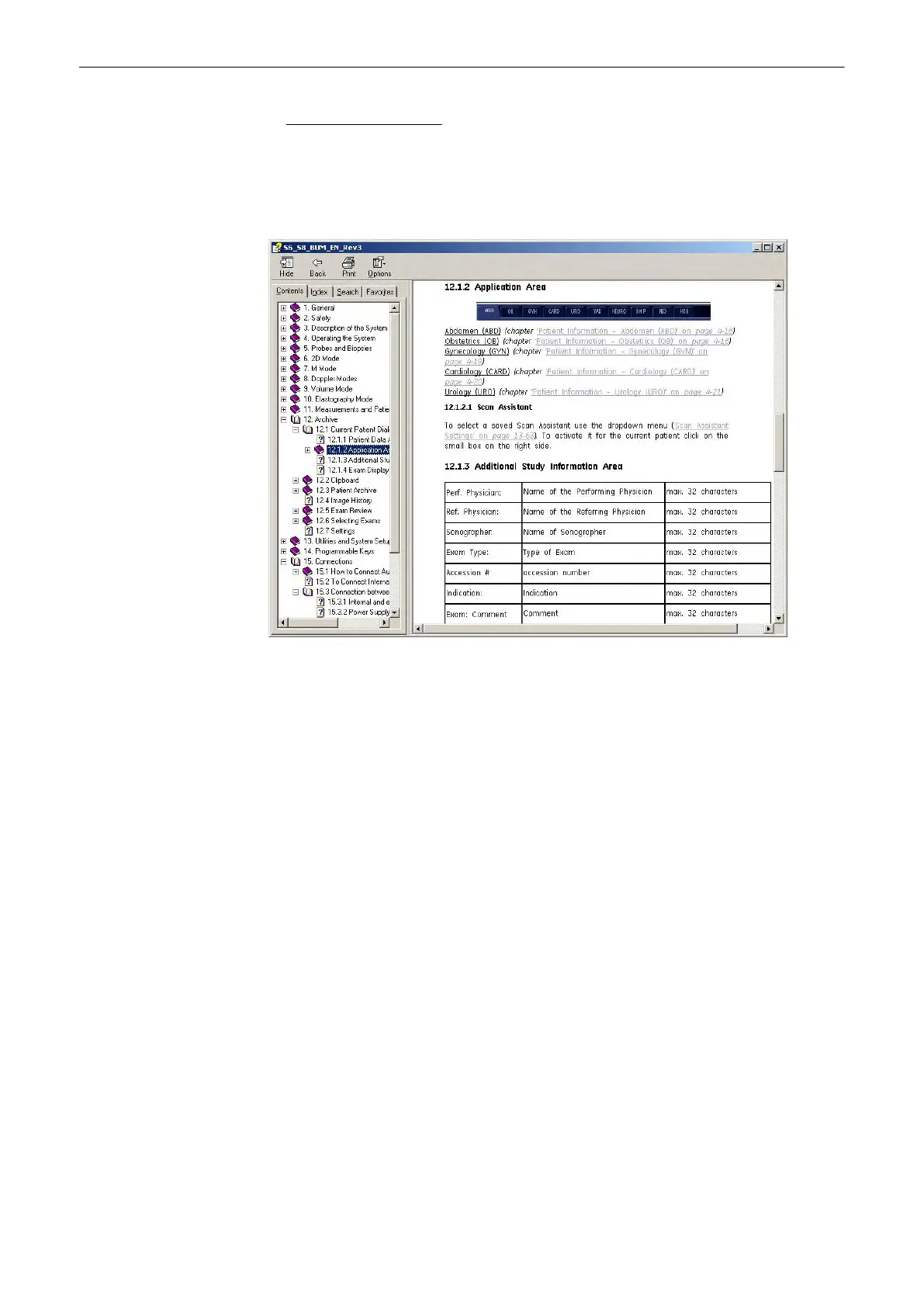
1. Click on the [+] sign next to the chapter you want to view to open up that section.
2. Open up the page to view that page’s information.
The blue, underlined text links you to related topics.
After you click on the blue, underline text, the screen updates with this link’s content. To return
to the previous screen click [Back]. To return to the link, click [Forward].
3.8.2.2 To Use the Index
1.
Click on the “Index” tab. A list of topics - arranged in alphabetical order - will be
displayed.
2. Use the scroll bar to look up a topic.
3. Either double click the desired topic to view, or highlight the topic and click the [Display]
button.
Description of the System
3-18
Voluson® S6/S8 Basic User Manual
5433669-100 Revision 4



 To Next Page