Select the [Exit] button with the mouse pointer (arrow) and press [Set] (right/left trackball
keys). Setup changes are cancelled and not saved.
Select the [Save&Exit] button with the mouse pointer (arrow) and press [Set] (right/left
trackball keys). Setup changes are saved.
13.2.3 General
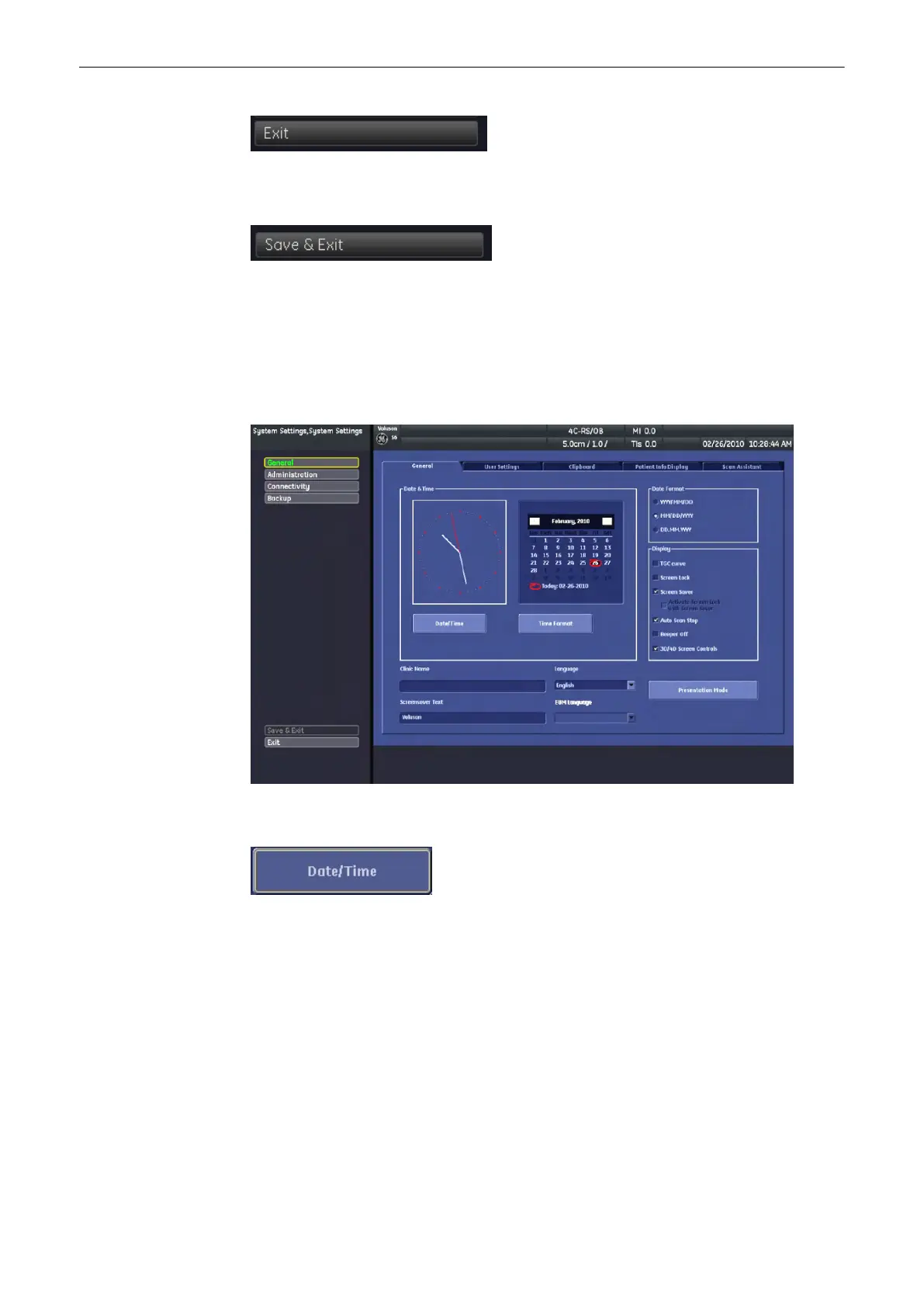
13.2.3.1 General filing card
13.2.3.1.1 To Enter Date, Time and Time Zone
1. Select the [Date/Time] button to activate a sub-dialog window to enter date, time and
time zone.
2. Enter the correct date or time.
Utilities and System Setup
Voluson® S6/S8 Basic User Manual
5433669-100 Revision 4 13-15



 To Next Page