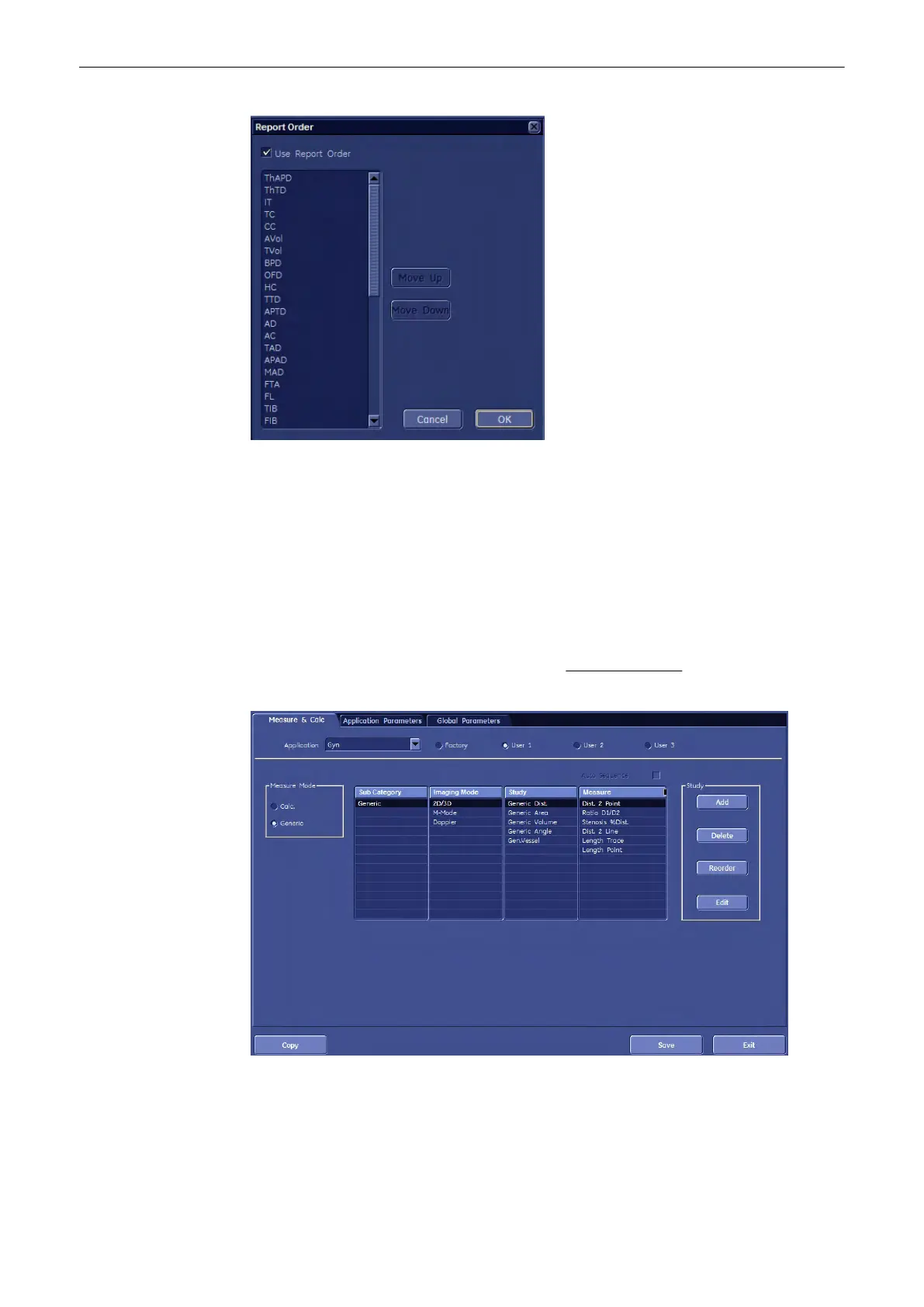
2. If it is desired, select “Use Report Order” (check mark visible).
3. Choose the desired measurement parameter (e.g., BPD).
4. Use [Move Up] and [Move Down].
5. To finish, click the [OK] button.
11.5.3.1.7 First Trimester OB in application GYN
Additional study “Early Gestation” in Factory Presets in application GYN contains the same
items as study “Early Gestation” in application OB. Measure items are dependent on “table
preselection” in “Global Parameters” menu; review Global Parameters
(chapter
'Global
Parameters'
on page 11-127
)
Measurements and Patient Worksheets (Reports)
Voluson® S6/S8 Basic User Manual
5433669-100 Revision 4 11-121



 To Next Page