Remark: Factory preseted tables/equations cannot be edited!
EFW GP/SD
1. Click on [EFWGP/SD] (the display is illuminated and the display about [New] key shows
“EFW GP/SD”).
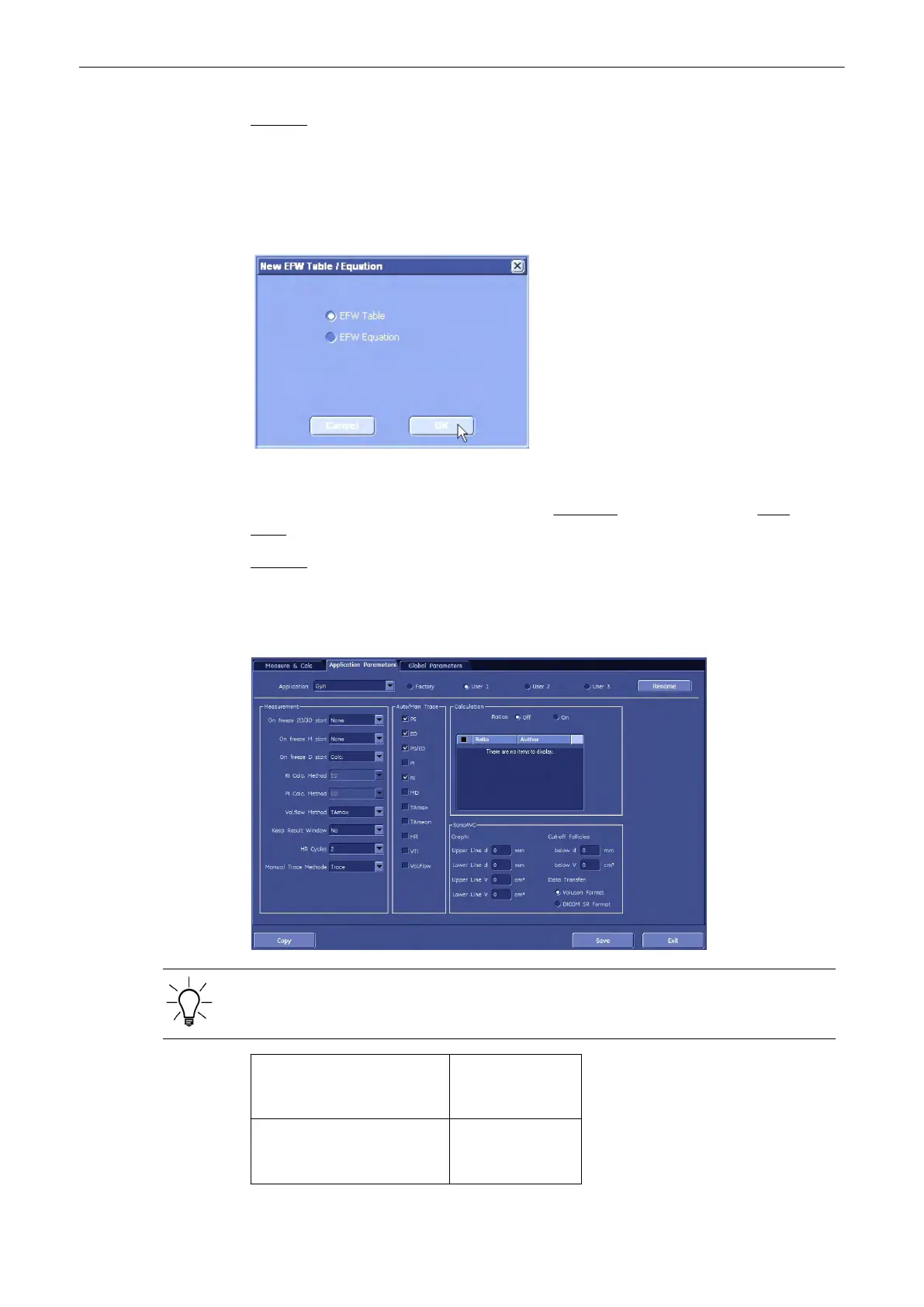
2. Click on [New] key. Following window appears:
3. Select “EFW Table” or “EFW Equation”.
Note
The procedure is the same as in “New Table” on Page 18-8 or “New Equation” on Page
18-10 , except that the Author’s Name cannot be edited.
Remark: Factory preseted tables/equations cannot be edited!
11.5.3.2 Application Parameters
Application: e.g., Gyn
Parameters and possible adjustments depend on the selected Application.
Application: Select the desired
Application (e.g.,
Obstetric)
Measure Preset: Select a measure
preset (e.g., My
own)
Measurements and Patient Worksheets (Reports)
11-124
Voluson® S6/S8 Basic User Manual
5433669-100 Revision 4



 To Next Page