Depending on the setting in the Measure Setup:
•
all previously set measuring marks are erased when activating cine mode, or the
measurement results are kept on screen.
•
a new cursor appears to repeat the measurement, or not
•
the caliper (the last measuring mark of the current measurement) is fixed when pressing
the [Freeze] key, the [Print A] or [Print B] keys, [Save] key, etc., or not
For further details, review: Global Parameters
(chapter
'The Measure Setup Pages'
on page
11-109
)
•
Moreover, many display properties depend on the setting in the Measure Setup.
For
Example: cursor and font of measurement result is displayed in small, medium or large
size
For further adjustments and detailed information review: Global Parameters
(chapter
'The
Measure Setup Pages'
on page 11-109
)
To change the current measurement application, Select the [Appli.] item on the menu area.
For further details, review: To Change the Measurement Application
(chapter
'To Change the
Measurement Application'
on page 11-20
)
.
To review, modify, print, etc. the Generic Work Sheet, Press the [Report] key on the control
panel. For further details, review: To Review the Generic Work Sheet
(chapter
'To Review the
Generic Work Sheet'
on page 11-21
)
.
11.1.2 2D Mode Measurements
•
For details about adjusting 2D Measurement settings, review: Measure Setup -
Measure
& Calc
(chapter
'The Measure Setup Pages'
on page 11-109
)
•
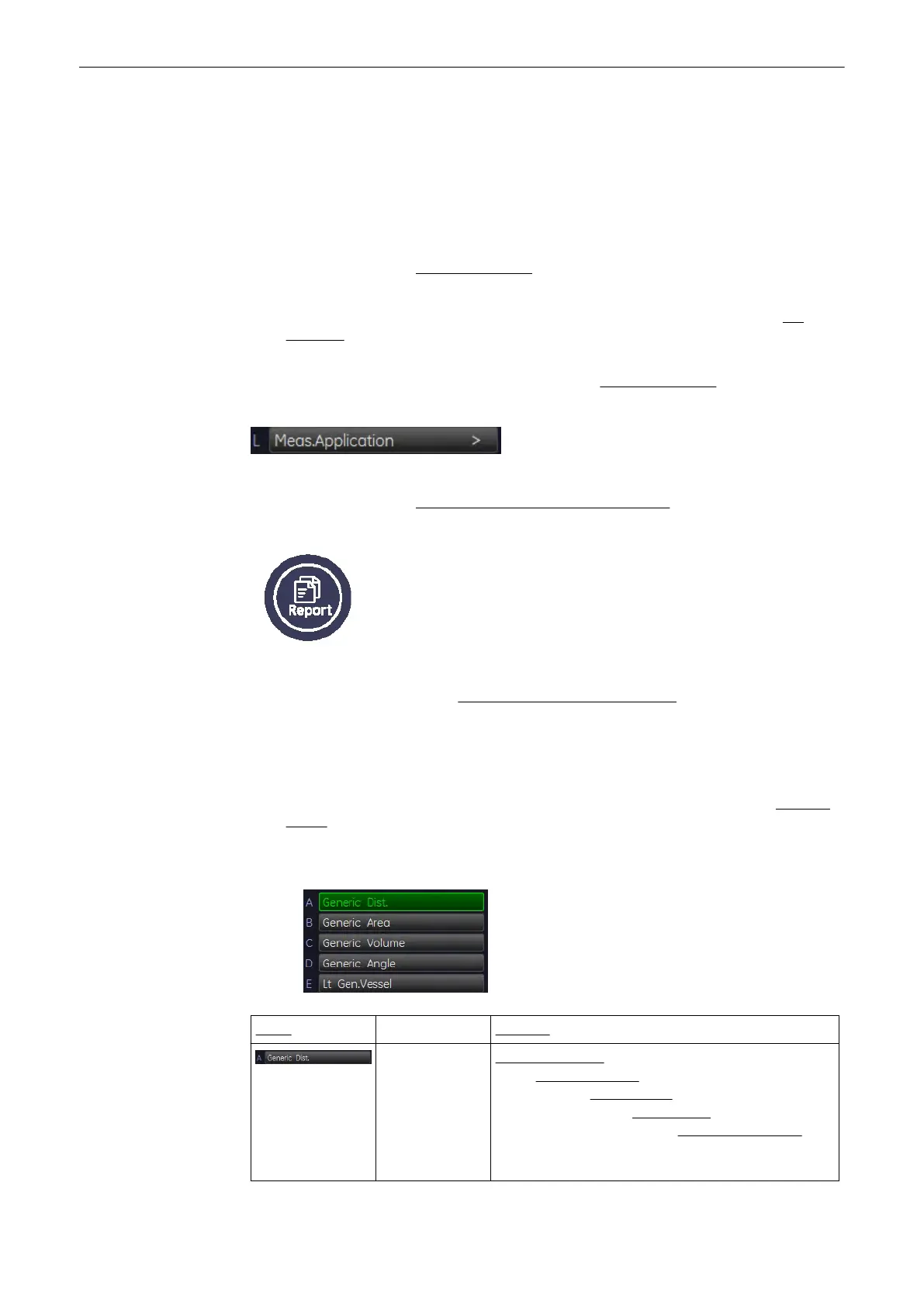
The “Factory” Generic Sub Category for 2D Imaging Mode (see image above) supports 4
Study types and following Measure methods:
Study Measure
(chapter
'Generic
Distance
Measurements'
on page 11-
6
)
Distance 2 Points
(chapter
'Distance 2 Points'
on page
11-7
)
Distance 2 Lines
(chapter
'Distance 2 Lines'
on page 11-7
)
Length Trace
(chapter
'Length
Trace'
on page 11-7
)
Length Point
(chapter
'Length Point'
on page 11-7
)
Stenosis %Distance
(chapter
'Stenosis %Distance'
on page 11-7
) Ratio
D1/D2
Measurements and Patient Worksheets (Reports)
Voluson® S6/S8 Basic User Manual
5433669-100 Revision 4 11-5



 To Next Page