2. Select the [Reorder] button.
3. Select the item desired (that have to be moved).
4. By means of these buttons, you can change the position of the selected item.
5. To finish, click the [OK] button.
11.5.3.1.4 To Edit a Sub Category, Study or Measure Item
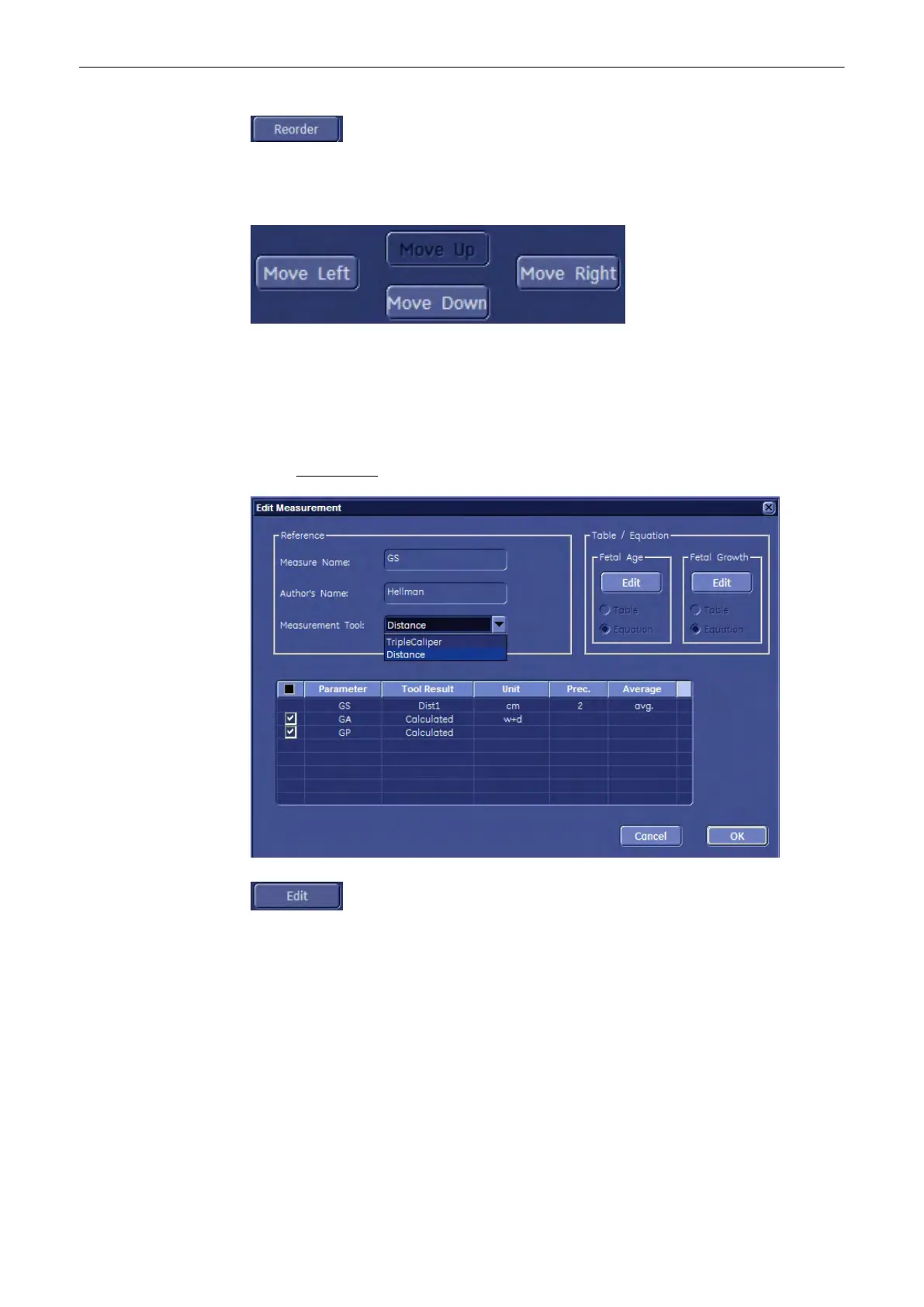
1. Select the relevant item in (all) the digest column(s) and then highlight the entry to be
edited. For example: Biometry - 2D/3D - Early Gest. – GS
2. Select the [Edit] button.
Measurements and Patient Worksheets (Reports)
11-118
Voluson® S6/S8 Basic User Manual
5433669-100 Revision 4



 To Next Page