15.7.3 Care and Maintenance, Repairs
•
Electrodes and the cables should be handled with the usual care. Refer to
manufacturer"s instructions in concerns of cleaning and maintenance.
•
Refer to manufacturer"s instructions concerning sterilization.
•
Necessary repairs must be performed by authorized service personnel only!
15.7.4 ECG Display
This function inserts an ECG line in the display of the image.
Condition: ECG module is connected to the system.
Operation:
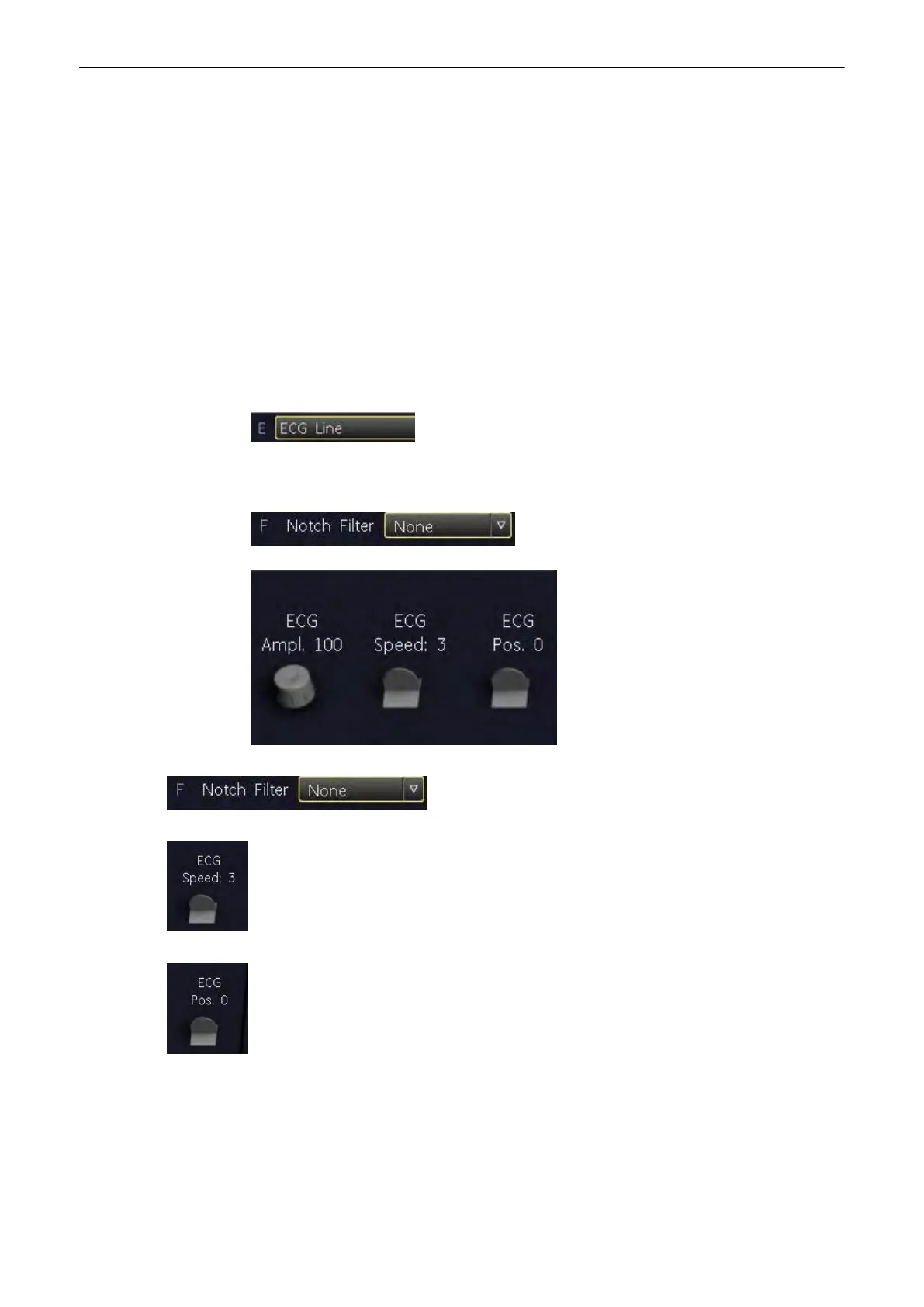
1. Press the [ECG Line] button in the Utilities menu to switch on/off the ECG line. It shows
additional functions for the ECG Display.
Select Notch Filter (None, 50Hz, 60Hz).
Select ECG velocity (0, 1, 2, 3).
Set the vertical position on the monitor.
Connections
Voluson® S6/S8 Basic User Manual
5433669-100 Revision 4 15-13



 To Next Page