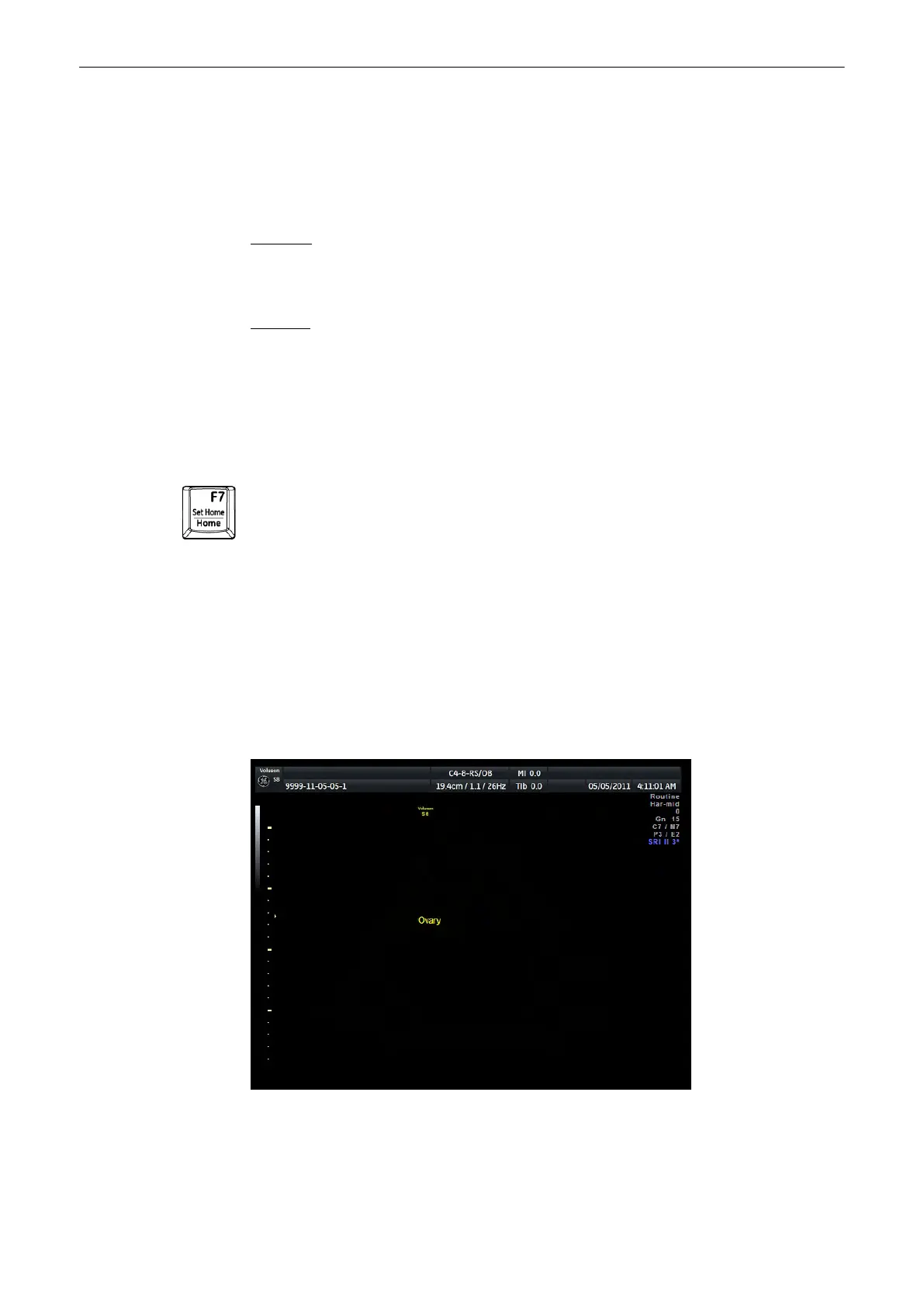
4.9.1 Annotation
This function enables text writing onto the ultrasound image using the keyboard, in freeze
mode or in scan mode, respectively. The inscription will be erased upon selection of a probe or
a program. Inscription is not possible outside the annotation area.
Operation:
1.
Activate the Annotation Mode via [ABC] key or [Space Bar].
2. Write the text desired using the keyboard.
Remarks:
•
The position of the cursor (“Home” position) can be changed by either:
•
Trackball
•
[Enter]
key (next line), or [Backspace]key (deletes the last character)
•
The Trackball, the [Home] key, or the arrow keys on the keyboard can set the left margin
of the image annotation.
This key has two functions
1.
without “Fn-key”: Places the cursor at the home position. .
2. with “Shift + [Set Home] F7” : Sets a new home position.
'Keyboard keys'
on page 3-14
4.9.2 Auto Annotation
This function is provided to rapidly insert terms into the displayed image. 40 words for each
application are user-programmable. Programming of the TEXT AUTO function: 'General'
on
page 13-15
Screen
1. Activate the Annotation Mode with the [ABC] key or [Space bar]. The auto annotation
menu appears on screen.
Operating the System
4-28
Voluson® S6/S8 Basic User Manual
5433669-100 Revision 4



 To Next Page