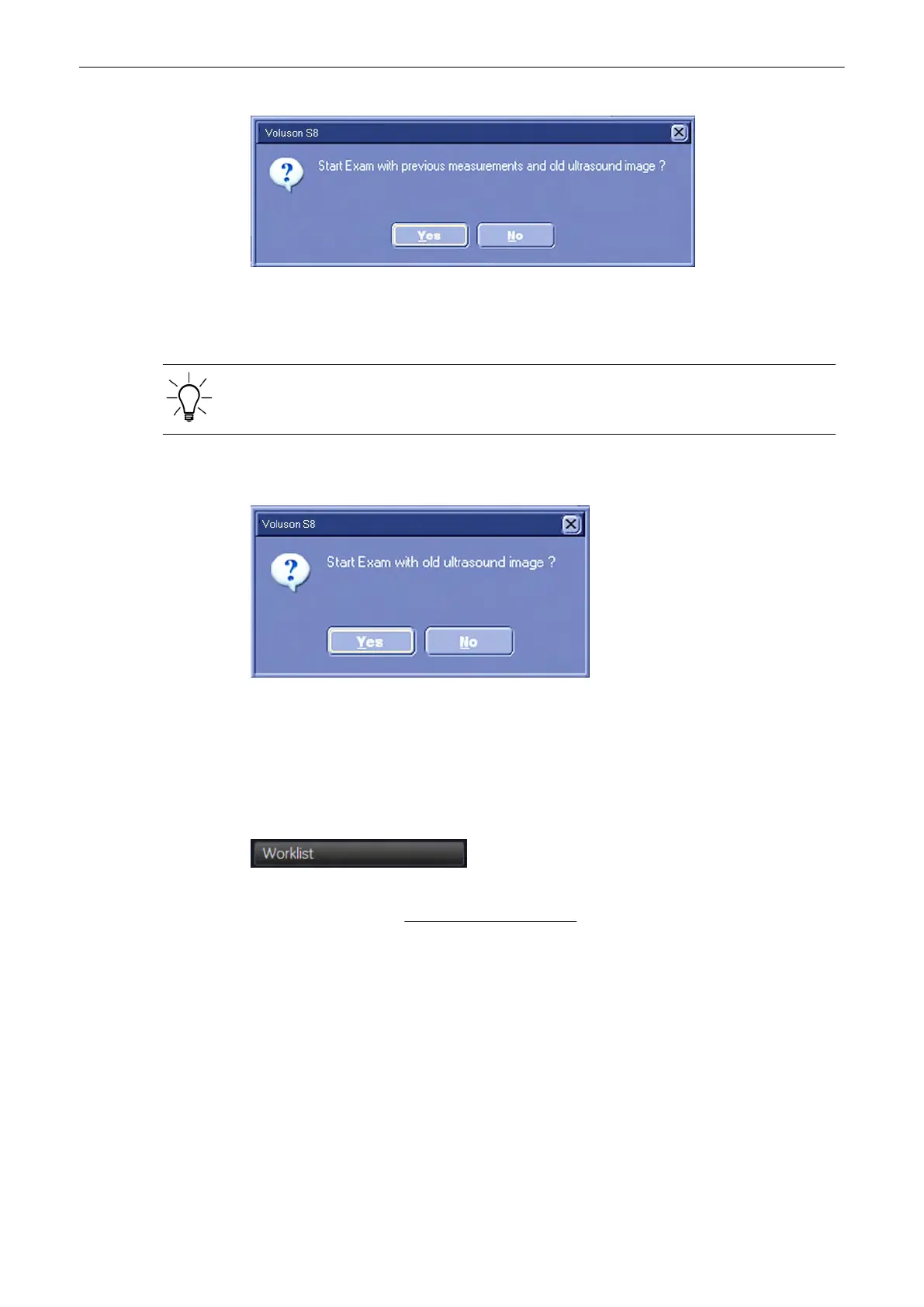
To quit the dialog: [Yes]: The current measurements are dedicated to the Exam. [No]: The
current measurements and the screen are cleared and 2D starts.
The Patient procedure is closed and the previous operating state is activated.
If no old patient exists, no save/send in progress and no auto-start acquisition, the system will
display an info dialog “Start Exam with old ultrasound image?” on the monitor.
Note
If Auto Start Acquisition is selected, the system automatically starts a new acquisition in 2D
Mode when Start Exam is pressed, without displaying the dialog.
'General'
on page 13-15
To quit the dialog: [Yes]: The exam starts without further action (with old image). [No]: The
screen is cleared and 2D starts.
The Patient procedure is closed and the previous operating state is activated.
4.8.5 To Retrieve Patient Data via External Worklist Server
Select the [Worklist] button to view the available Data from the external worklist server. This
button is available in the “Patient Information” screen
(
'“Patient Information” screen'
on page
4-13
)
.
Operating the System
Voluson® S6/S8 Basic User Manual
5433669-100 Revision 4 4-23



 To Next Page