Use the left trackball key to start a new VCI line.
Use the [Z]
rotary control to rotate the VCI-Omni View position line (+/- 45º).
For further controls and possible adjustments, '4D Controls'
on page 9-92
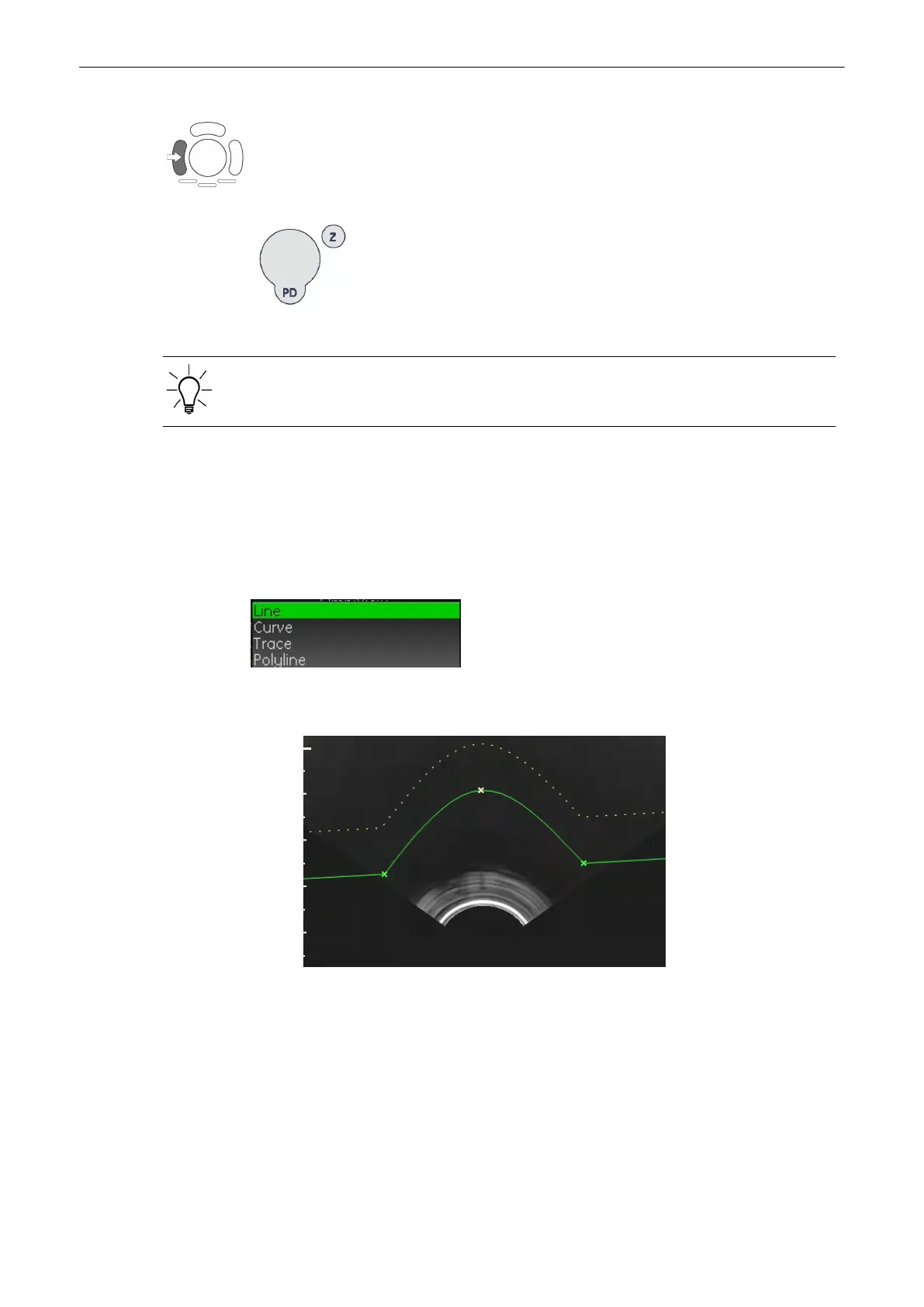
9.9.2 VCI-Omni View Curve Line
To adjust the VCI-Omni View Curvature Line press the [Omni View Curve Line] button on the
menu area. The following menu appears and you can choose from the following options.
The Referenze line can be deactivated by pressing the [Omni View Line] button the submenu.
When deactivated the line will disappear from the screen., but short lines will still be shown.
1. Line: change the line in the usual way.
2.
Curve: add a curve to the starting line of the render box.
Volume Mode
Voluson® S6/S8 Basic User Manual
5433669-100 Revision 4 9-105



 To Next Page