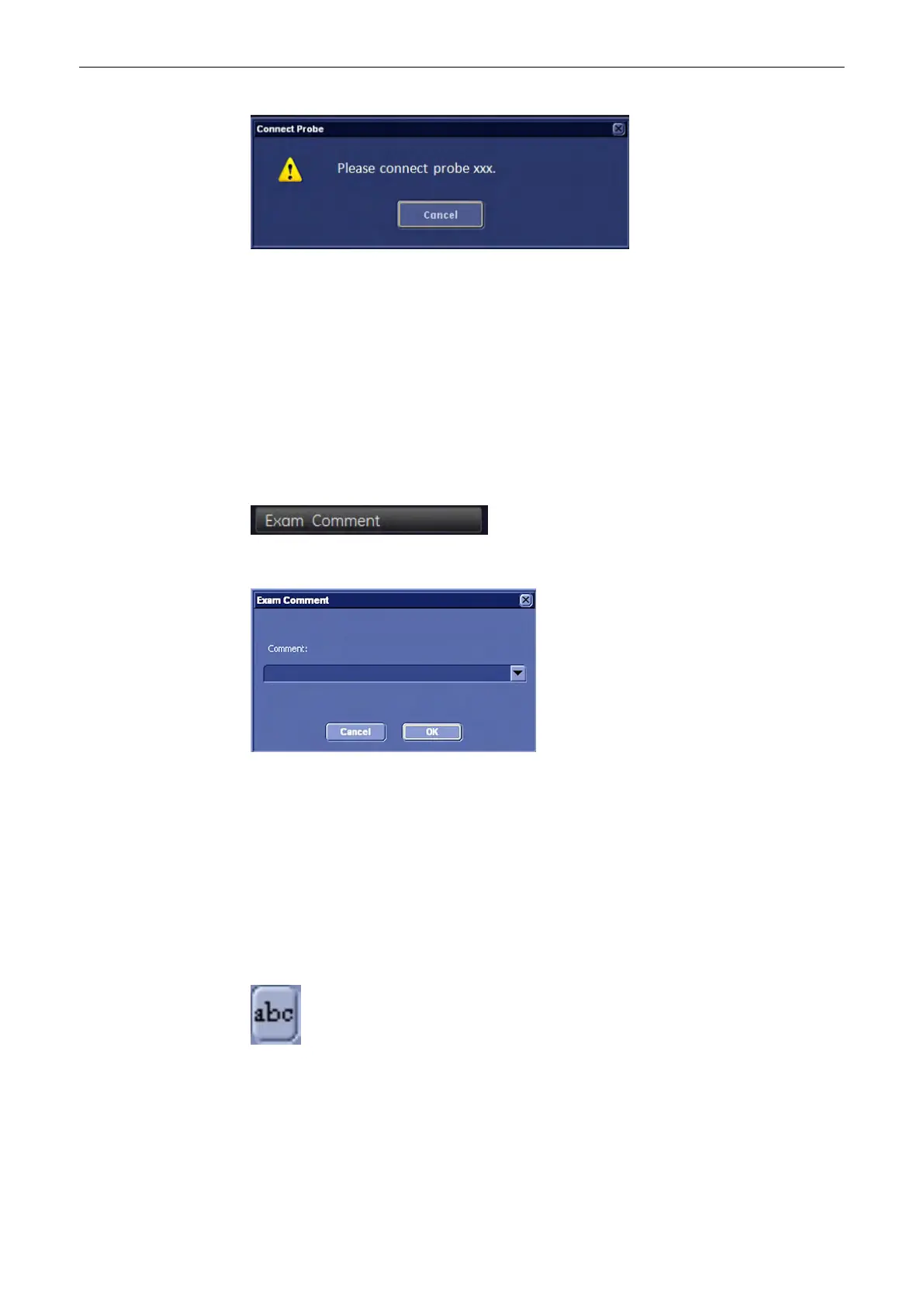
The repro can now be loaded:
•
Without new patien/exam
•
with new exam
•
with new patient
12.5.5 Commenting
12.5.5.1 Exam Comment
Press the [Exam Comment] key.
The following window pops up, asking for an exam comment:
This is the same comment as in the comment field in the current patient dialog.
If an exam comment already exists, the dialog displays the current exam comment, which can
then be edited or deleted (max. 40 characters).
Press [OK] to save and exit.
Press [Cancel] to exit without saving.
12.5.5.2 Image Comment
Press the [Abc] key.
A window pops up, asking for an image comment:
Archive
Voluson® S6/S8 Basic User Manual
5433669-100 Revision 4 12-37



 To Next Page