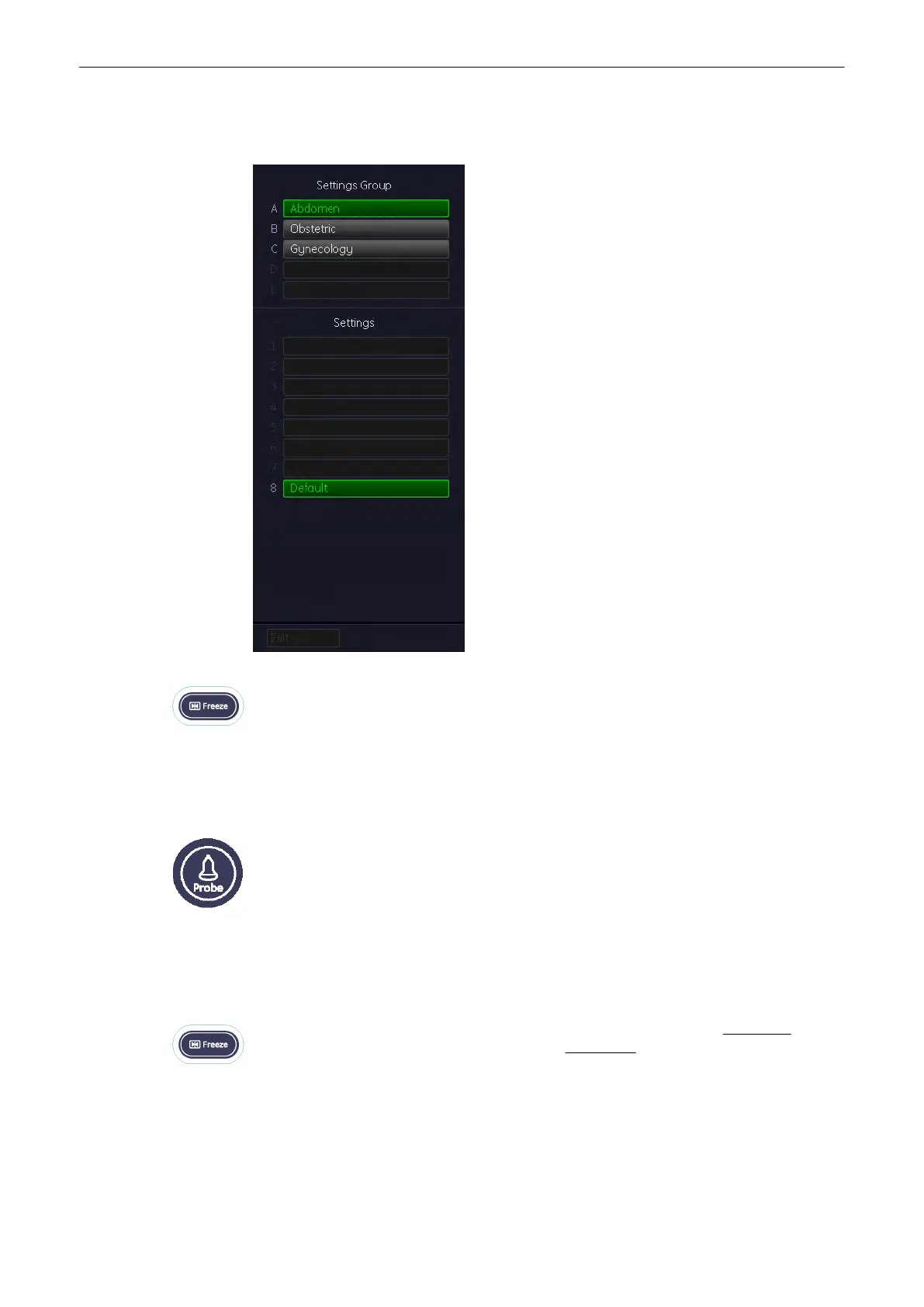
4.7.1 Starting the System
Selecting the desired settings group will load the preset. Click on the desired setting and the
probe will be started.
The probe is initialized, the main menu (2D mode) and the ultrasound image appears on the
monitor in write mode (real time display.
Alternatively, pressing the [Freeze] key also causes loading of the selected (highlighted)
setting. The probe starts (real time display)
You may exit eventually by hard key [Probe] , if no change of a probe or an application was
made.
If a change was made in the “Settings Group” field, the key turns dark (disabled). In this case
an exit is only possible by selecting a setting.
Exit: return to the previously used active mode menu (2D mode, M mode,.....) without any
changes
4.7.2 To Freeze an Image
Freeze/Run-key (hard key) Freeze the image by pressing the [Freeze] key: Green key:
freeze mode (image is frozen, probe deactivated) Amber key: scan mode (real-time is on,
probe activated)
Operating the System
Voluson® S6/S8 Basic User Manual
5433669-100 Revision 4 4-9



 To Next Page