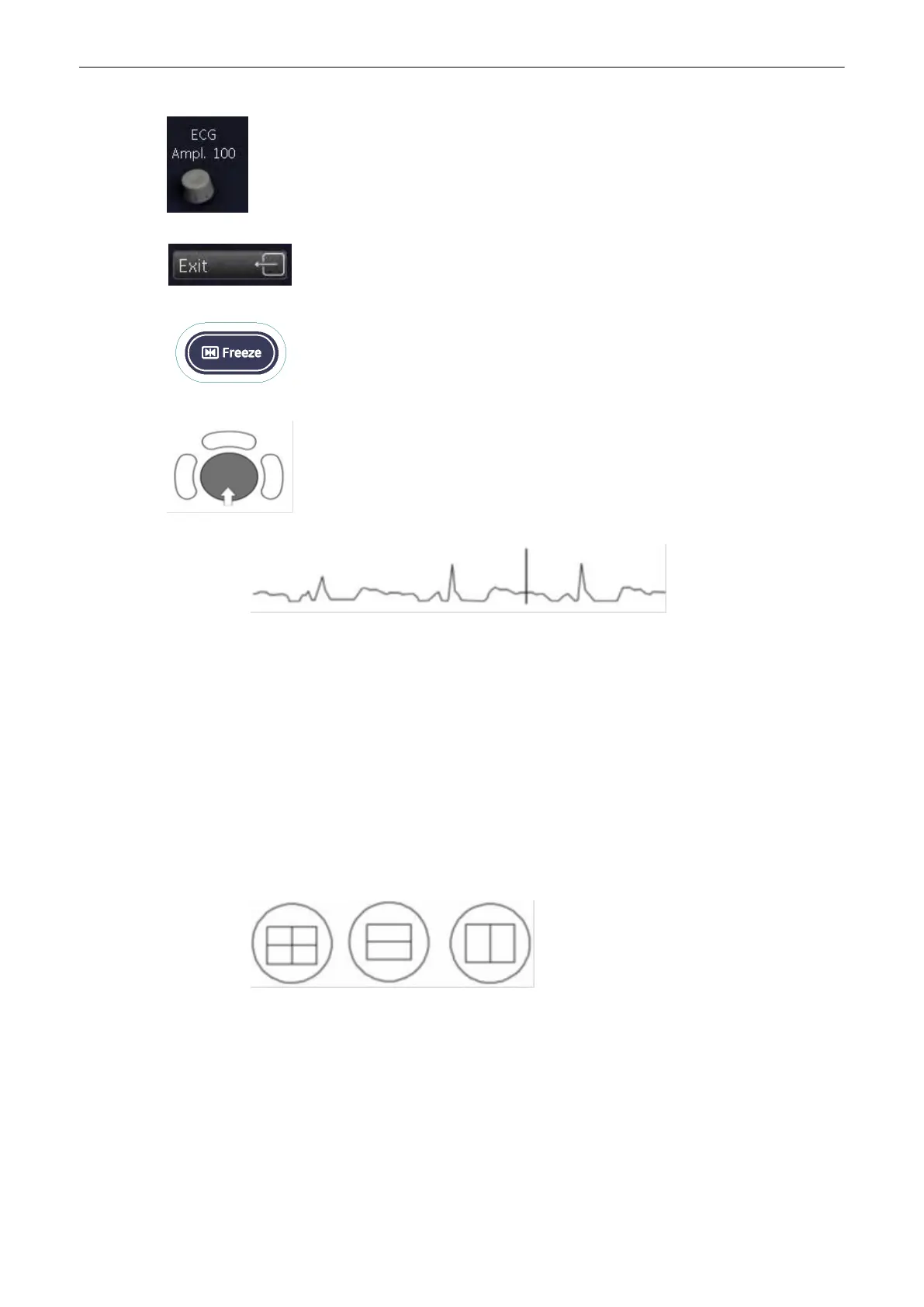
Adjust ECG amplitude (0 to 100 in 10 steps).
Return to the main menu. The ECG function remains active.
Freeze the image. The most recent information is always on the right edge of the
image.
When moving the trackball a indicator (small vertical line) is inserted on the
ECGcurve and indicates the temporal position of the 2D image in relation to the
recordedECG line. In this manner e.g., diastolic or systolic phase of the 2D mode
image canbe set (without ECG trigger).
Remarks:
•
On the screen the ECG curve starts running from left to right if scan mode is active.
•
The most recent information is always on the right edge of the image.
•
ECG speed adjustment is only possible in scan mode.
15.7.4.1 ECG 2D Auto Cine
In the ECG memory a longer period than the one displayed on the monitor is stored. With the
help of the [Auto Cine] key the previous ECG curve can be scrolled back. For details, please
refer to 2D Auto Cine (‘2D Auto Cine’ on page 6‐19)
15.7.4.2 ECG Cine-Split Function
•
Use the [Format] keys to change to the next (part of) frozen image sequence to play
back the ECG Cine memory.
•
Adjust the first trigger image with the trackball.
•
Switch the image position (press key again) and adjust the second trigger image with the
trackball.
For details, please refer to Cine-Split Function (‘Cine-Split Function’ on page 6‐19)
Remark:
Connections
15-14
Voluson® S6/S8 Basic User Manual
5433669-100 Revision 4



 To Next Page