Note
It is now possible to switch between Gyn and OB worksheets (if both worksheets exists).
Review: First Trimester OB in application GYN (chapter
'The Measure Setup Pages'
on page
11-109 )
For additional functions please refer to
Basic Patient Worksheet Functions
(chapter
'Basic
Patient Worksheet Functions'
on page 11-101
)
.
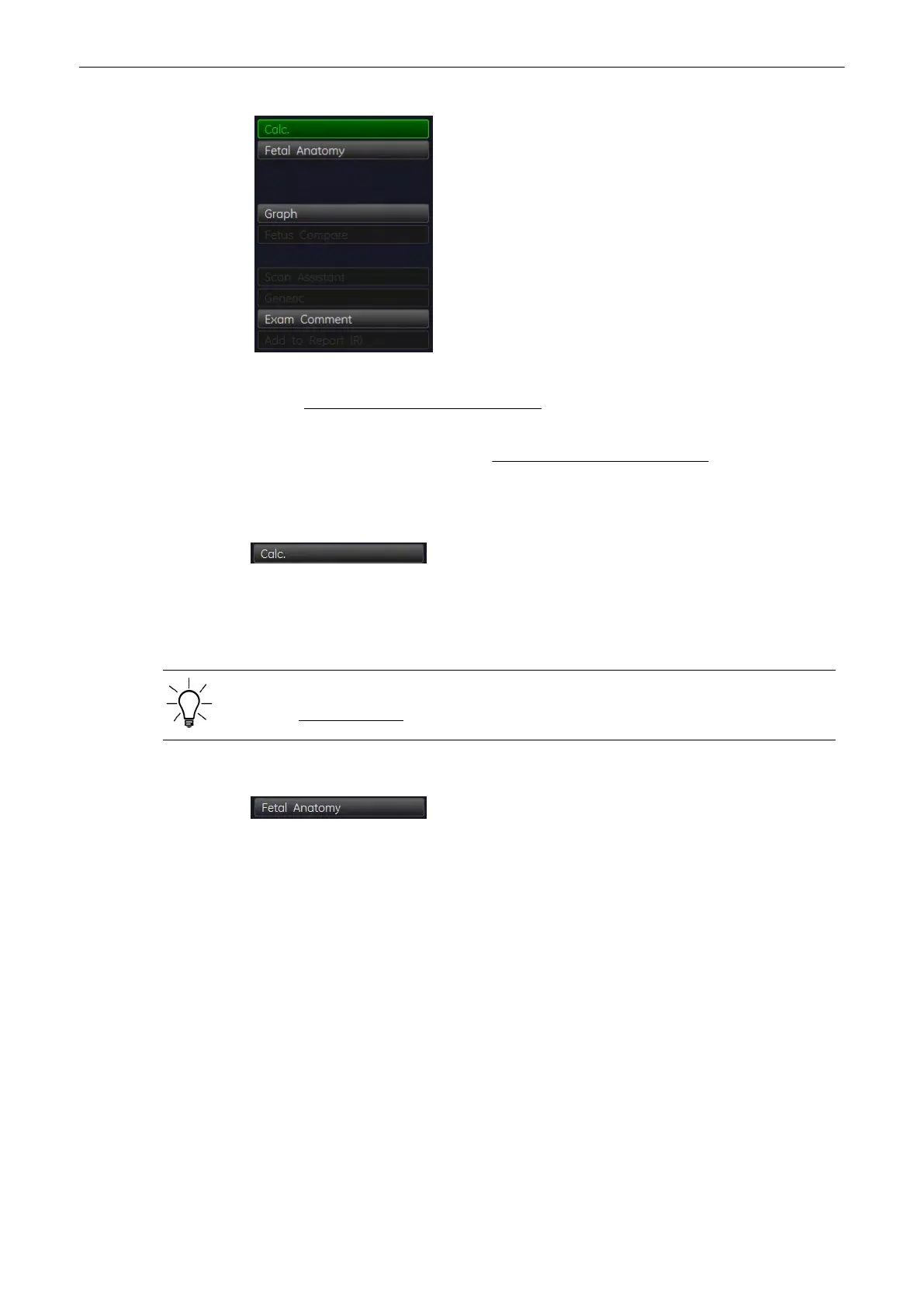
11.2.4.24 Summary Report - Calc
This is the “default” page which is displayed after activating the worksheet function.
All calculation listed in the report can be valued by choosing a value in the dropdown menu:
- Normal - Abnormal - Seen - Not seen
The “Summary Report - Calc” is always included in the report printout. For further details
review: To print a Report
(chapter
'Basic Patient Worksheet Functions'
on page 11-101
)
.
11.2.4.25 Summary Report - Fetal Anatomy
The first page of an Anatomy checklist of the Fetus (e.g., Fetus A) is displayed.
Measurements and Patient Worksheets (Reports)
Voluson® S6/S8 Basic User Manual
5433669-100 Revision 4 11-55



 To Next Page