13.2.1 To invoke the Setup Procedure
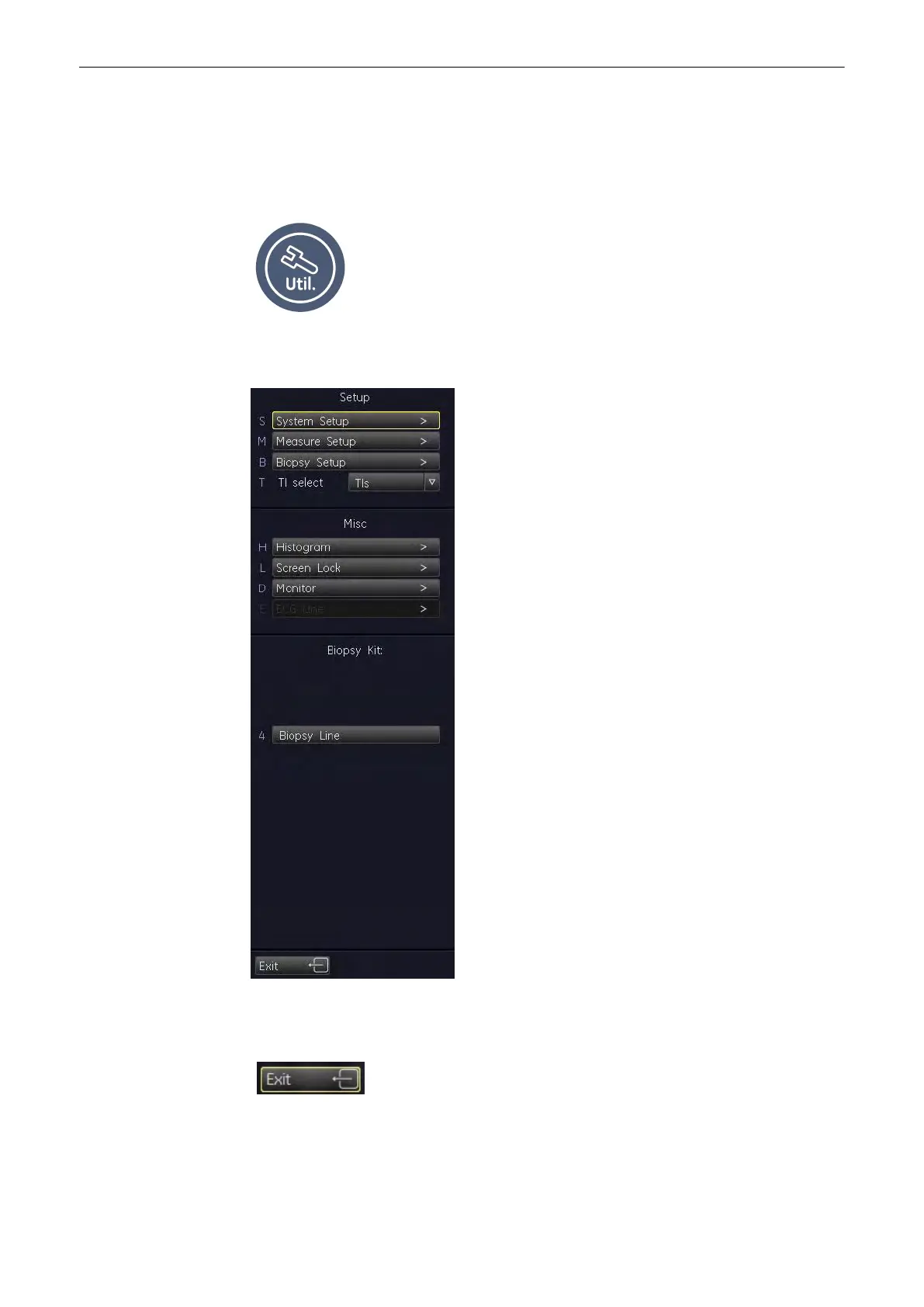
To invoke the Setup procedures select the [System Setup] key in the menu "Utilities" to
activate the setup desktop on screen.
Select the [Utilities] Hardkey.
The menu area changes to the Utilities menu. Then select [System Setup].
13.2.2 To Exit from the Setup Procedure
Select the [Exit] key on the menu area. Setup changes are cancelled and not saved.
Utilities and System Setup
13-14
Voluson® S6/S8 Basic User Manual
5433669-100 Revision 4



 To Next Page