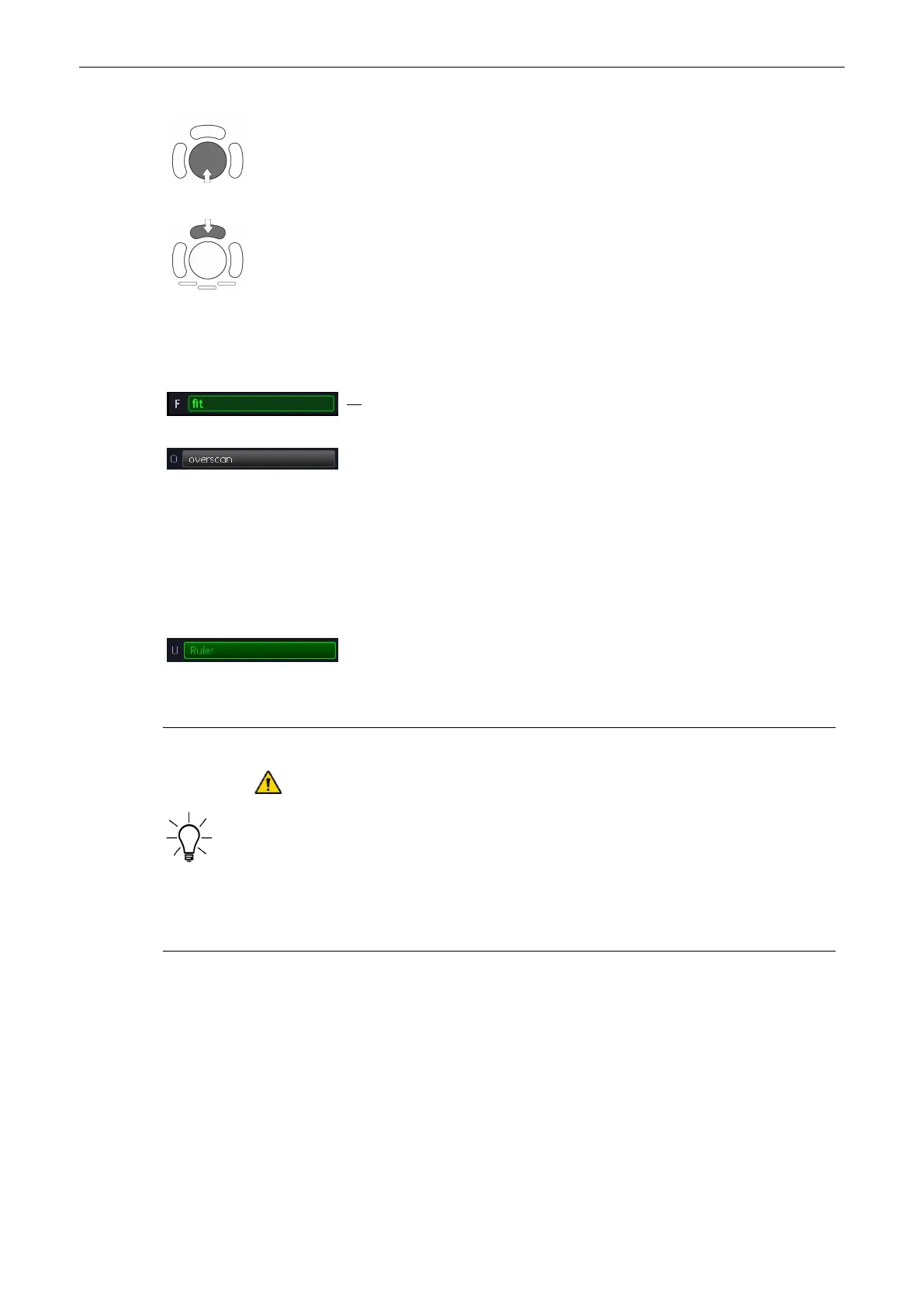
The trackball has two functions: Frame and Position (pos) (Frame move the blue box in the
XTD-image and Position will move the B-image itself. The activated function is displayed in
the status bar area on the monitor.
To change the current function, press the upper trackball key.
6.7.4.4 XTD Image Size
Two different XTD Image Sizes are possible:
fit: The XTD-image fits to the border of the screen, which is the default setting.
over scan: XTD-image fits to an imaginary border (20% larger than screen)
The blue border of the 2D image is displayed again for orientation. It indicates
the position of the 2D image in the over scan XTD-image.
6.7.4.5 2D Zoom
'Zoom'
on page 6-13
6.7.4.6 Ruler
By default, the rulers are displayed. They can be turned off/on by selecting the
[Ruler] key.
6.7.4.7 Measurements in the XTD-image
If a measurement function is activated in mode XTD-View the symbol appears.
This symbol reminds the user that UNINTENDED USE of this feature could lead to
measurement inaccuracy (below accuracy mentioned in
'To Change the Measurement
Application'
on page 11-20
).
This symbol will also be shown on the patient report (in the report header), if the performed
XTD-View measurements are stored in the report. ('To Review the Generic Work Sheet'
on
page 11-21
).
Situations that could lead to problems during measurements:
•
Pulsing object
•
Deformation of the object during scanning
•
Long images, long scanning distance (= error propagation with increasing the number of
images)
•
Out of plane scanning (curved track)
2D Mode
Voluson® S6/S8 Basic User Manual
5433669-100 Revision 4 6-33



 To Next Page