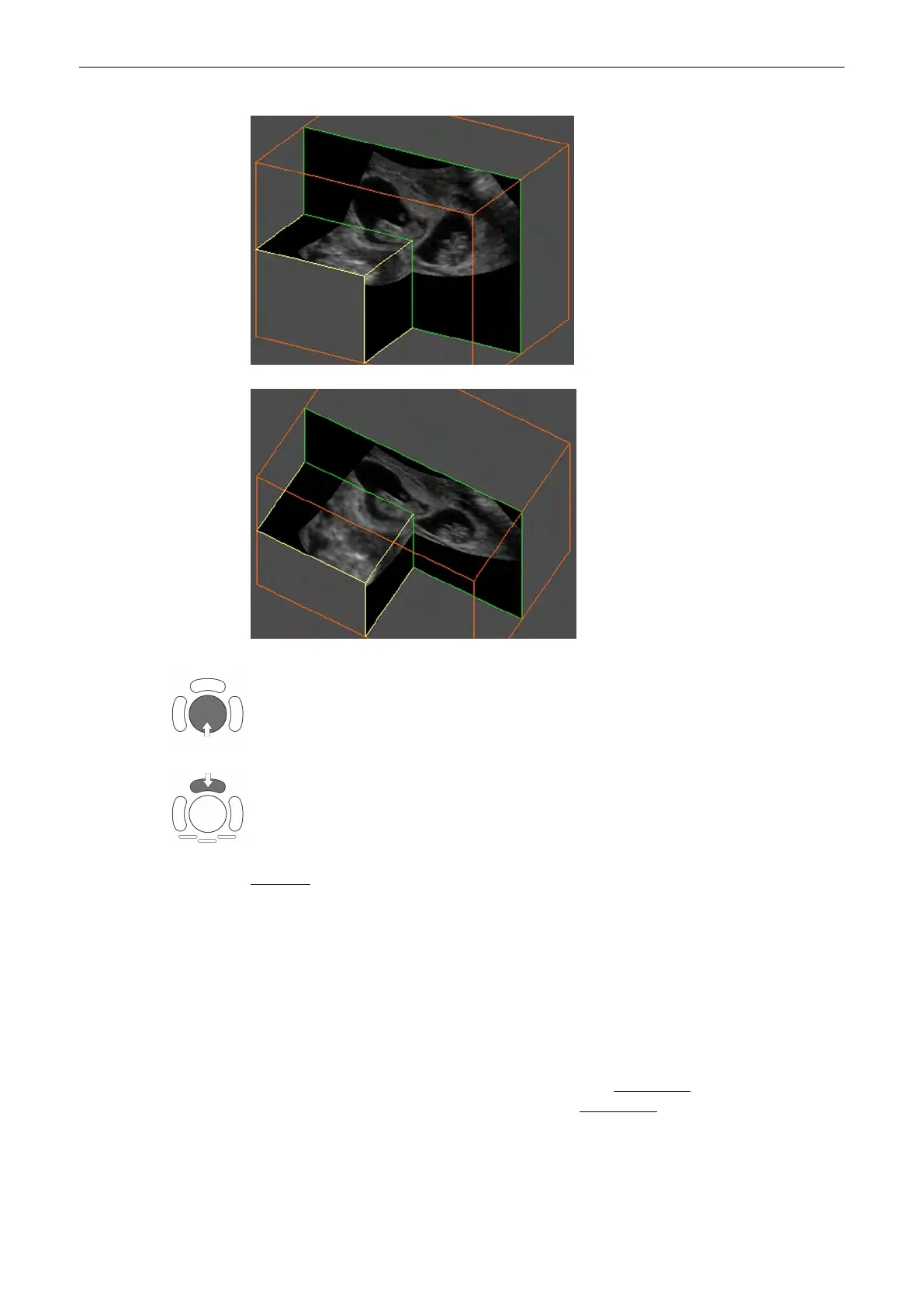
5. Position the images in the niche mode display with the trackball.
6. Use the upper trackball key to change the function of the trackball from image position to
axis position.
Remarks:
•
Use the [Single] screen format key and the [Quad] screen format key to change from full
to quad Niche display and vice versa.
•
Use the rotary controls [X] , [Y] and [Z]
to rotate the volume around any one of the axes.
Rotation around X-, Y- and Z-axis can be performed freely.
•
Perform the parallel slicing of the image axis by rotating the [Parallel shift] Mode rotary
control for the selected reference image.
9.2.4.8 VCI Static
[VCI Static] is a special “Visualization” mode (compared to
VCI A-Plane
(chapter
'Volume
Contrast Imaging: (VCI A-Plane)'
on page 9-99
)
and
VCI C-Plane
(chapter
'VCI-Omniview'
on page 9-102
)
, which are “Acquisition” modes). The data is represented as in Static 3D -
Sectional Planes. However, the three planes are VCI renderings (tissue information of a thick
slice), computed from the 3D dataset.
Volume Mode
9-38
Voluson® S6/S8 Basic User Manual
5433669-100 Revision 4



 To Next Page