6. Press the [2D] button again to exit the High Resolution Zoom function.
9.2.2 During 3D Acquisition
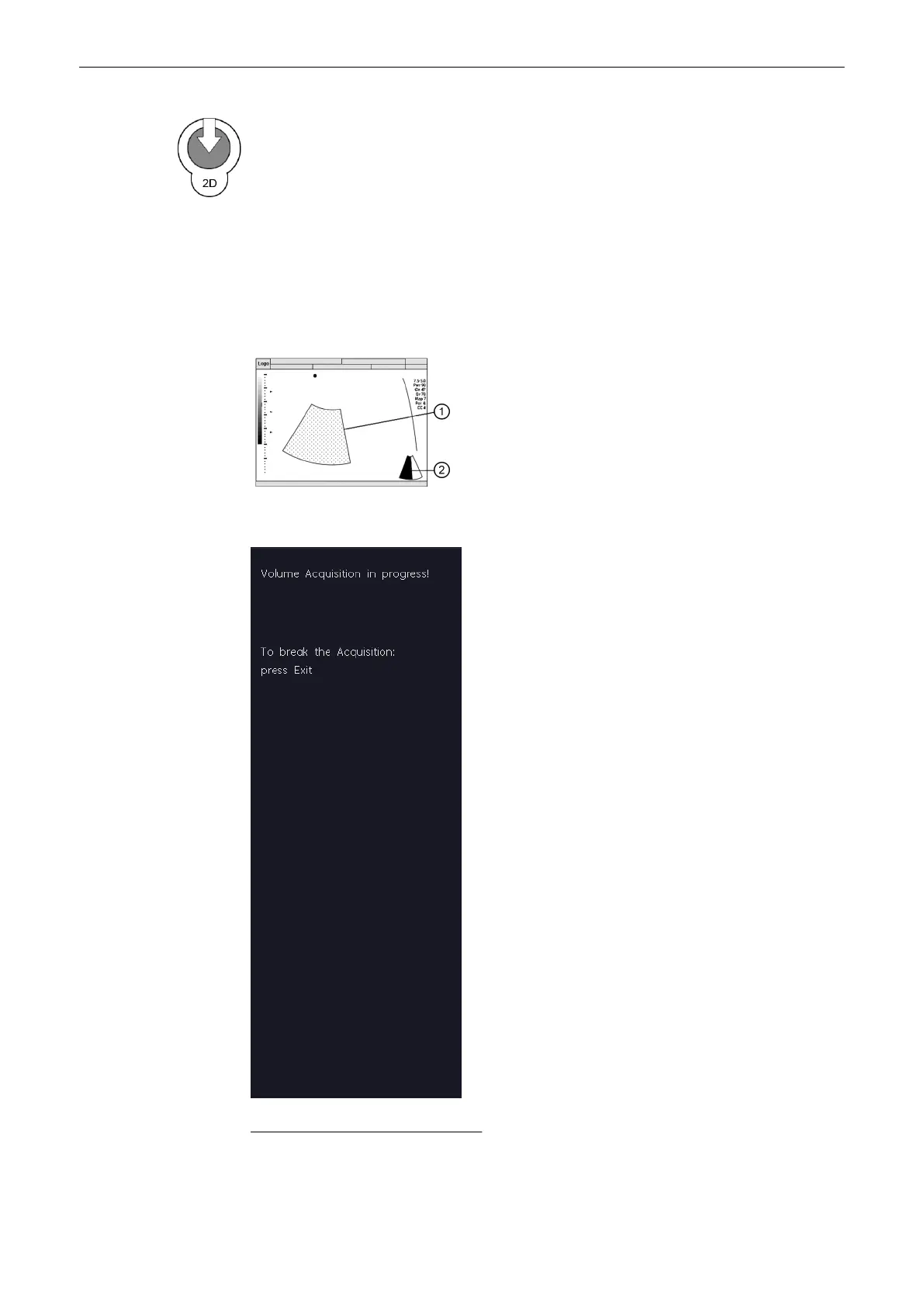
The system displays only the volume box area during the acquisition of a 3D Volume. After
acquisition the system changes to freeze mode:
'After the Static 3D Sectional Planes
Acquisition'
on page 9-21
1. acquired 2D images during a
volume sweep. same size and
position as the Volume box
During the acquisition the following message will be displayed on the menu area.
Possible operation during acquisition:
Select [Exit Stop acquisition].
Volume Mode
9-20
Voluson® S6/S8 Basic User Manual
5433669-100 Revision 4



 To Next Page