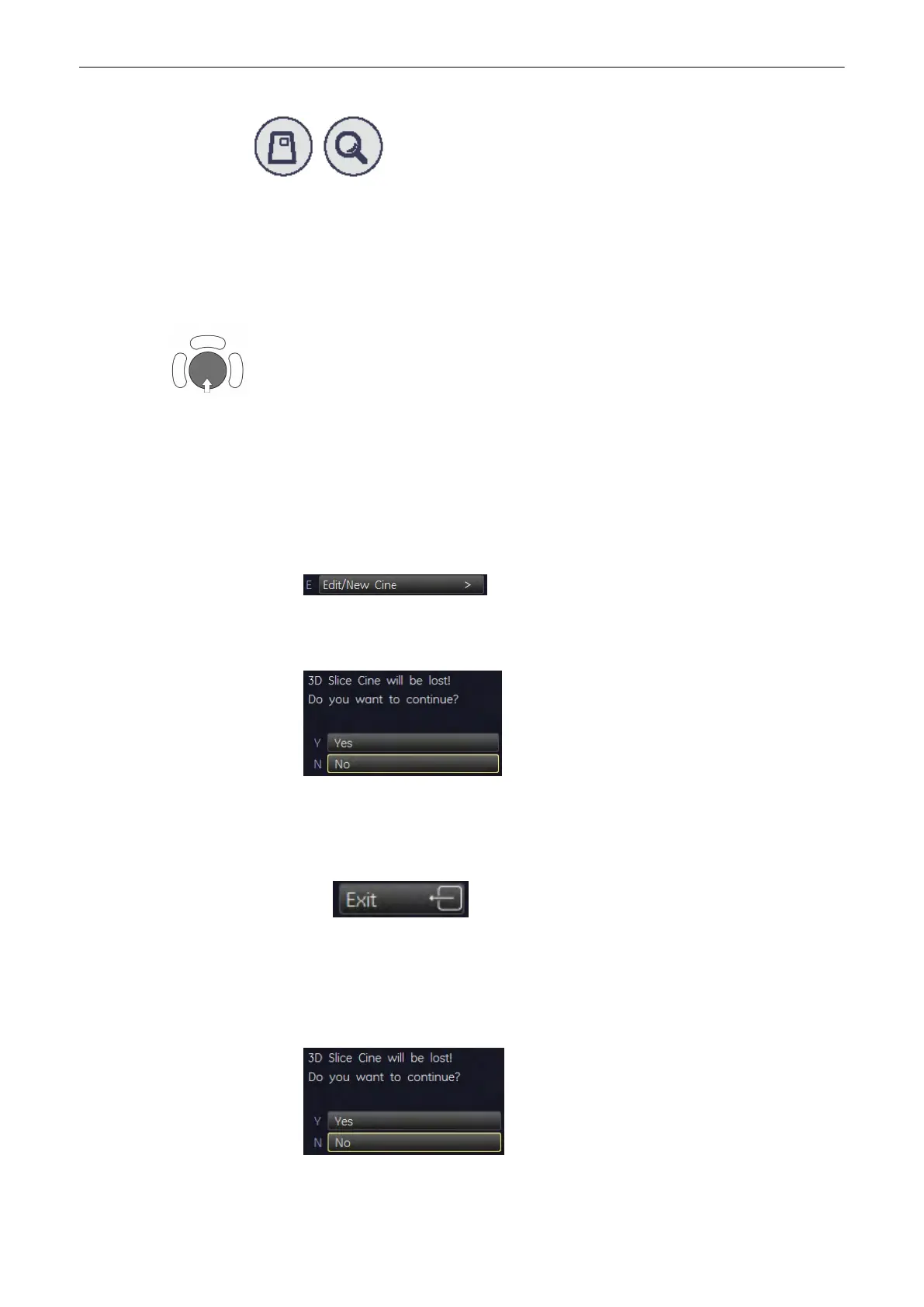
The 3D image magnification can be varied by turning the [Zoom] control.
Select the render modes
Choose between two render modes: Skin Surface or Smooth
Selection of single images
After selecting the [Start/Stop] key move the trackball horizontally and you can select each
single image step by step.
The displayed number indicate: (2 / 10): image number of the sequence
9.4.2.6 Changing the Kind of Cine
Note
When you are in the Slice Cine menu - Sectional Planes Mode, you need to change the
visualization mode to be able to change to another kind of cine.
When in Render Mode:
•
Press [New Cine Sequence].
•
Change the Kind of Cine.
•
The following screen appears on the menu area:
•
Press [Yes] and the menu changes accordingly.
When in Sectional Planes Mode:
•
Press [Exit].
The menu changes to the 3D or 4D Main menu.
•
Change the Visualization mode.
•
Press the [Cine Calc] key.
•
The following screen appears on the menu area:
Volume Mode
9-68
Voluson® S6/S8 Basic User Manual
5433669-100 Revision 4



 To Next Page