6.7.4.2 XTD Rotation
Use the [XTD rot.] control to rotate the XTD-image.
6.7.4.3 Frame Review
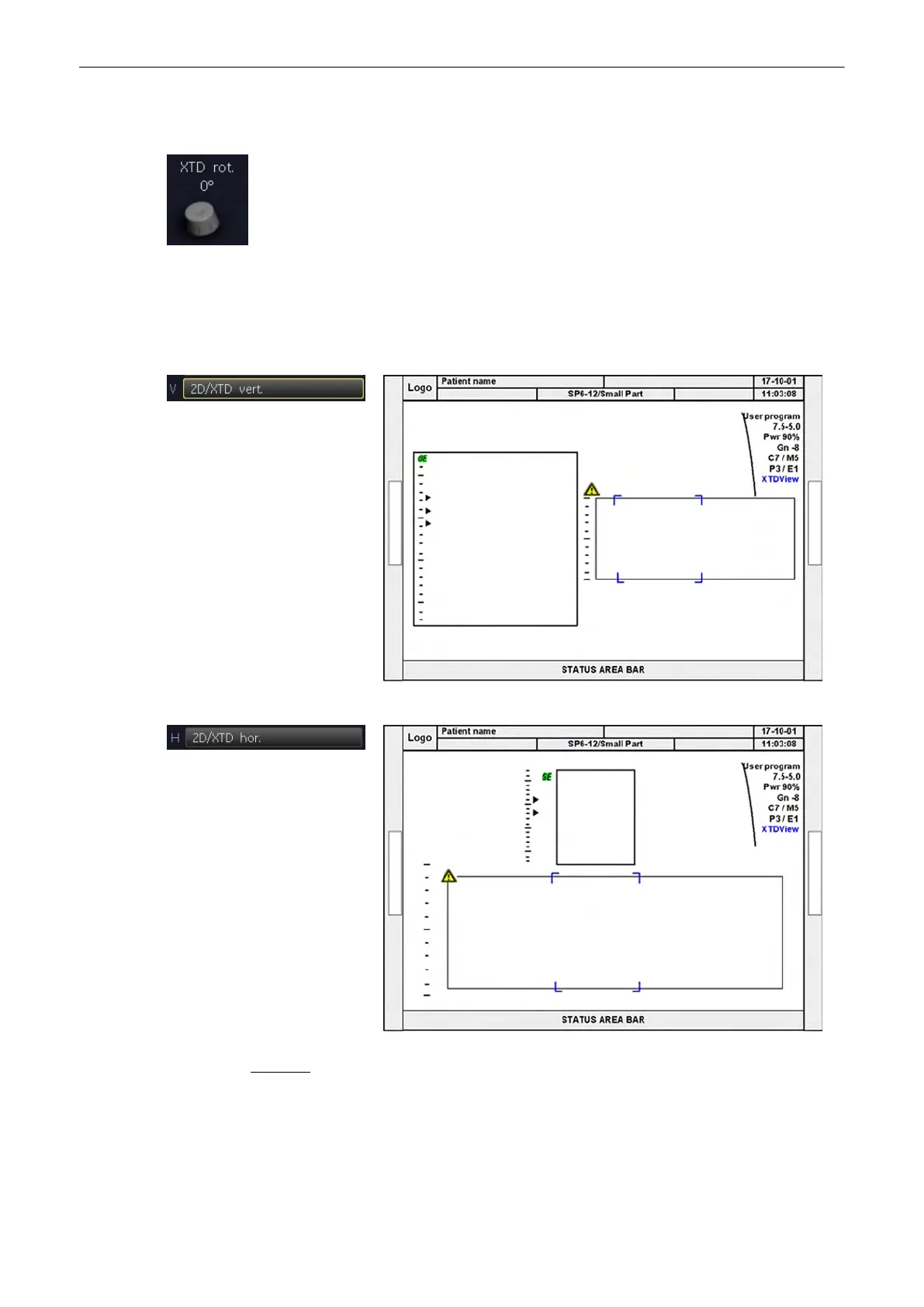
Two “Split-screen” display formats are available for reviewing the acquired frames.
Vertical image distribution
Horizontal image distribution
Remarks:
•
The blue border of the 2D image is displayed for orientation. It indicates the position of
the 2D image in the XTD-image.
•
The blue borders do not change when 2D image is zoomed.
2D Mode
6-32
Voluson® S6/S8 Basic User Manual
5433669-100 Revision 4



 To Next Page