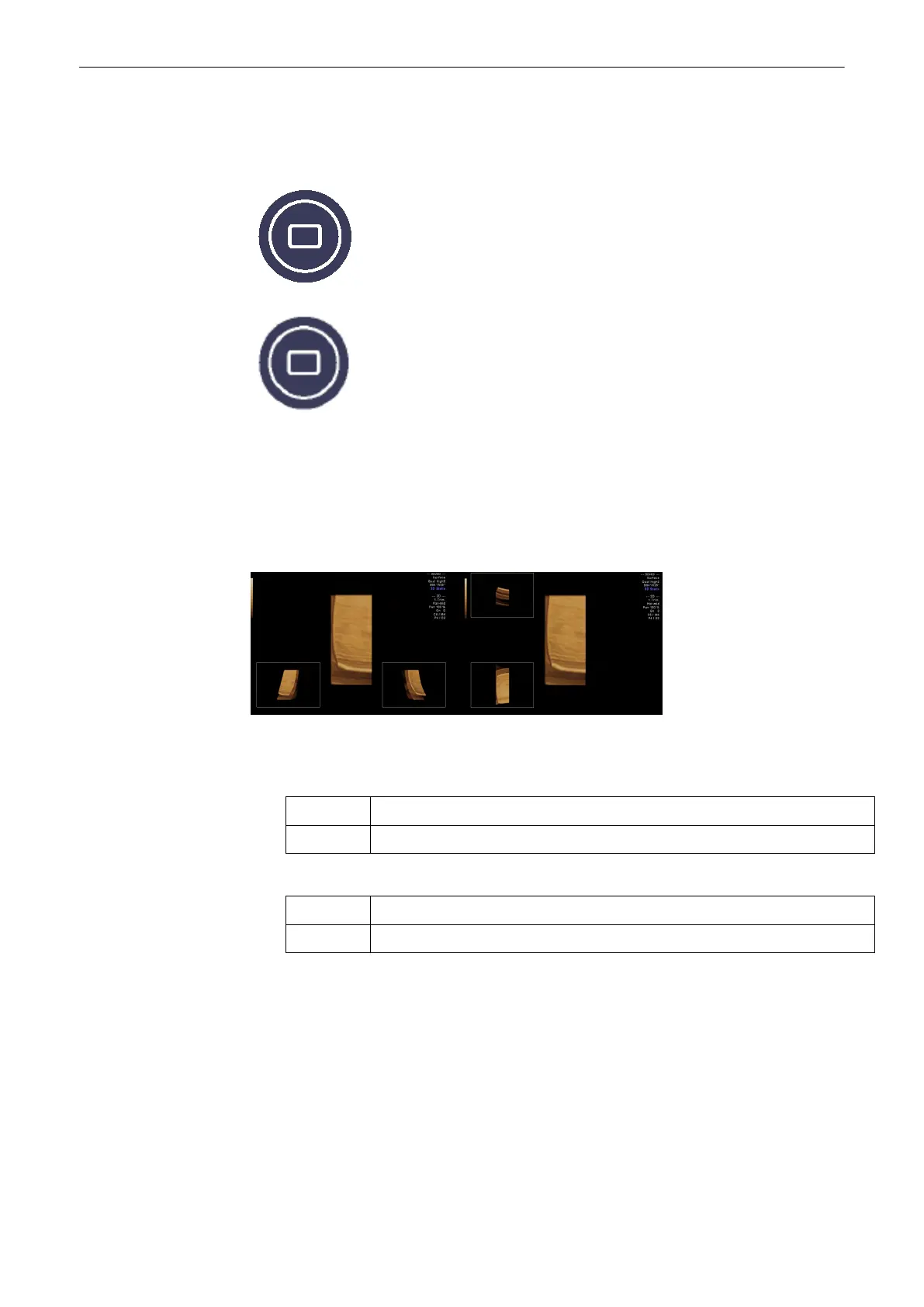
Note that 3D Translational Cine and Slice Cine can be displayed either in Quad Screen Mode
or in Full Screen Mode. To switch between the Modes use the hardkeys on the UI while the
settings screen appears on the menu area.
9.4.2.1 3D Rotational Cine
3D rotation cine is the rotation of a volume around either X orY axis.
Note
3D Rotational Cine is only available in full screen mode.
Single View:
The basic screen elements are:
•
Pre-view of the rendered start image.
Location: top left position when rotating around the x-axis
bottom left position when rotating around the y-axis
•
Pre-view of the rendered end image.
Location: bottom left position when rotating around the x-axis
bottom right position when rotating around the y-axis
Operation:
1.
Press the [3D Rot.Cine] key
The settings screen appears on the menuarea:
Volume Mode
Voluson® S6/S8 Basic User Manual
5433669-100 Revision 4 9-59



 To Next Page