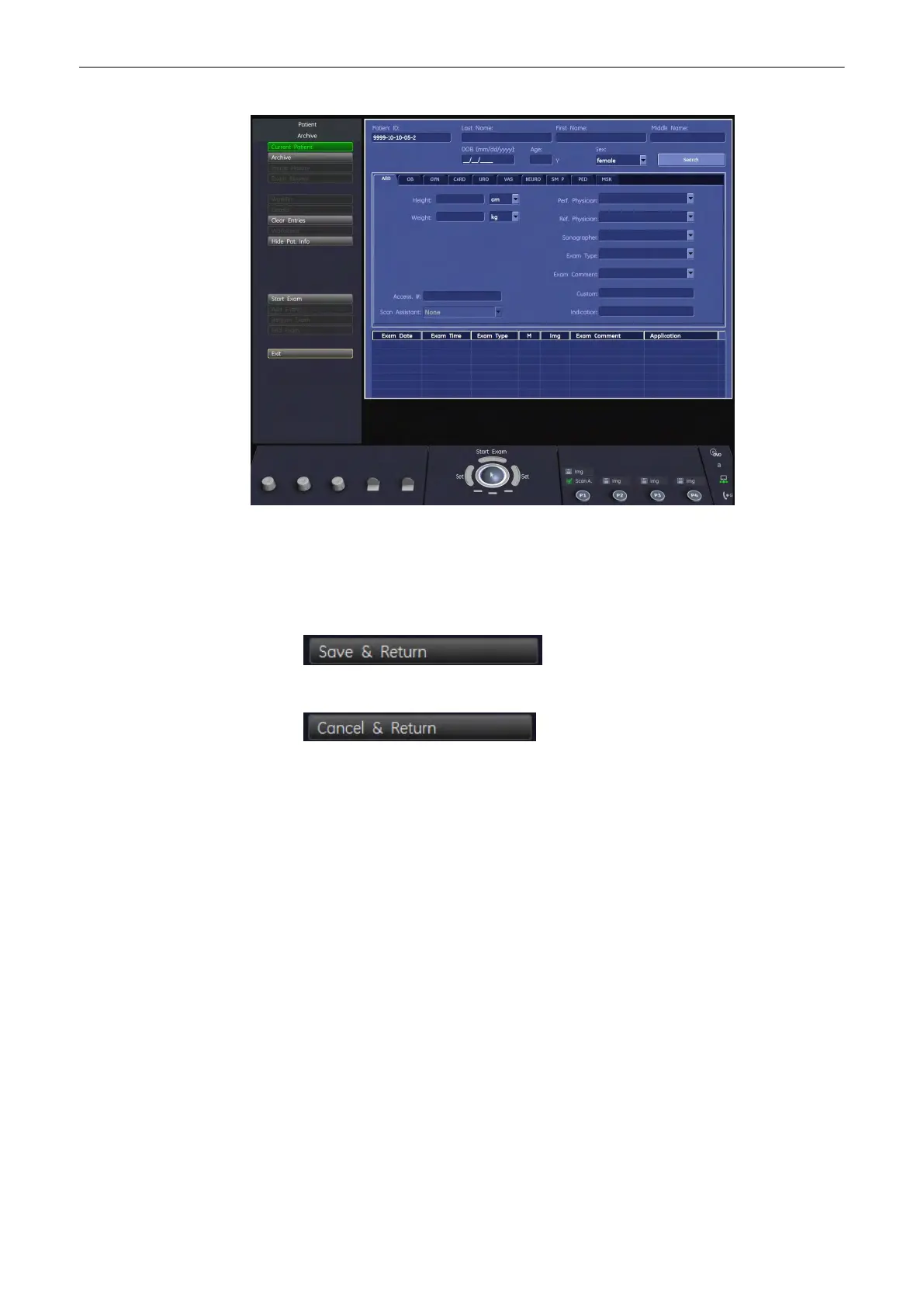
Use the Filing Card tabs to navigate between the application areas, see 'Application Area'
on
page 12-4
.
To exit the Edit Data Menu press either:
1. [Save&Return] to save the modified data and return to previous operating mode.
2. or [Cancel&Return] to discard the modified data and return to previous operating mode.
12.3.4.3 Data Transfer Menu
The options in the data transfer menu depend on what is selected on screen. The options
available, when the patient table is active, are listed below and described in
'Data Transfer
Menu'
on page 12-25
:
•
DICOM Send
•
Print
•
Export
•
Import
12.3.5 Exam Menu
To evoke the exam menu click an exam from the exam table.
When an exam is selected from the exam list, the left margin of the screen and the menu area
show the exam menu.
Archive
Voluson® S6/S8 Basic User Manual
5433669-100 Revision 4 12-21



 To Next Page