Cardiac 1 Press the [Cardiac 1] button to view the left outflow tract.
Cardiac 2 Press the [Cardiac 2] button to view the right outflow tract.
Cardiac 3 Press the [Cardiac 3] button to view the fetal stomach.
Cardiac 4 Press the [Cardiac 4] button to view Venous.
Cardiac 5 Press the [Cardiac 5] button to view DA.
Cardiac 6 Press the [Cardiac 6] button to view the fetal aortic arch.
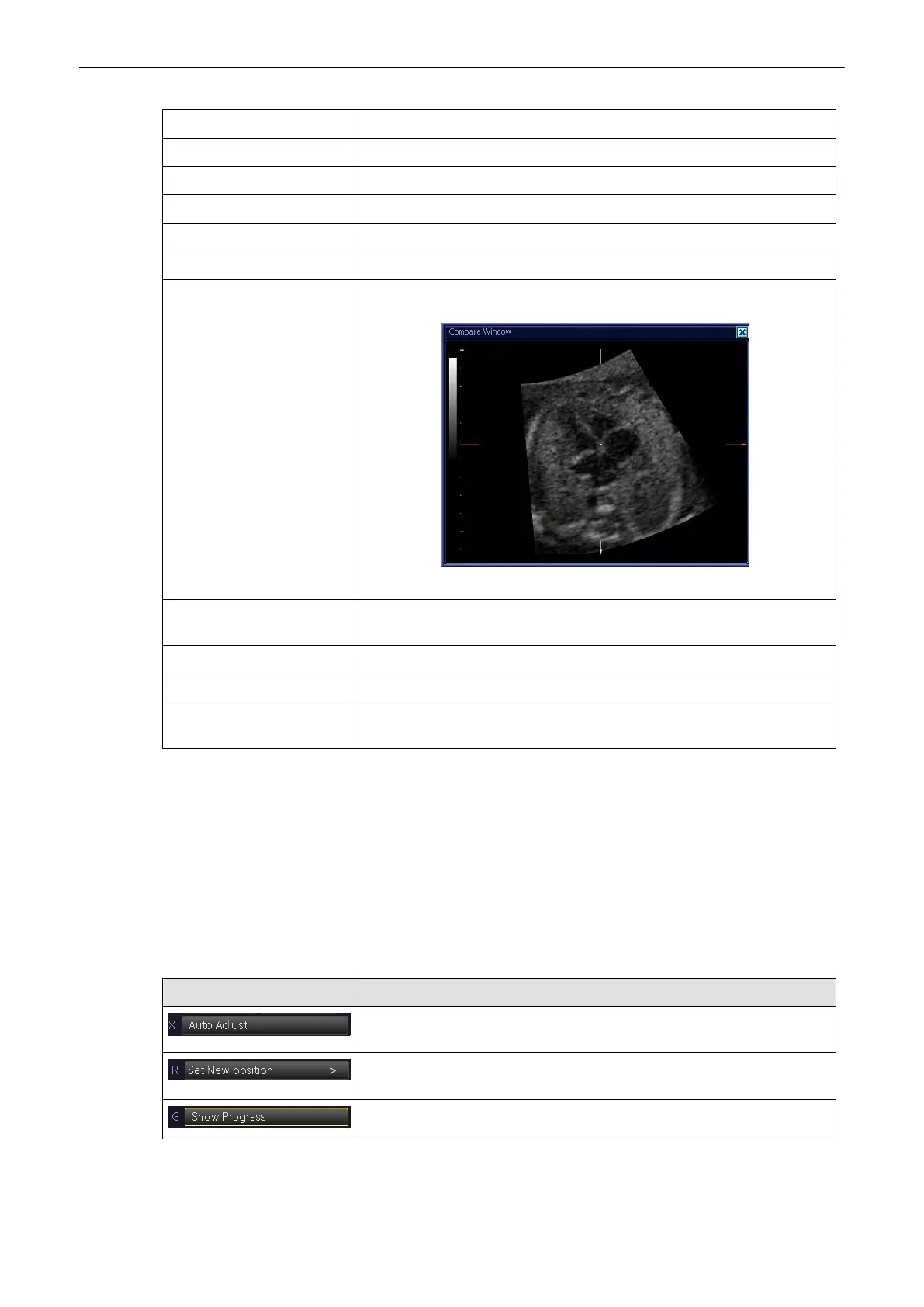
Compare Image Press the [Compare Image] button to open a sample image of the currently
selected Cardiac Plane.
The compare window can be enlarged, moved around and clicked away:
SRI Press the [SRI] button to allow for an adjustment in the submenu, see
'Speckle Reduction Imaging (SRI)'
on page 9-46
Rotary Control: Slices Adjust the number of slices by turning the rotary control below.
Rotary Control: Distance Adjust the distance between the slices by turning the rotary control below.
Flipswitch: Previous/Next Switch Flip Switch below up or down to go to the previous slice or next slice,
respectively.
9.15 SonoVCAD labor
General: SonoVCAD labor is an option. If this option is not installed, the [SonoVCAD labor]
key is hidden.
This feature allows for supervision of labor using specific measurements aided by on-screen
orientation marks.
9.15.1 Operation
Menu item Description
Click this menu item to align the volume automatically as described in 'Mark
pubis position - Auto Adjust'
on page 9-144
.
Click this menu item after you have finished aligning the volume as
described in
' Mark pubis position - manual '
on page 9-145
.
Open menu for “Show” indicators.
Volume Mode
Voluson® S6/S8 Basic User Manual
5433669-100 Revision 4 9-143



 To Next Page