4. To start defining a new contour, select the [Start] key.
9.12.3 VOCAL Settings
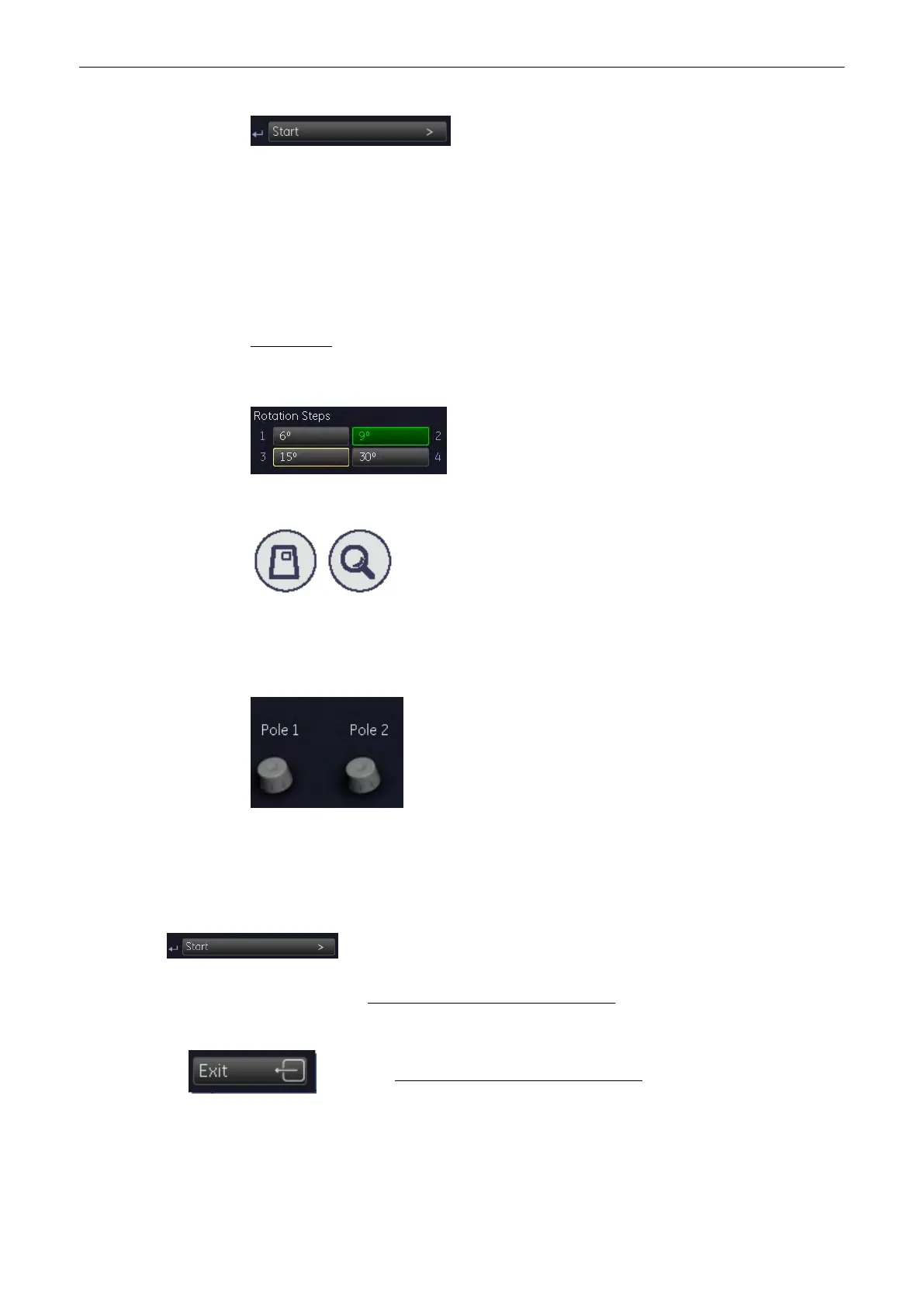
Selection of Rotation Steps
The “Rotation Steps” define, how many contours have to be generated. The decision, which
rotation step should be chosen depends on the shape of the ROI.
For example: An angle setting of [30˚] means that after the fist trace has been done, the
volume data set is rotated 30˚ and then the next trace has to be performed, and so on. With
rotation step [30˚], 6 traces have to be done.
6˚ = 30, 9˚ = 20, 15˚ = 12 and 30˚ = 6 traces
Selection of the Aspect Ratio (Zoom) The 3D image as well as the sectional image can be
varied by their aspect ratio, by turning the [Zoom] digipot.
Selection of two contour points on the rotation axis. (main contour axis)
Note
This selection is only available, if generation Mode [Automatic - Sphere] is selected.
Selection of VOCAL Generation Mode
Start defining the contour
After selecting the [Start] key, the “VOCAL Generation” menu of the selected
contour generation mode appears.
For details review: Selection of a VOCAL Generation Mode
(chapter
'Selection of a VOCAL
Generation Mode'
on page 9-122
)
Select this key to choose another VOCAL Generation Mode. For details,
review: Selection of a VOCAL Generation Mode
(chapter
'Selection of a
VOCAL Generation Mode'
on page 9-122
)
Volume Mode
Voluson® S6/S8 Basic User Manual
5433669-100 Revision 4 9-121



 To Next Page