8.3.1 CF Main Menu
CF Mode key (hard key)
Pressing the [CF] control activates the CF mode. The CF box appears in the active 2D
image. To use the CF mode: See ‘CF Operation’ on page 8‐15 for more information.To
adjust the CF settings: See ‘CF Sub Menu’ on page 8‐17 for more information.
)
This hard key is also the Gain control for the CF mode (in scan mode only). See ‘CF Gain
Control’ on page 8‐16 for more information.
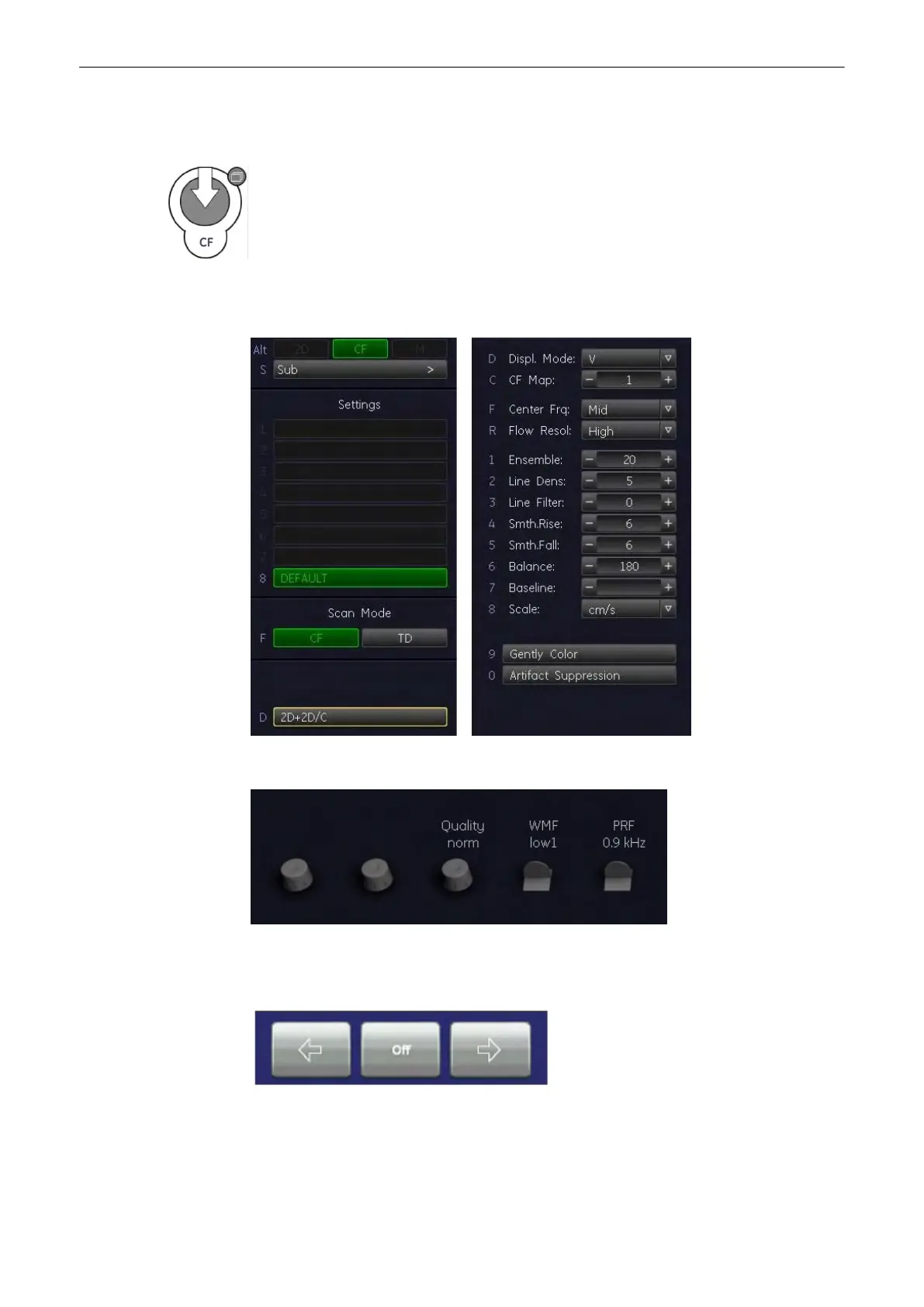
The “CF Main” menu appears on the Menu window (scan mode).
Example: CF Main/Sub menu window
Example: CF Rotaries
Beam steering:
Selectable steering angles:
Doppler Modes
Voluson® S6/S8 Basic User Manual
5433669-100 Revision 4 8-13



 To Next Page