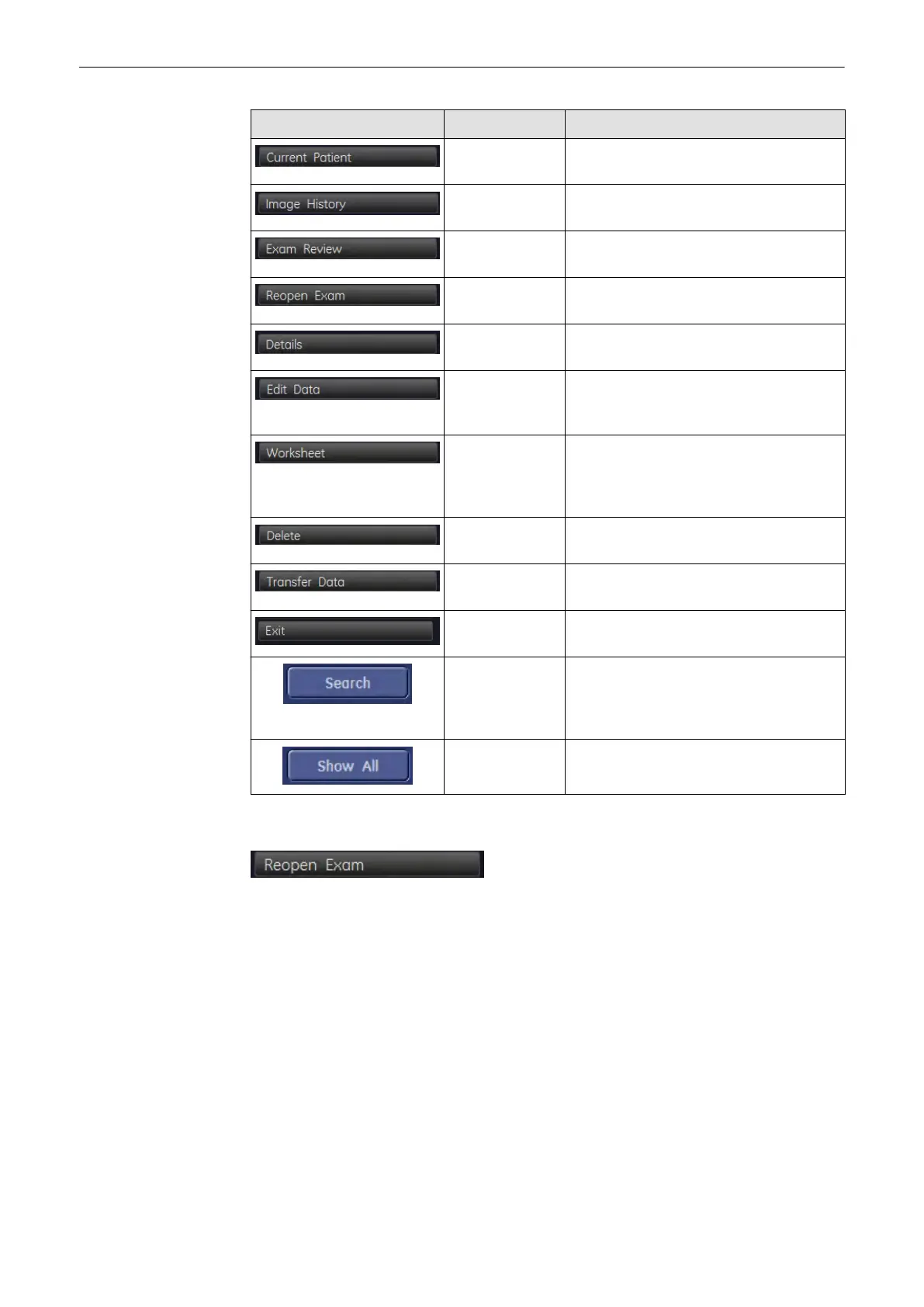
Picture Key Action
Current Patient Opens "Current Patient” Screen,
see'Current Patient Dialog'
on page 12-3
Image History Opens the "Image History" Screen, see
'Image History'
on page 12-30
Exam Review Opens the "Exam Review" Screen, see
'Exam Review'
on page 12-31
Reopen Exam Allows you to reopen old exams, see
'Reopen Exam'
on page 12-22
.
Exam Details Allows you to view the Exam Details, see
'Exam Details'
on page 12-23
.
Edit Data Opens the Edit Data menu and allows you
to edit the data of the selected patient, see
'Patient Menu'
on page 12-19
Worksheet Press the [Worksheet] button if you want to
enter or review data and comments into the
worksheet of the currently selected exams,
see 'Worksheet'
on page 12-23
Delete Deletes the currently selected Exam, see
'Data Transfer Menu'
on page 12-25
.
Data Transfer Switches to Data Transfer Menu, see 'Data
Transfer Menu'
on page 12-24
Exit Close the "Exam Review" dialog and return
to the running exam.
Search To conduct a search enter the required
criteria and press the [Search] button, see
'Searching for a Particular Exam'
on page
12-13
Show All Shows all Patients, see 'Searching for a
Particular Exam'
on page 12-13
12.3.5.1 Reopen Exam
This button allows you to open an already existing exam.
Note
You cannot reopen exams, which are older than 24 hours.
•
The reopened exam becomes the current exam.
•
All images of the selected exam are displayed on the clipboard.
•
A reopened exam will be opened in 2D write mode.
Press the [End Exam] hard or softkey to close the reopened exam.
Activities that are scheduled for “End Exam” (such as Save, Send...) are only performed on
images which were added after the exam was reopened.
Images can be added to a reopened exam in the following ways:
Archive
12-22
Voluson® S6/S8 Basic User Manual
5433669-100 Revision 4



 To Next Page