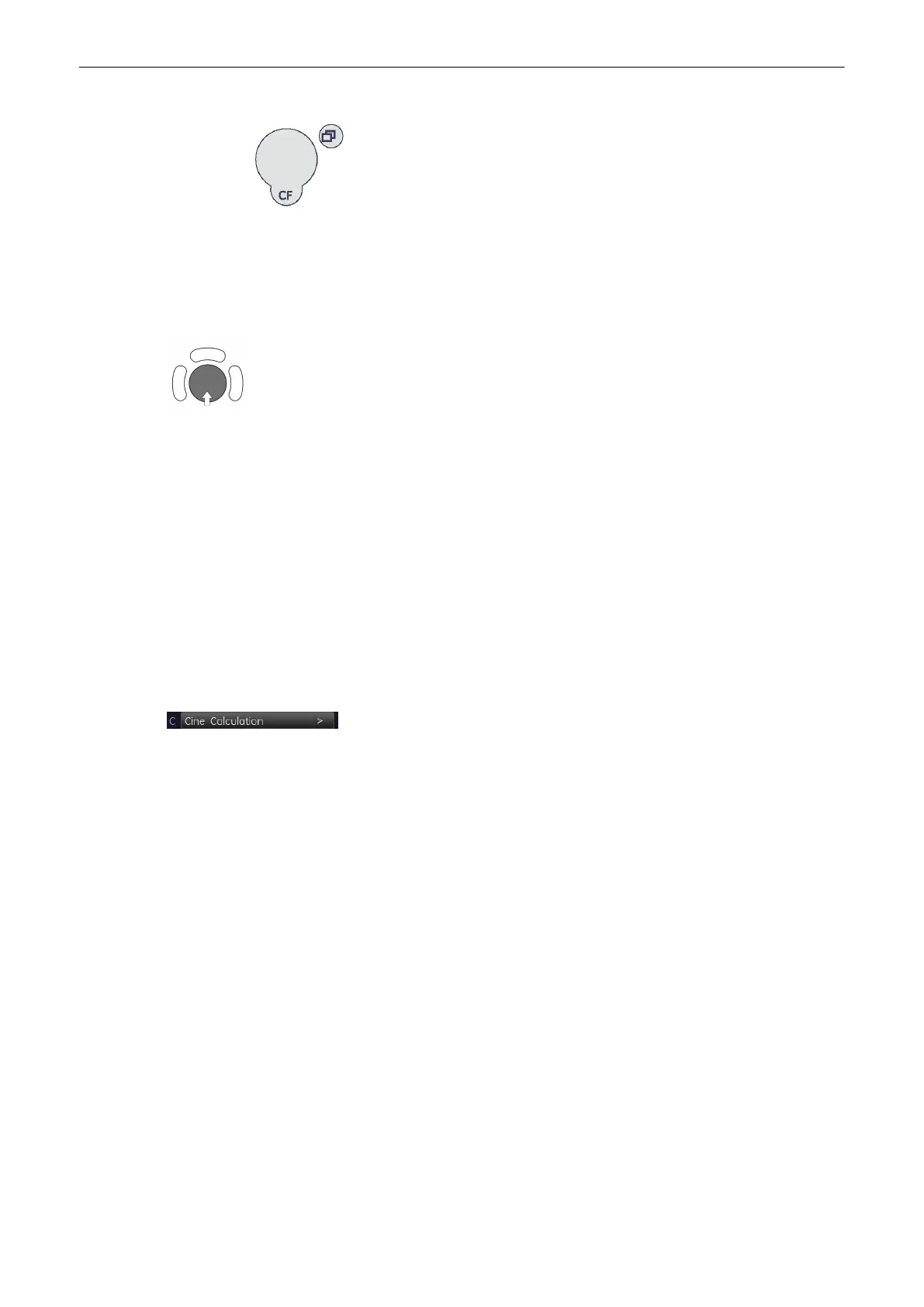
Parallel shift control [Parallel shift] enables a parallel shifting (forward/backward) of plane C.
The depth position of the image C in relationship to the Z-direction (perpendicular to the
display) of the 3D image is indicated by the X-axis in image A and B.
Adjust the position of image A and B with trackball
The position of image A and B in relationship to the reference image C is determined through
the Y-axis (= intersection line for image A) and through the X-axis (= intersection line for
image B). By positioning these two axes within the reference image C the corresponding
parallel planes of A- and B-images are displayed automatically.
9.4.2 Cine Calculation
To get an overall 3D impression of the rendered object a certain number of calculated views
are displayed in a sequence. The rendered object rotates or moves in front of the observer.
Transparent mode: Only rotation of the object enables a 3D impression due to the movement
of the structure.
There are 3 different kinds of cine:
•
3D Rotation Cine, see
'3D Rotational Cine'
on page 9-59
•
3D Translation Cine, see '3D Translational Cine'
on page 9-61
•
Slice Cine, see 'Slice Cine'
on page 9-63
To calculate a Cine Sequence:
Press the [Cine Calc] key.
The Cine Calculation menu appears:
Volume Mode
Voluson® S6/S8 Basic User Manual
5433669-100 Revision 4 9-57



 To Next Page