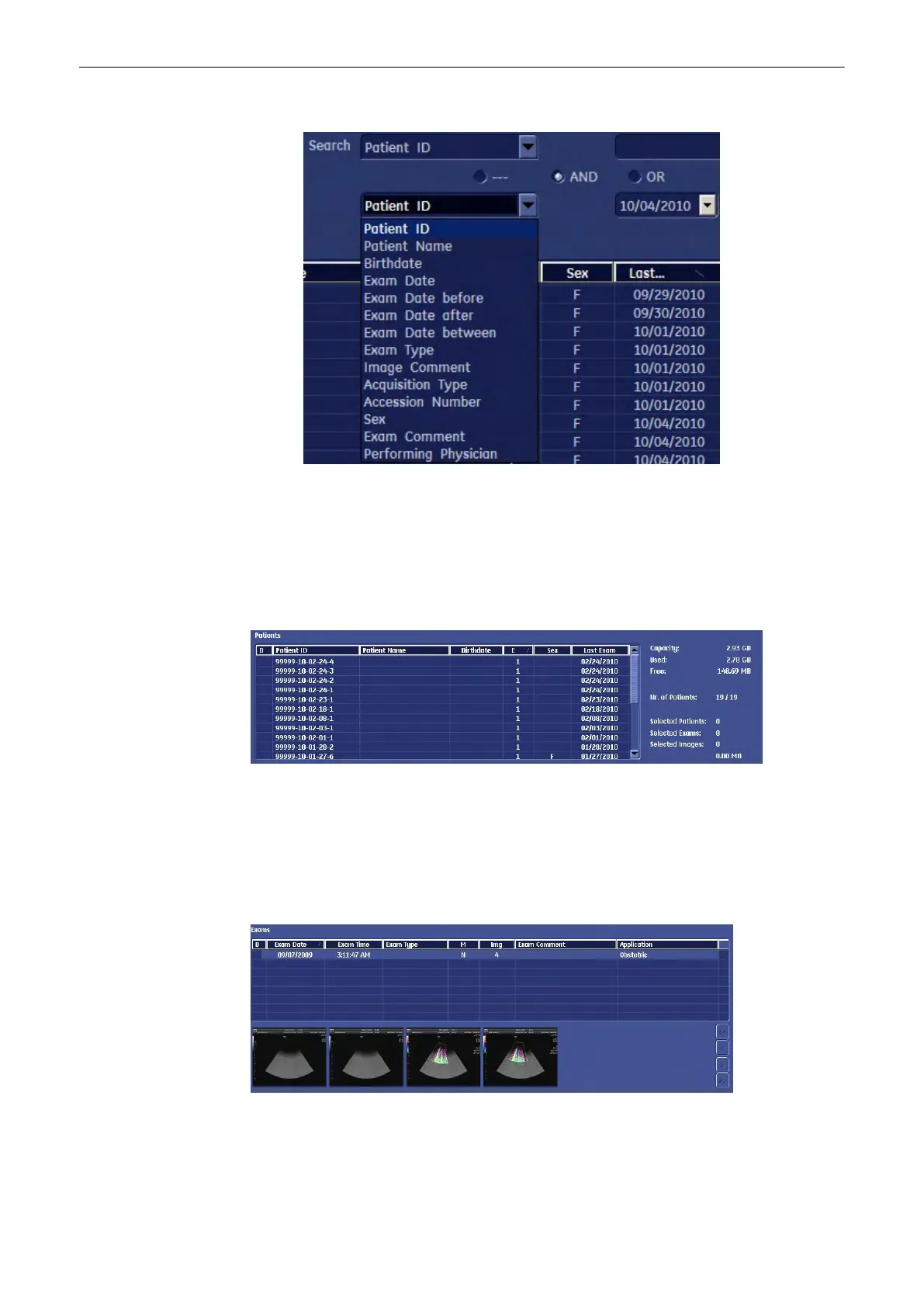
and enter its value in the neighbouring field.
4. Finally press the [Search] key to perform the search using the entered criteria.
Note
You can also start a search from the Current Patient Data Menu. See
'To Search in the Patient
List'
on page 4-26
12.3.3.2 Patient Table
The Patient table shows all the patients that fulfil your search criteria.
If you mark a patient, his or her exams will be displayed in the exam table.
•
Sort these patients according to Patient ID, Patient Name, Birthdays, Number of Exams,
Sex, Date of Last Exam simply by clicking the caption of the respective column.
12.3.3.3 Exam Table
The Exam table displays all the exams of a particular patient.
•
Sort these exams according to Exam Date, Exam Time, Exam Type, Mode, Number of
Images, Exam Comment or one of the customer adjustable fields simply by clicking the
caption of the respective column.
Archive
Voluson® S6/S8 Basic User Manual
5433669-100 Revision 4 12-15



 To Next Page