7. Press the right trackball key to start volume acquisition.
Remarks:
•
Real Time 4D Acquisition is not possible in PD-, HD- and CFM mode.
Turn the [Zoom] control to adjust magnification. Press the [Zoom] control to return to the
default value.
9.5.2.1 Display of Sectional Planes
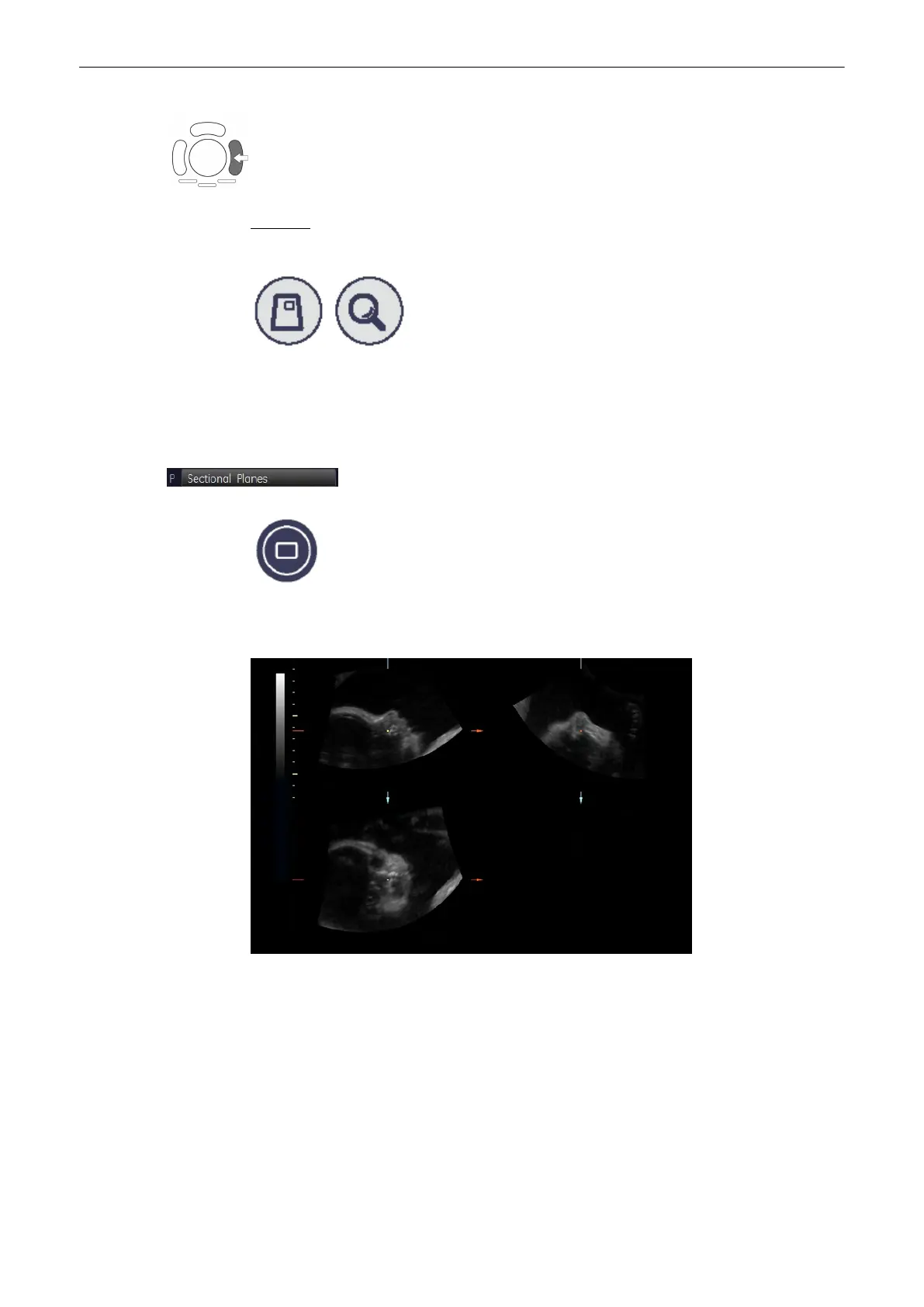
Continuous volume sweep Display of sectional planes without rendered 3D image
The monitor continuously displays the sectional planes during the acquisition of Real Time 4D.
Volume Mode
Voluson® S6/S8 Basic User Manual
5433669-100 Revision 4 9-83



 To Next Page