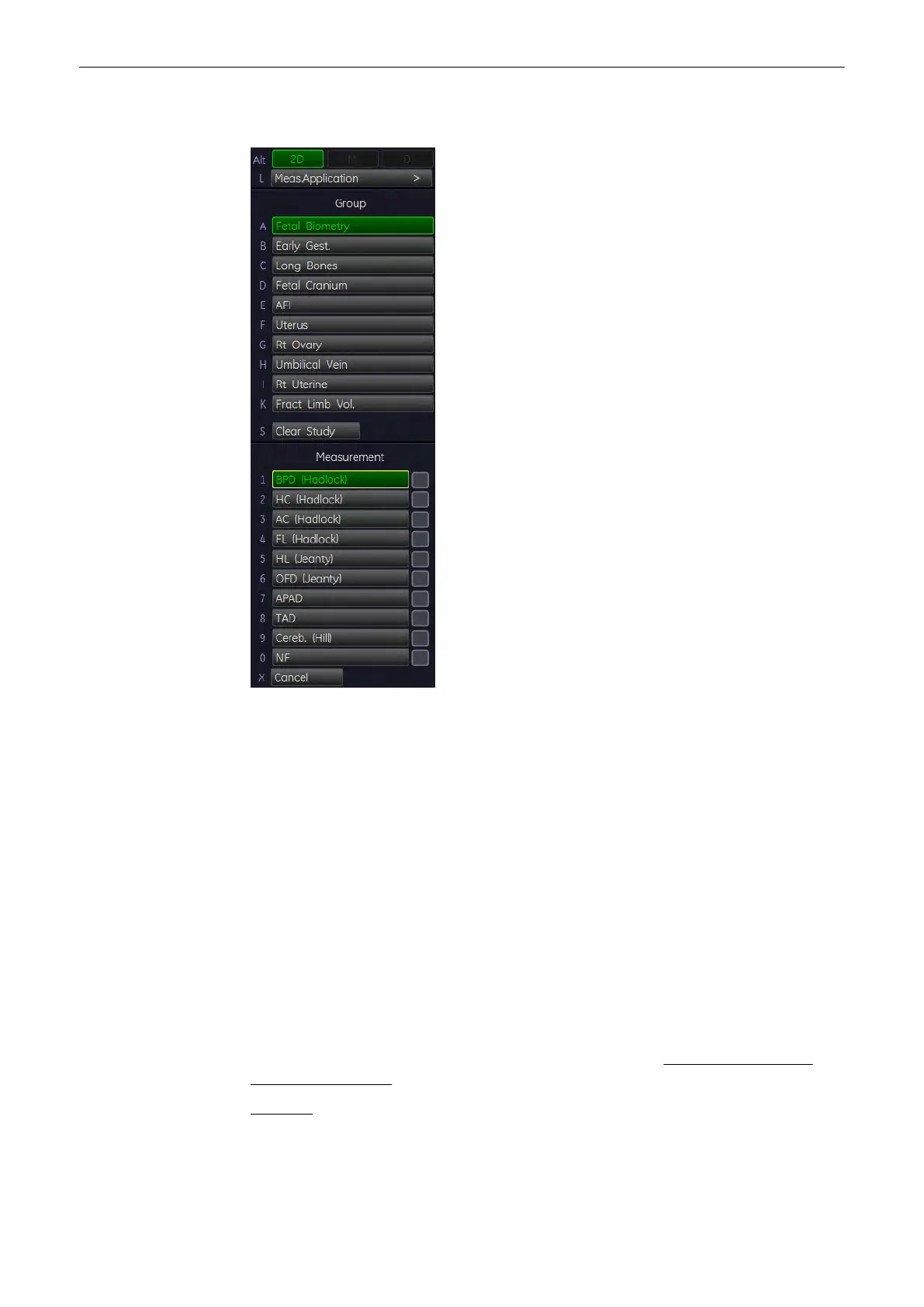
11.2.4.4 Distance Measurements
1. Press the [Calc] key on the control panel.
2.
Select the study for the corresponding item. For example: select [Fetal Biometry].
3. Select the desired measurement parameter. For example: select [BPD].
4. Use the trackball to move the cursor to the start point of the measurement and press the
right or left trackball key [Set] to fix the marker. A second cursor appears.
5. Move the second cursor to the second point of the measurement and press [Set] again.
Note
To re-adjust the start point, press the upper trackball key [Change] before completing the
measurement. This alternates the control from one cursor to the other.
11.2.4.5 To calculate GS (Gestational Sac)
Note
For the GS (Gestational Sac) calculation 2 methods are possible:
1. measurement of 3 Distances (mean value = GS diameter)
2. measurement of 1 Distance (value = GS diameter)
To select the desired calculation method; review: Measure Setup -
To Edit a Sub Category,
Study or Measure Item
(chapter
'The Measure Setup Pages'
on page 11-109
)
Method 1:
“Triple Caliper” requires 3 measurements (D1, D2, D3 (length, width, height)) before it shows
age. The age is derived from the mean value of all three measurements.
Measurements and Patient Worksheets (Reports)
11-40
Voluson® S6/S8 Basic User Manual
5433669-100 Revision 4



 To Next Page