To leave the Utilities Menu for the previous operating state press the [Exit] key.
for programming review:
System Setup
(
'System Setup'
on page 13-12
)
Measure Setup
(
'Measure Setup'
on page
11-107
)
Biopsy Setup
(
'Biopsy Setup'
on page 5-13
)
switch on functions review:
Monitor ('Monitor'
on page 13-3
)
Histogram
(
'Histogram'
on page 13-5
)
Thermal Indices
(
'Thermal Indices'
on page 13-
7
)
Biopsy
(
'Display of Biopsy Guideline'
on page 13-8
)
Lock Screen
(
'Lock Screen'
on
page 13-8 )
13.1.1 Changing Brightness of the UI and Master Volume
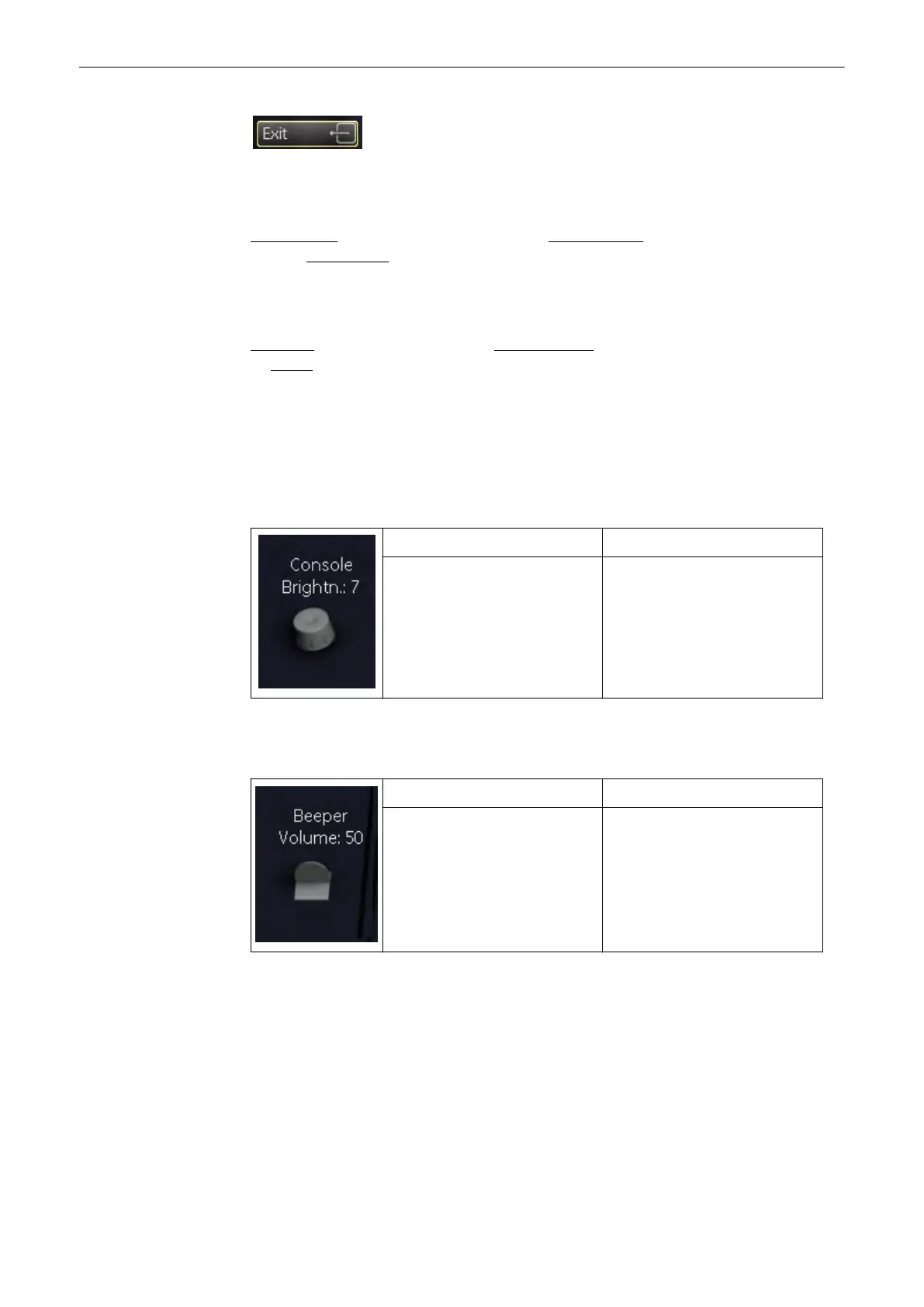
To adjust the brightness of the menu area, turn the rotary control accordingly.
Brightness of the Console
turn clockwise brighter
turn counterclockwise less bright
Master Volume
To adjust the Beeper Volume of the Voluson® S6/S8, flip the flip switch accordingly.
flip up: louder
flip down: less loud
13.1.2 Monitor
Press the [Monitor] button on the screen to enter the monitor setup. Following menu will
appear on the screen:
Utilities and System Setup
Voluson® S6/S8 Basic User Manual
5433669-100 Revision 4 13-3



 To Next Page