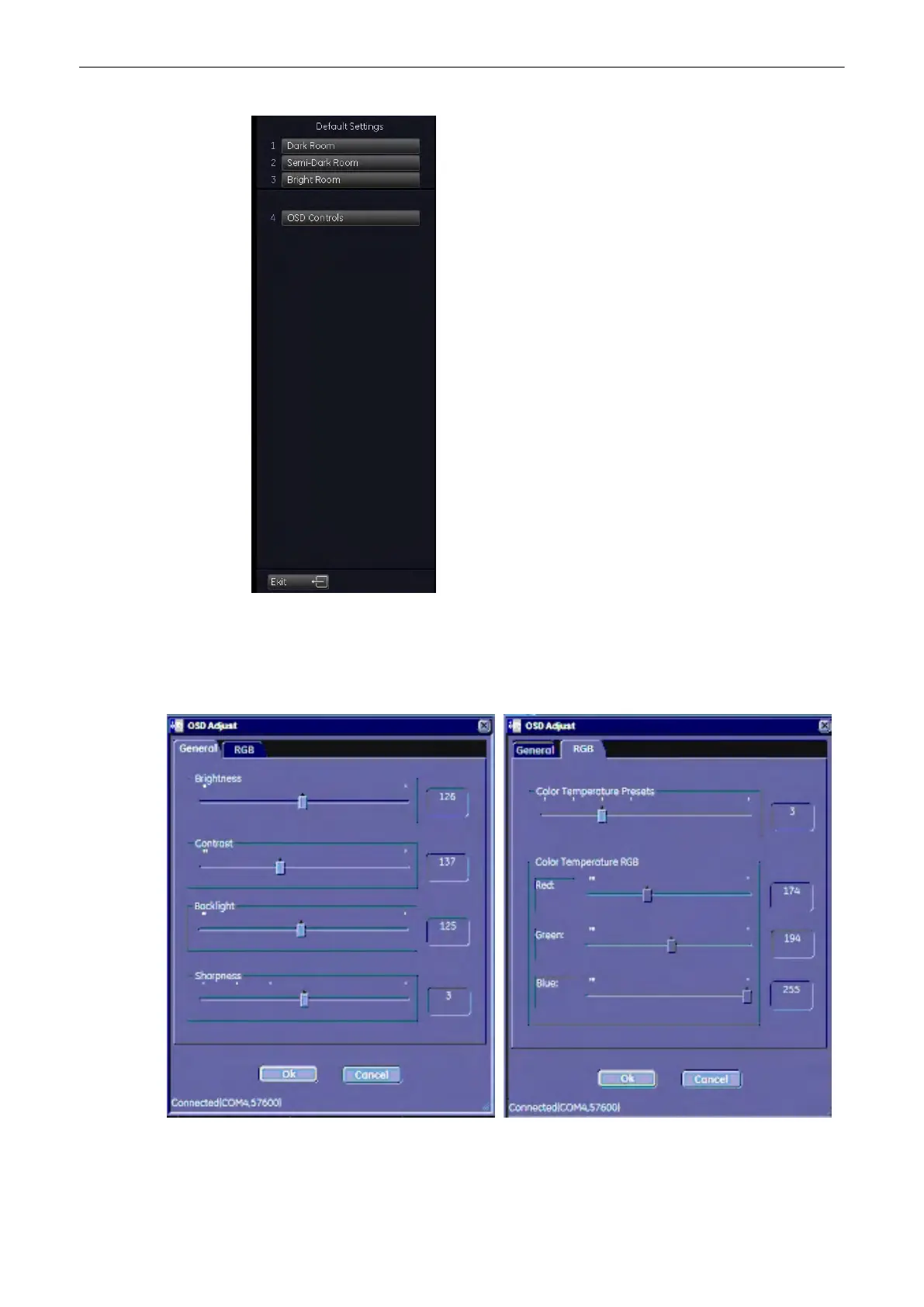
3 pre-defined monitor settings can be set: Dark Room, Semi-Dark Room and Light Room. The
monitor can also be adjusted in brigthness and contrast using the flipswitches. For detailed
adjustment press the [OSD Controls] button on the screen. The OSD menu will appear on the
screen:
Adjust Brightness, Contrast, Backlight and
Sharpness of the monitor.
Adjust the monitor colors.
Utilities and System Setup
13-4
Voluson® S6/S8 Basic User Manual
5433669-100 Revision 4



 To Next Page