In case Surface mode is selected, it will normally be necessary to adjust the low threshold for
the border recognition of the surface. These threshold values do not apply for the Transparent
modes!
For adjustment of Threshold low and Transparency, review Color Render mode:
•
'Threshold Control in Color Render Mode'
on page 9-76
•
'Transparency in Color Render Mode'
on page 9-76
For adjustment of Balance and Power Threshold, review Sub Menus:
•
'Balance'
on page 9-47
•
'Power Threshold'
on page 9-48
9.4.4.4 Inversion Render Mode
This render mode is used to display anechoic structures such as vessels (fluid to solid). This
gray render mode inverts the gray values of the rendered image (e.g., image information that
was black becomes white and vice versa).
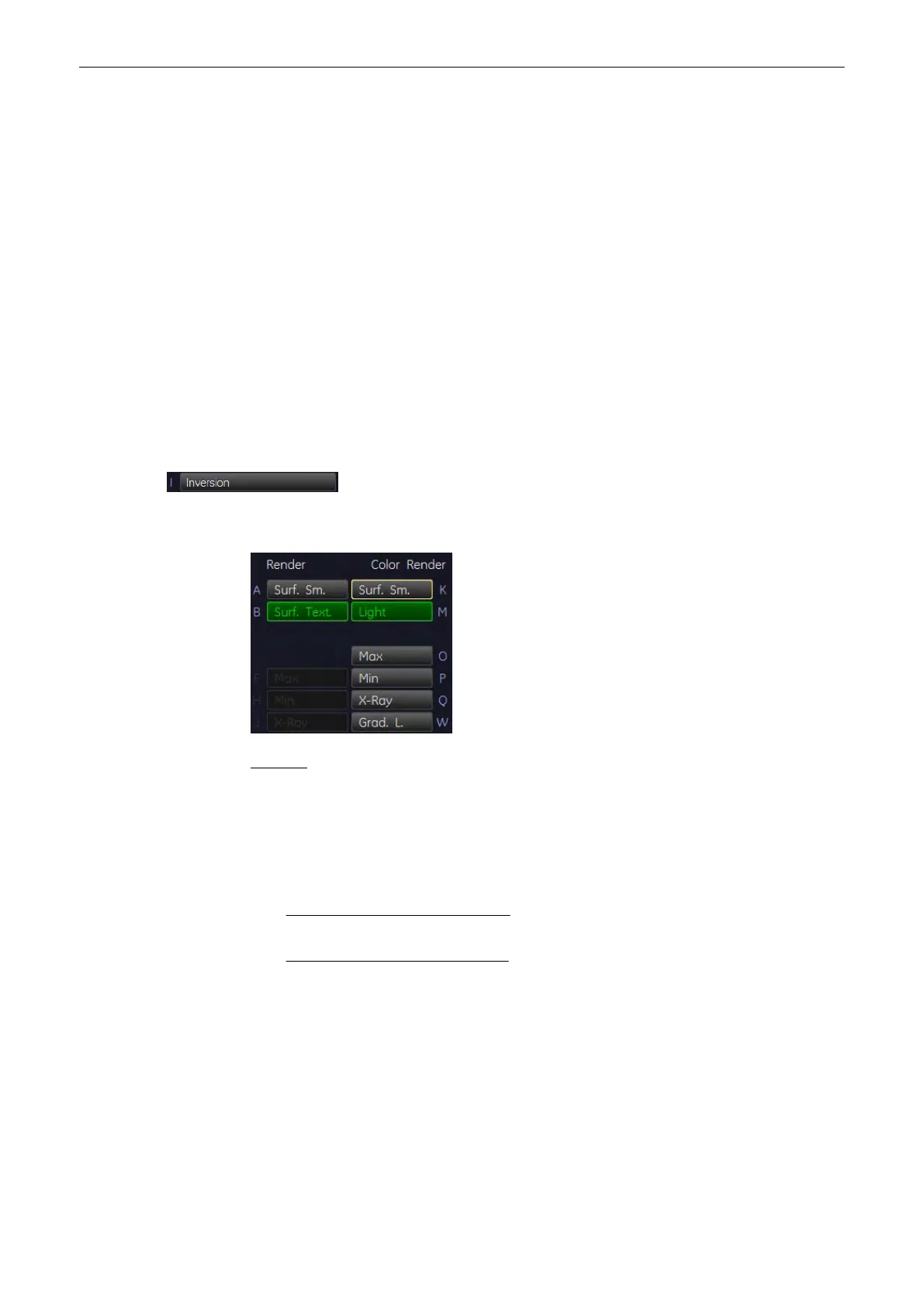
Activate [Inversion] - Render Mode.
Select the render algorithm desired:
Remark: Inversion has its own set of render mode settings. Mostly Gradient Light will be used,
since it leads to the best results.
In case Surface mode is selected, it will normally be necessary to adjust the threshold for the
border recognition of the surface. These threshold values do not apply for the Transparent
modes!
For adjustment of Threshold low and Transparency, review Gray Render mode:
•
Threshold low in Gray Render Mode
(chapter
'Threshold Control in Gray Render Mode'
on page 9-74
)
•
Transparency in Gray Render Mode
(chapter
'Transparency in Gray Render Mode'
on
page 9-75
)
9.4.4.5 Measurements in rendered image
It is possible to measure distance and area (generic and calc) also in the rendered image.
Volume Mode
Voluson® S6/S8 Basic User Manual
5433669-100 Revision 4 9-77



 To Next Page